Mecmua: Symmetry Drawing Pad app icon

Mecmua: Symmetry Drawing Pad

Ebru, Hat & Kaleidoscope

Graphics & Design iOS

Get App Store
Category
Graphics & Design
Runs on
iPhone, iPad
Developer
Cihat SALİK

Preview

iOS
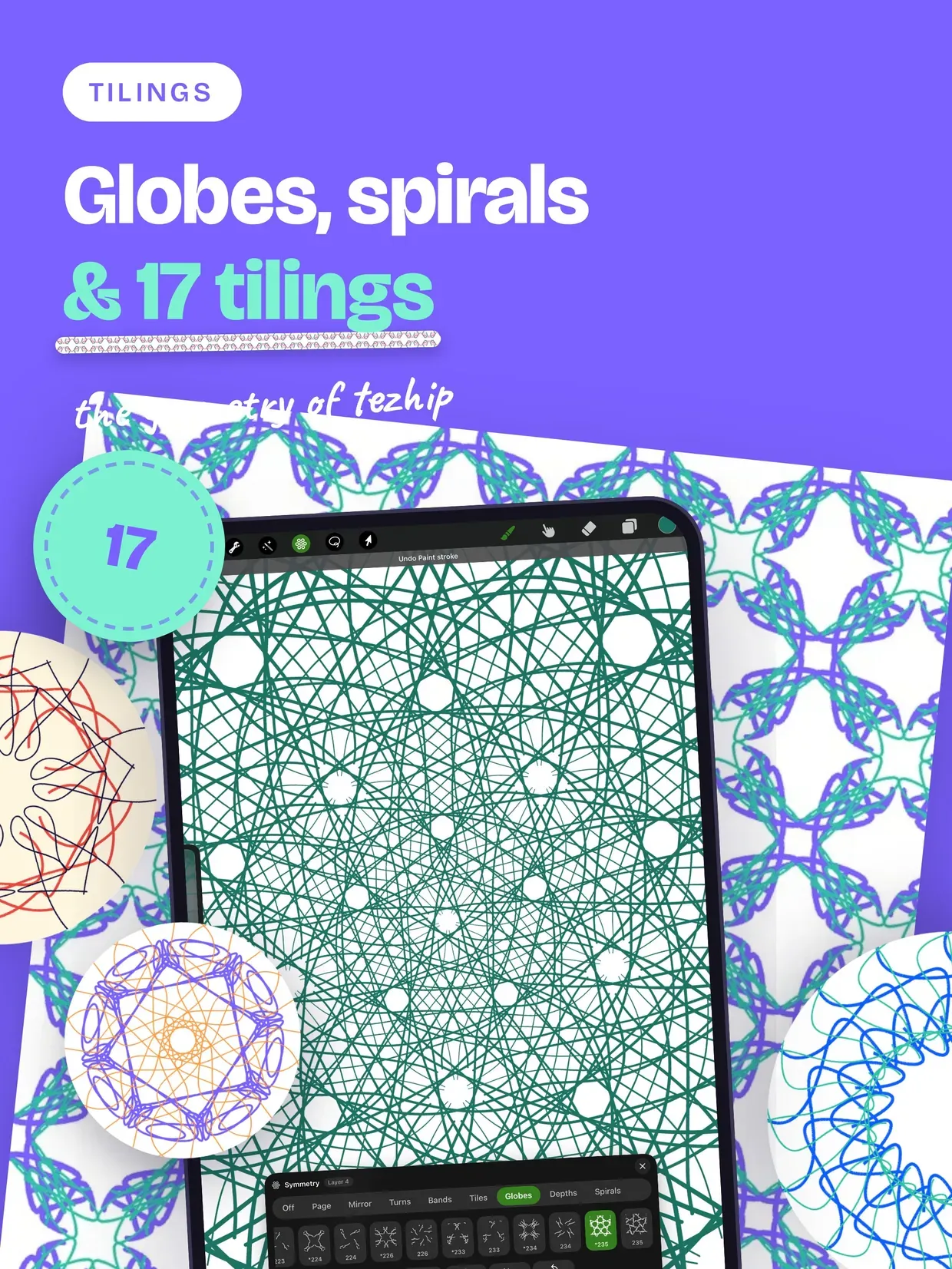
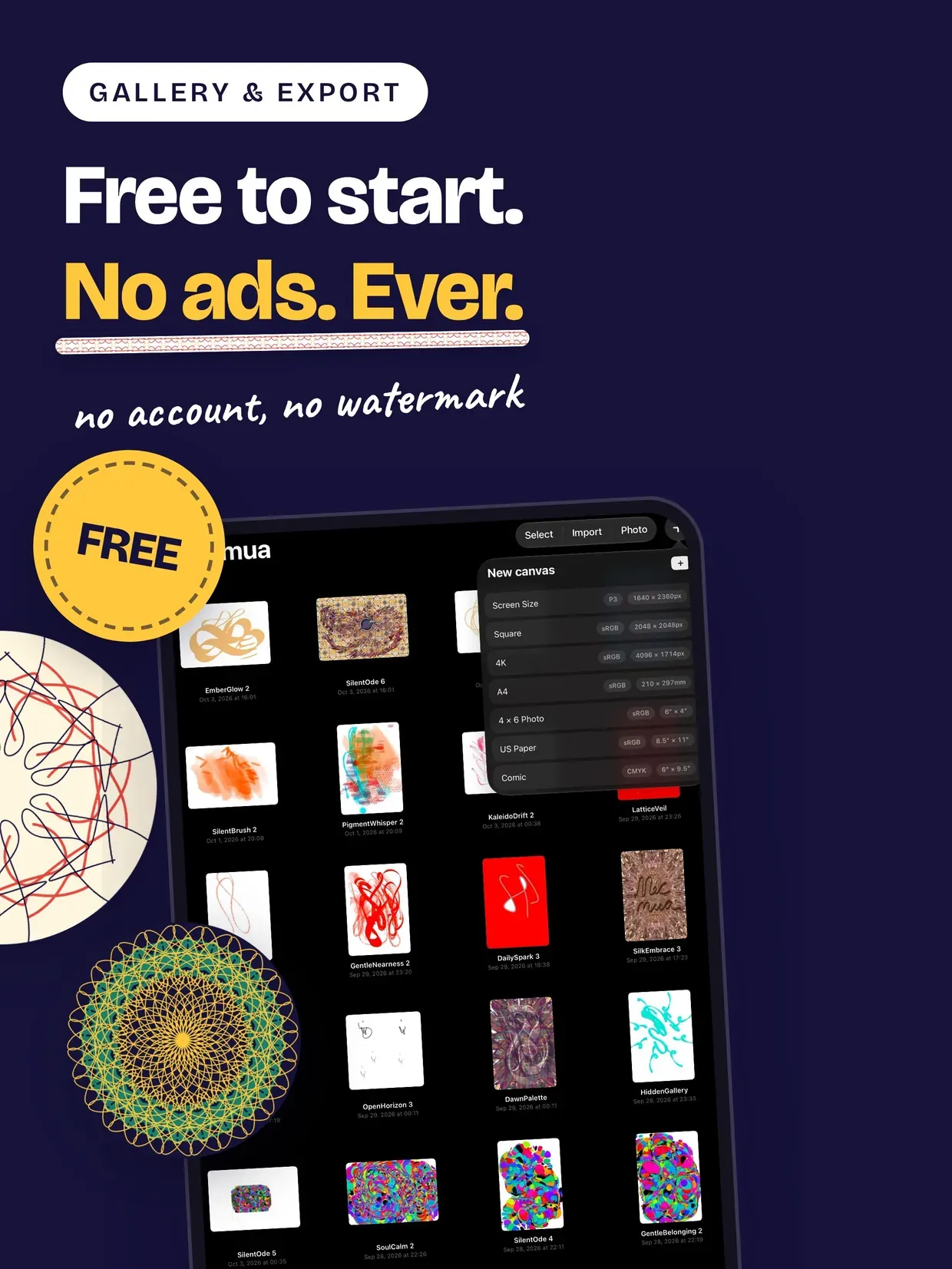
Mecmua: Symmetry Drawing Pad screenshot 1
Mecmua: Symmetry Drawing Pad screenshot 2
Mecmua: Symmetry Drawing Pad screenshot 3
Mecmua: Symmetry Drawing Pad screenshot 4
Mecmua: Symmetry Drawing Pad screenshot 5
Mecmua: Symmetry Drawing Pad screenshot 6
Mecmua: Symmetry Drawing Pad screenshot 7
Mecmua: Symmetry Drawing Pad screenshot 8
Mecmua: Symmetry Drawing Pad screenshot 9
Mecmua: Symmetry Drawing Pad screenshot 10
Mecmua: Symmetry Drawing Pad screenshot 11
Mecmua: Symmetry Drawing Pad screenshot 12
Mecmua: Symmetry Drawing Pad screenshot 13
Mecmua: Symmetry Drawing Pad screenshot 14
Mecmua: Symmetry Drawing Pad screenshot 15
Mecmua: Symmetry Drawing Pad screenshot 16
Mecmua: Symmetry Drawing Pad screenshot 17
Mecmua: Symmetry Drawing Pad screenshot 18
Mecmua: Symmetry Drawing Pad screenshot 19
Mecmua: Symmetry Drawing Pad screenshot 20

About

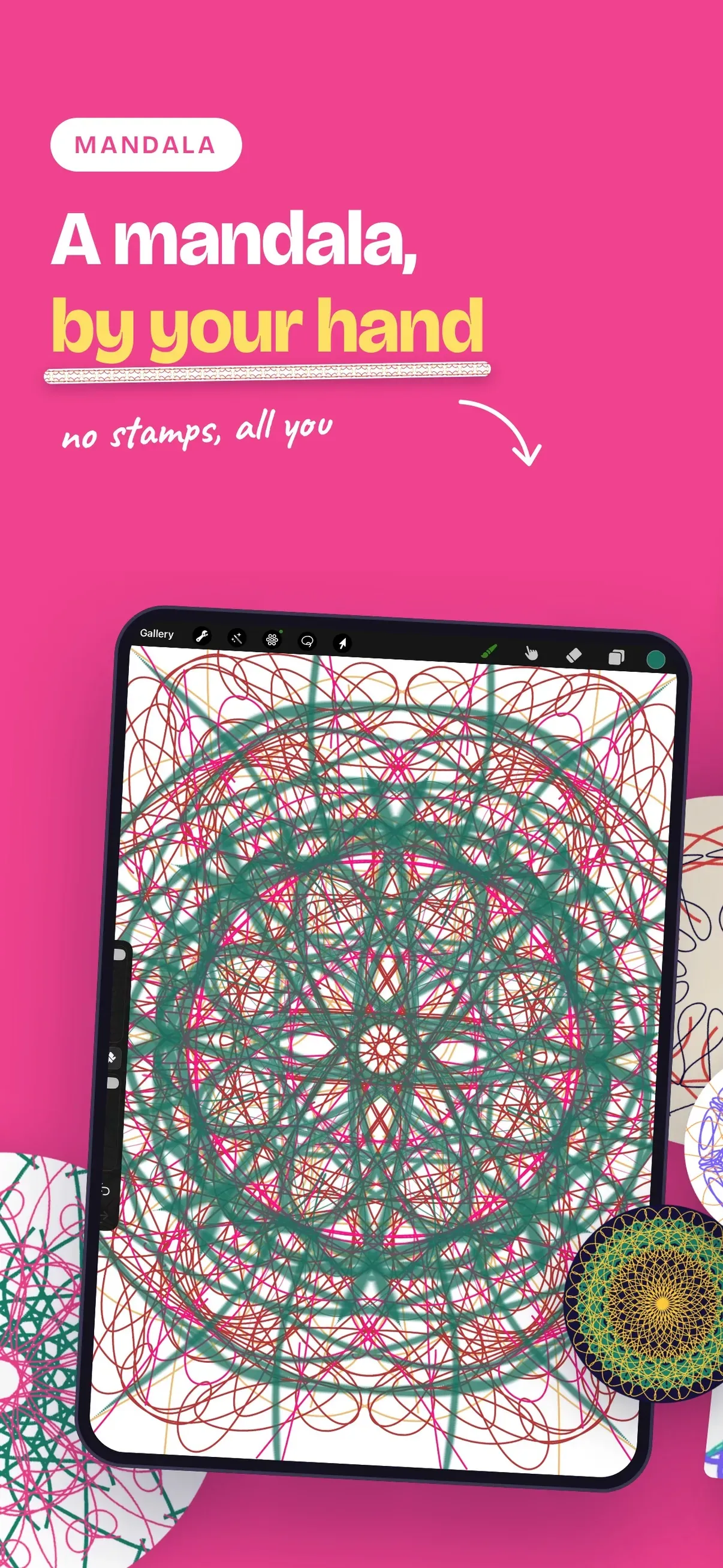
Mecmua is a traditional and modern art studio: draw Turkish ebru marbling, Ottoman and Arabic hat calligraphy, and kaleidoscope symmetry side by side, all rendered in real time on the GPU.

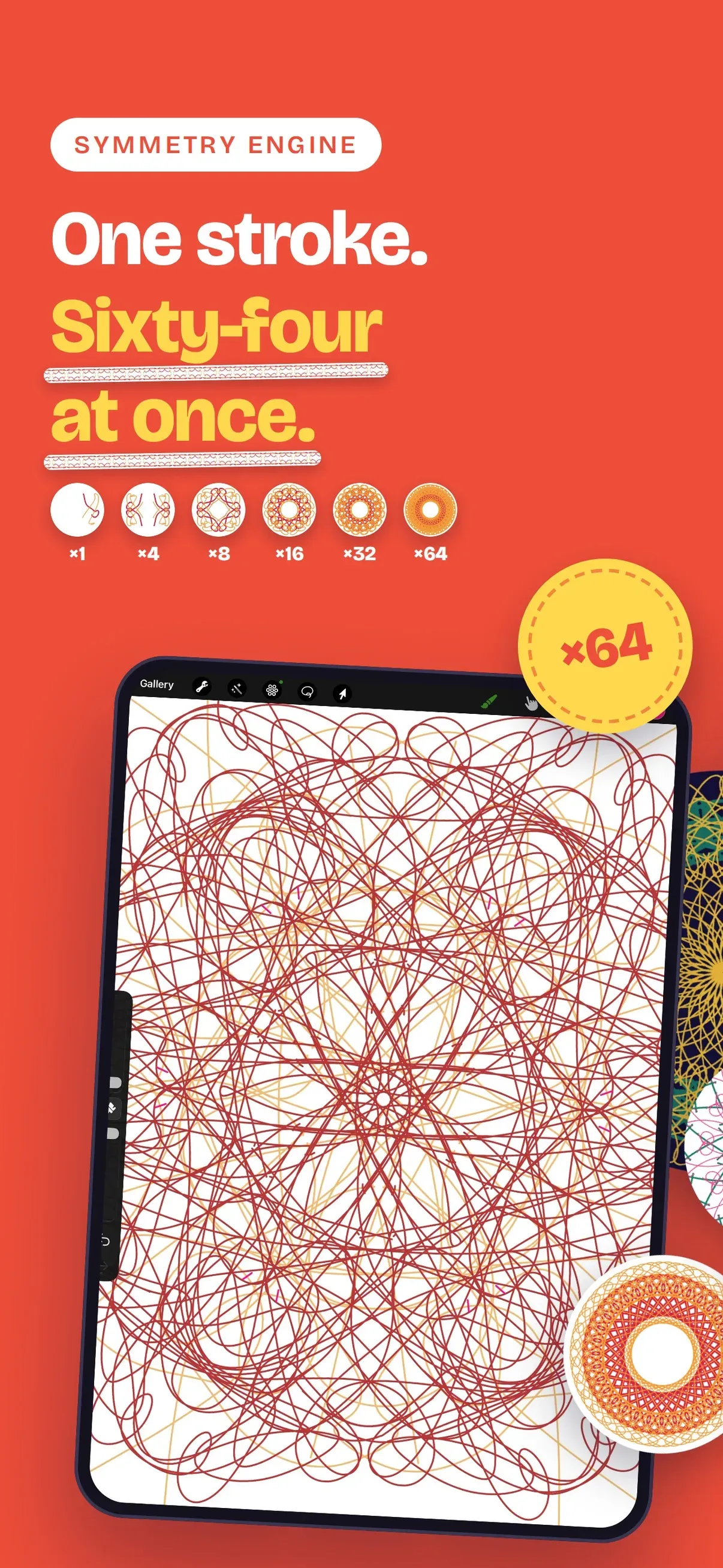
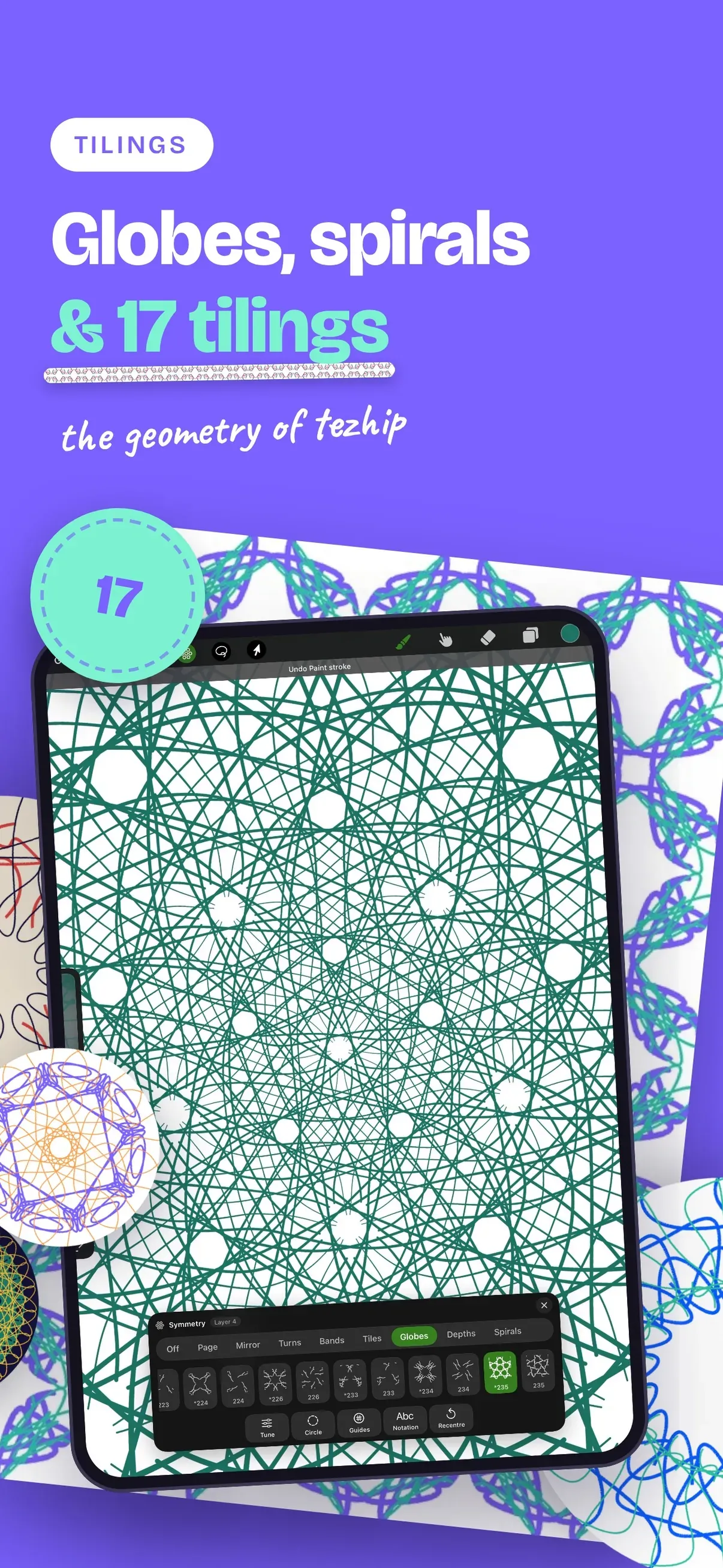
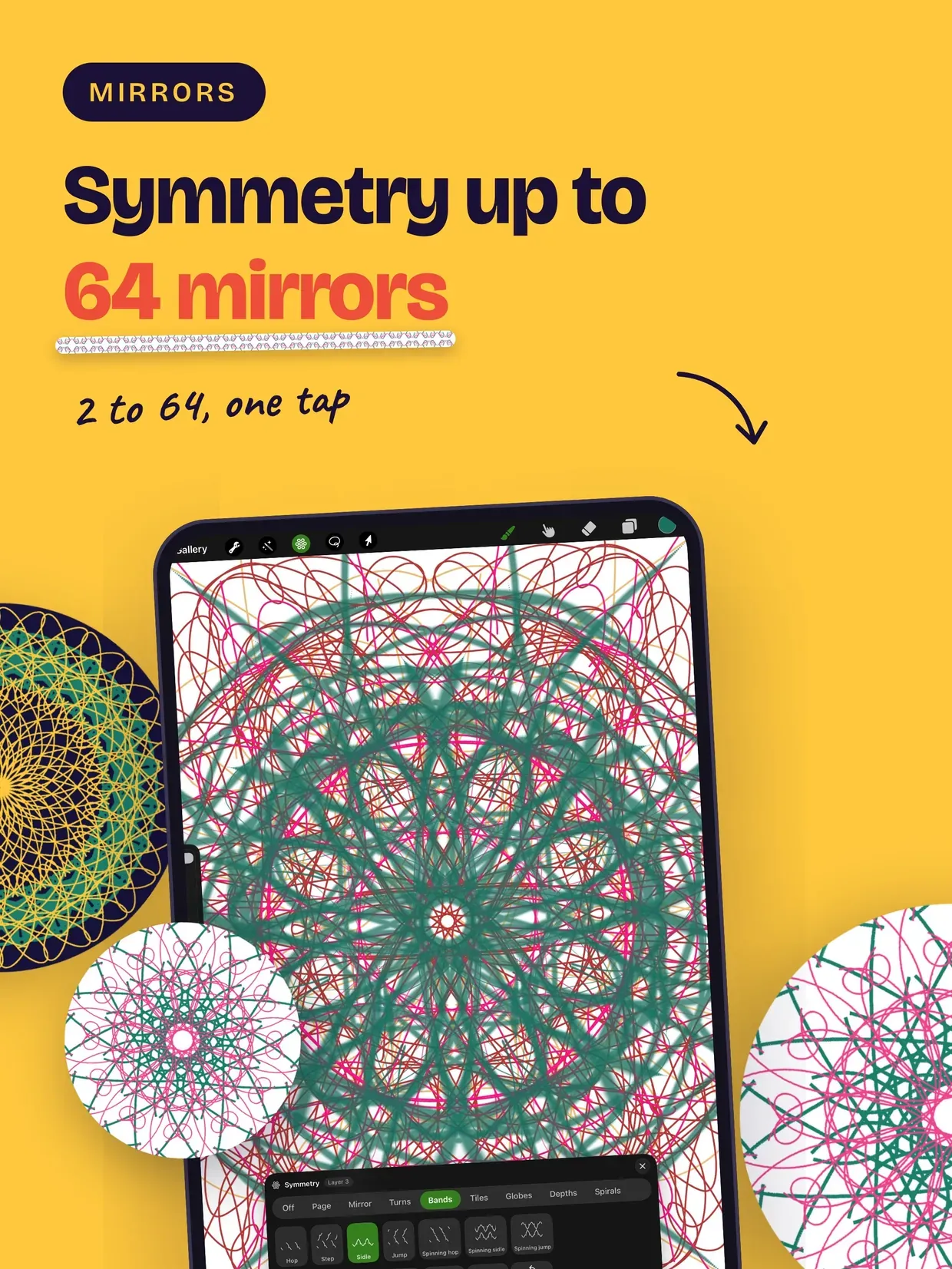
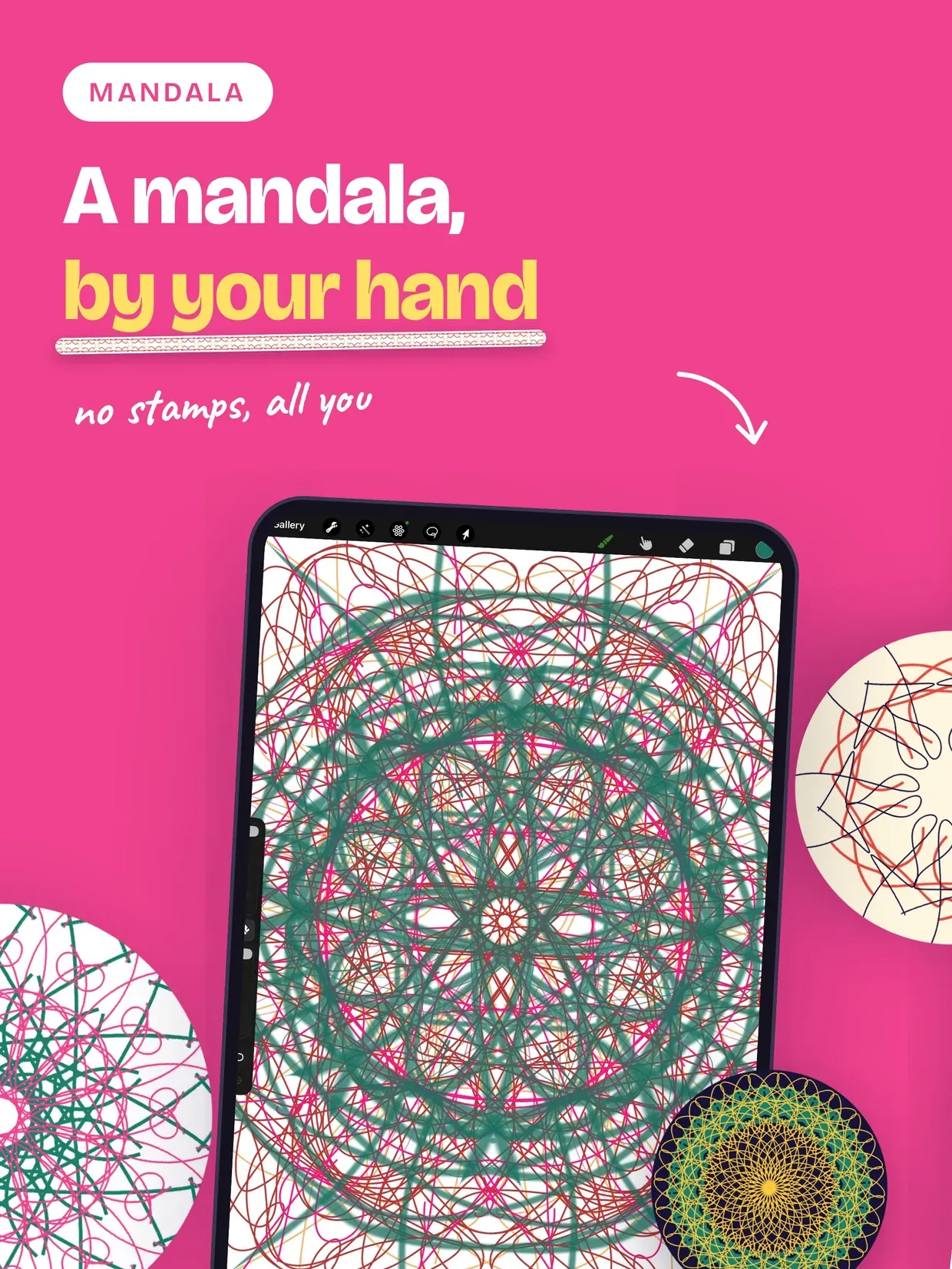
Every stroke is folded through real symmetry — kaleidoscope rosettes, frieze bands and all 17 wallpaper groups, the same lattices behind Islamic illumination and arabesque ornament — while the ink keeps flowing like paint on water.

Mecmua is not a stamp brush. The symmetry lives inside the renderer: a single coordinate fold applied before one drop of ink is ever evaluated. That is why 64 mirrors run as fast as 2, and why a drawing stays resolution independent — an 8K export is re-rendered from your strokes, never upscaled.

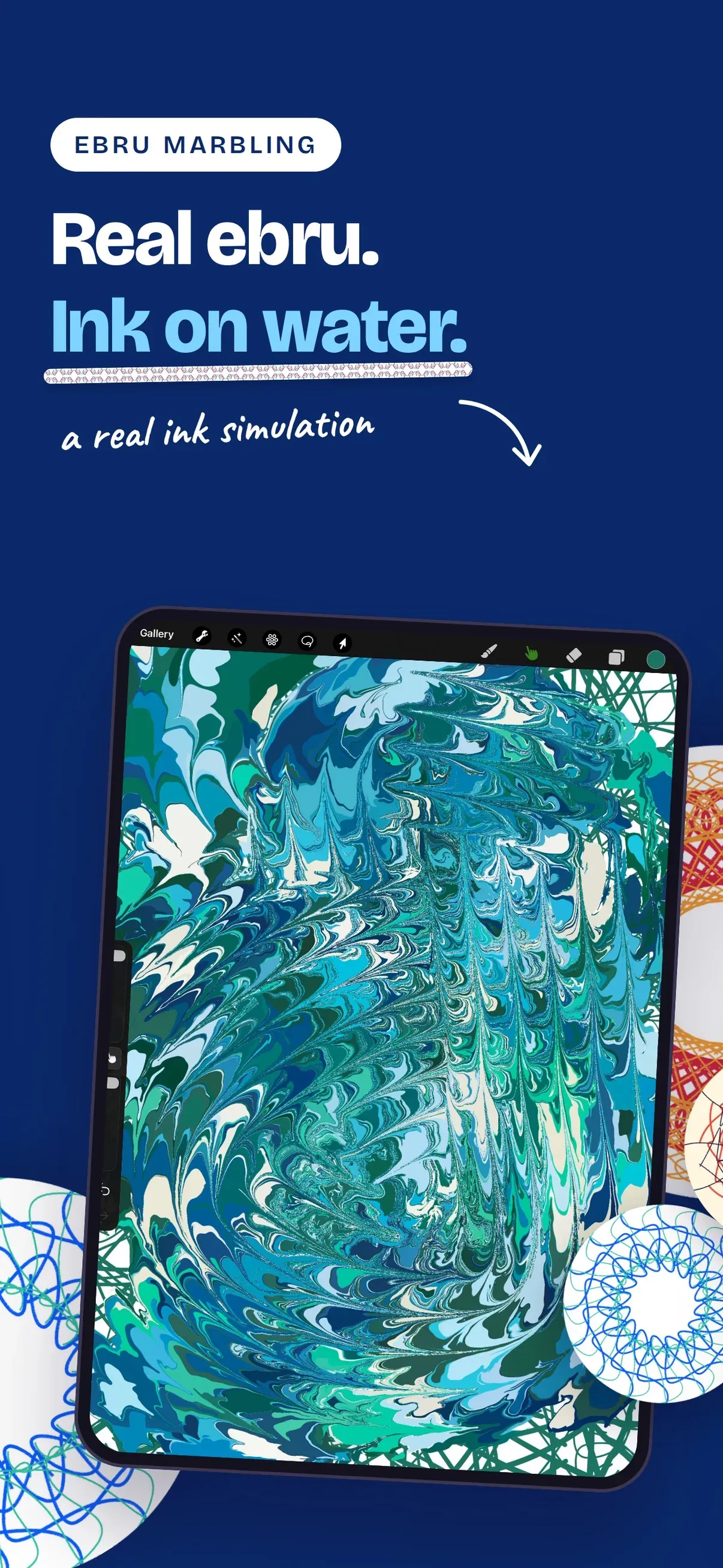
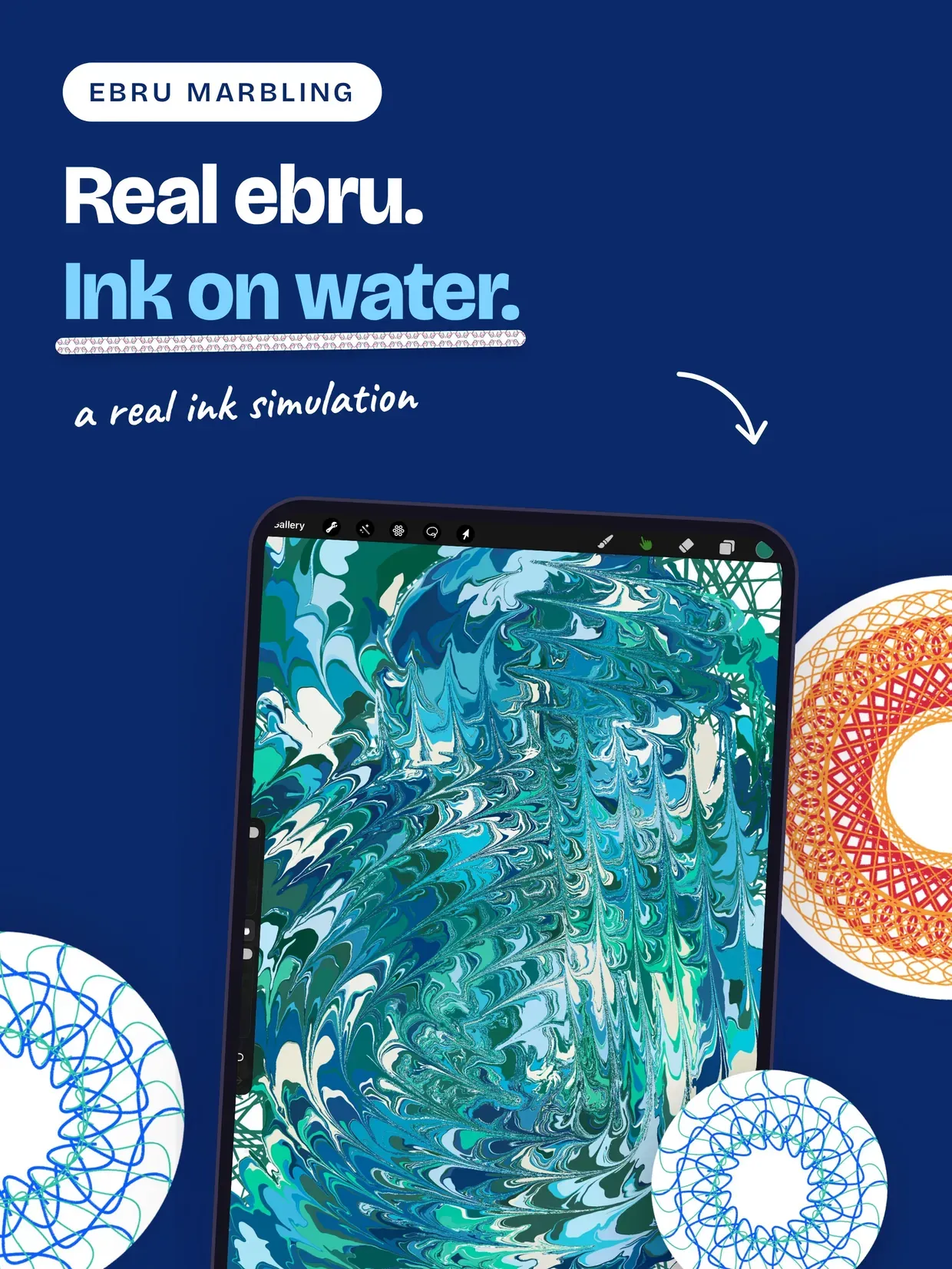
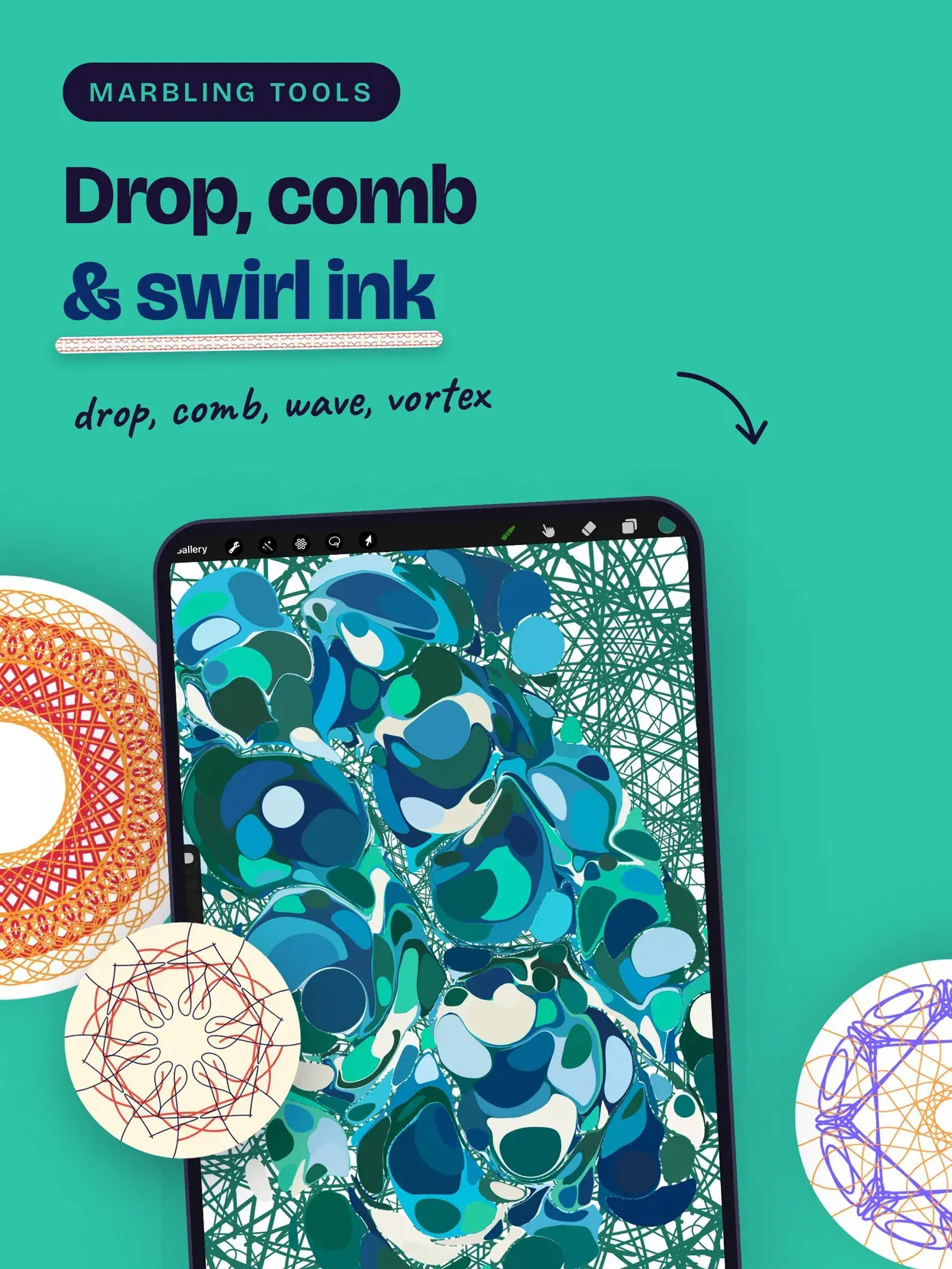
EBRU MARBLING

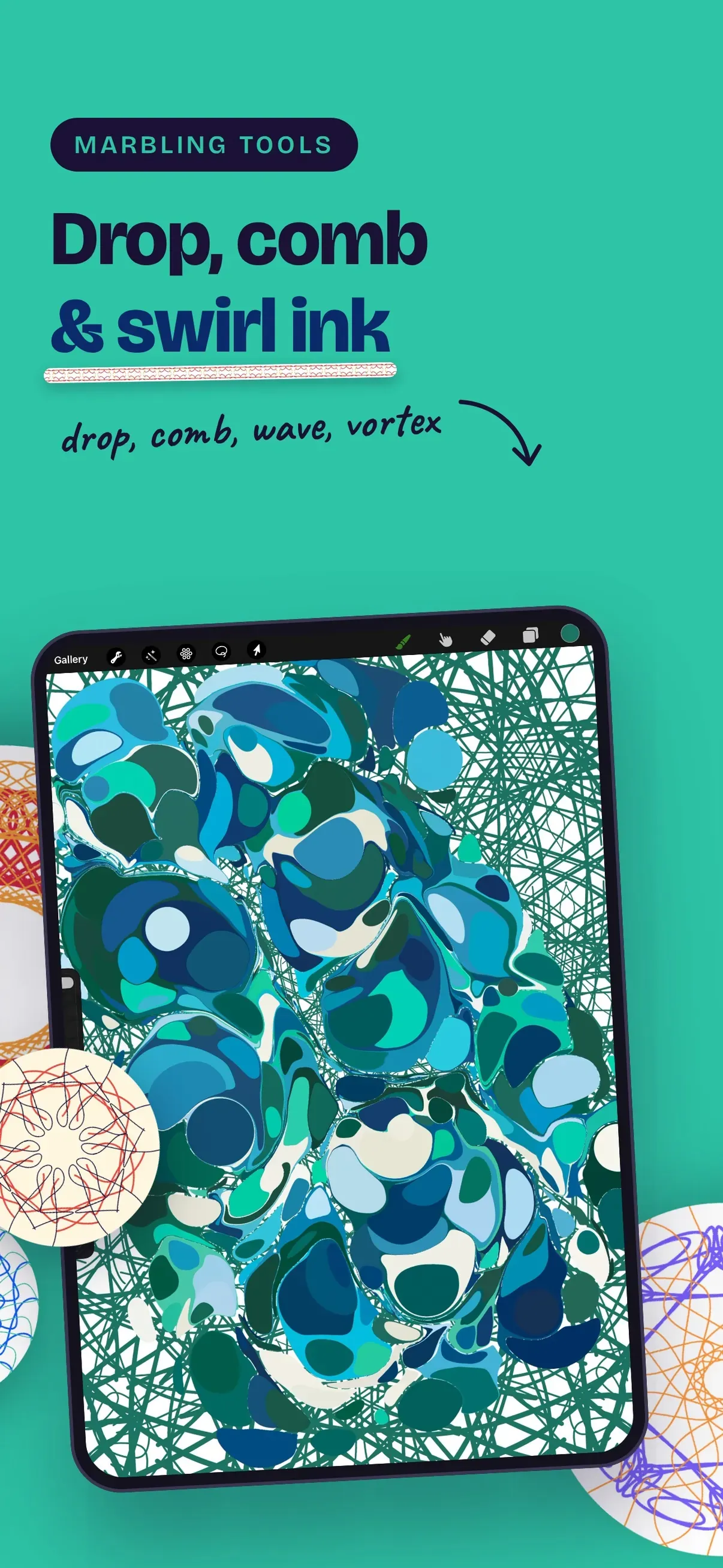
• Drop, comb, wave, vortex and stylus tools that move a real simulated ink surface, the way paper is marbled on water

• Ready-made ebru pattern starting states

• Every fold and stir is undoable, layer by layer

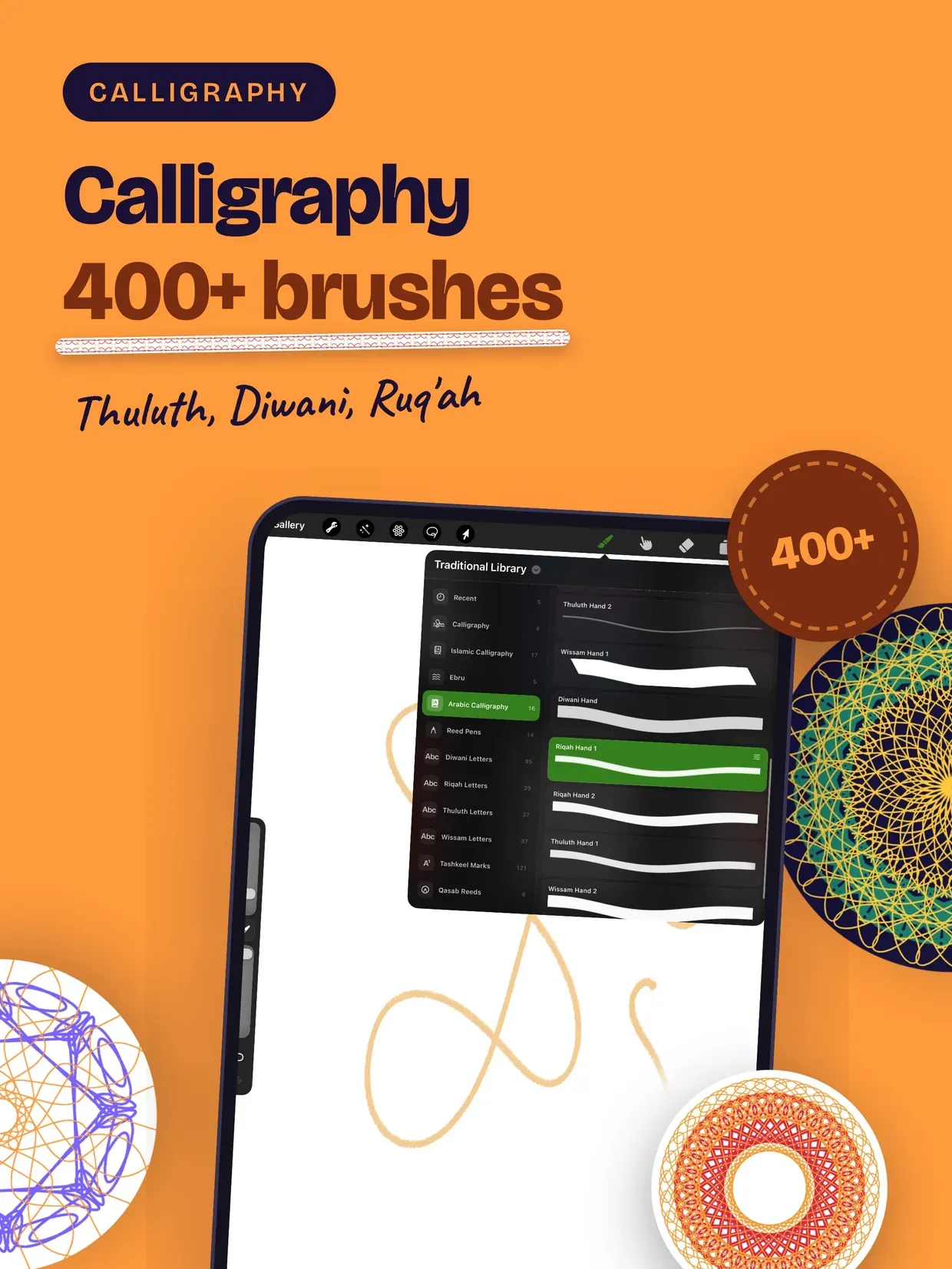
HAT — OTTOMAN & ARABIC CALLIGRAPHY

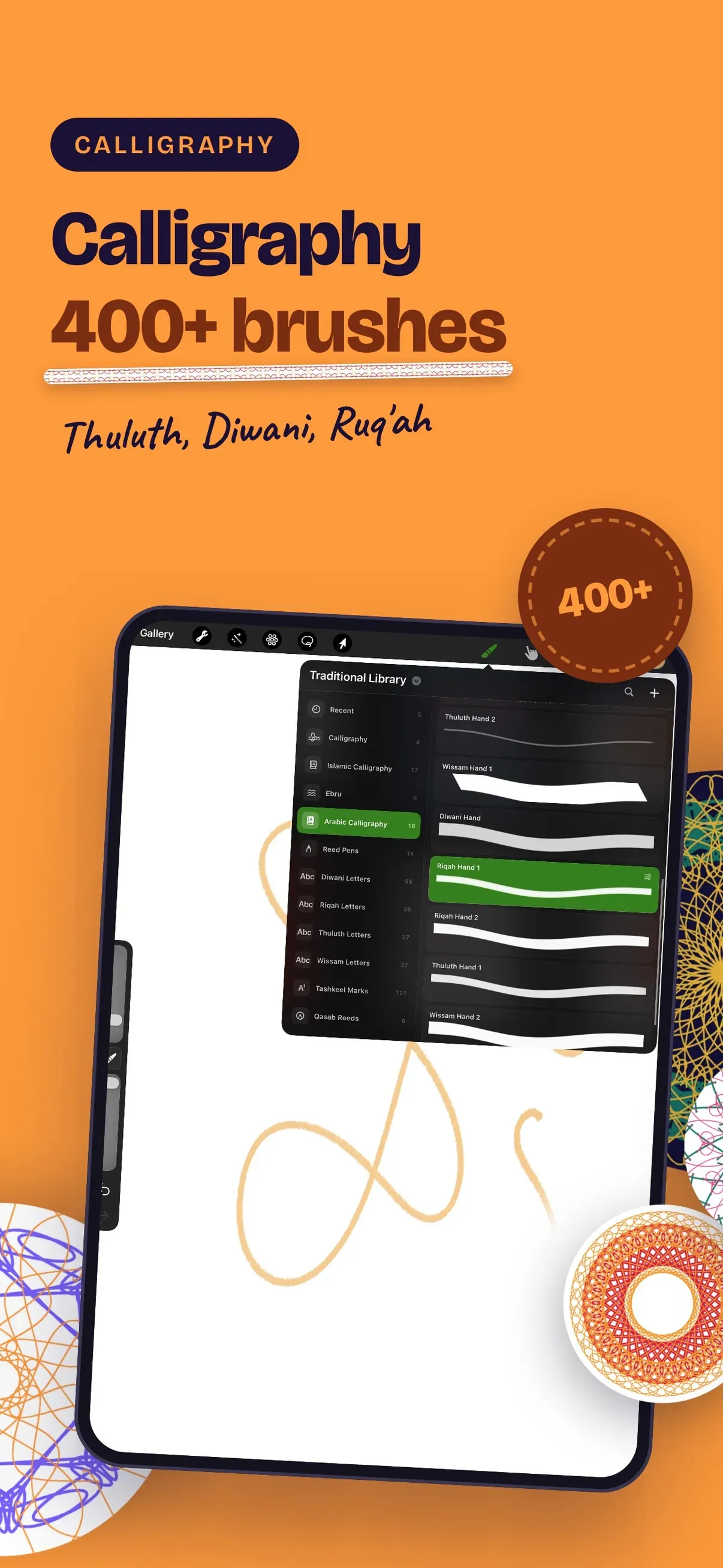
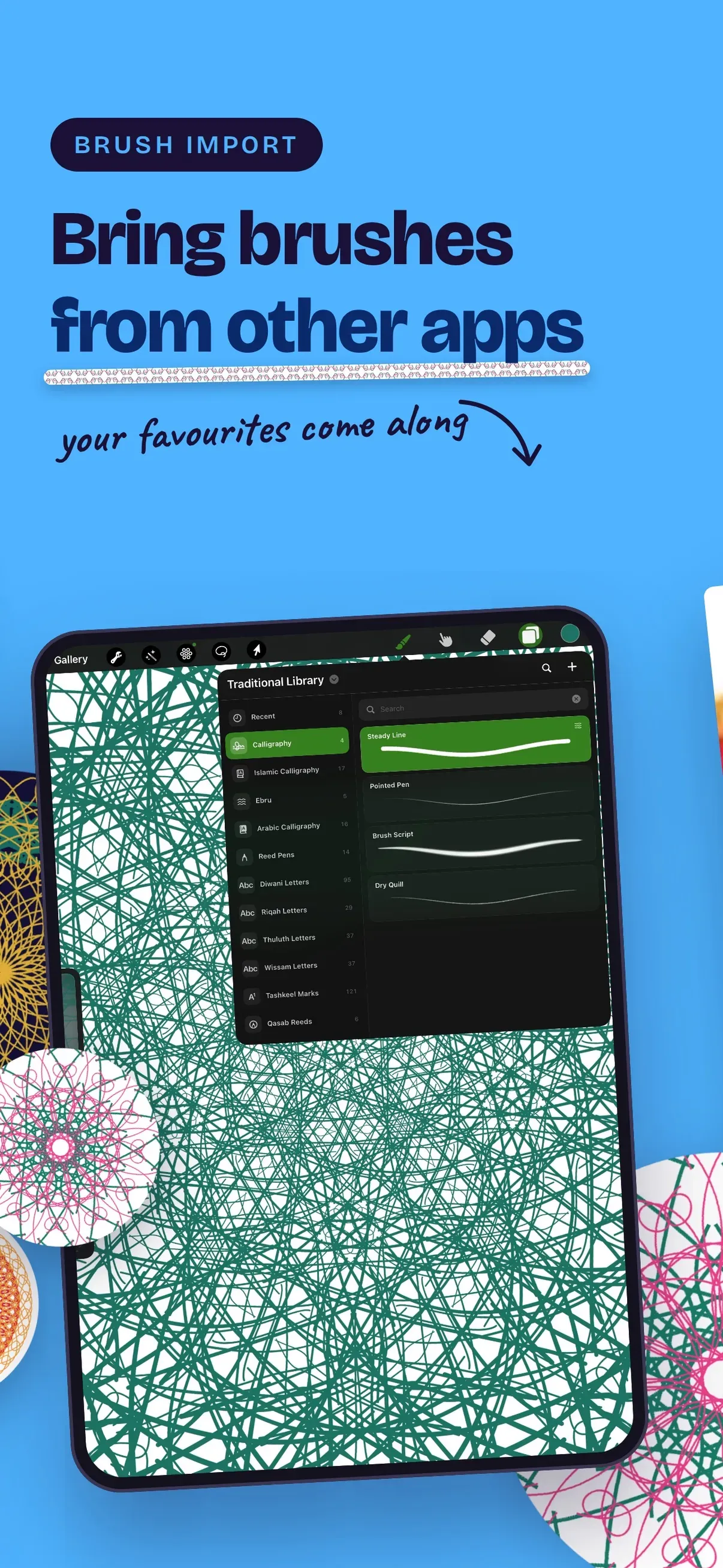
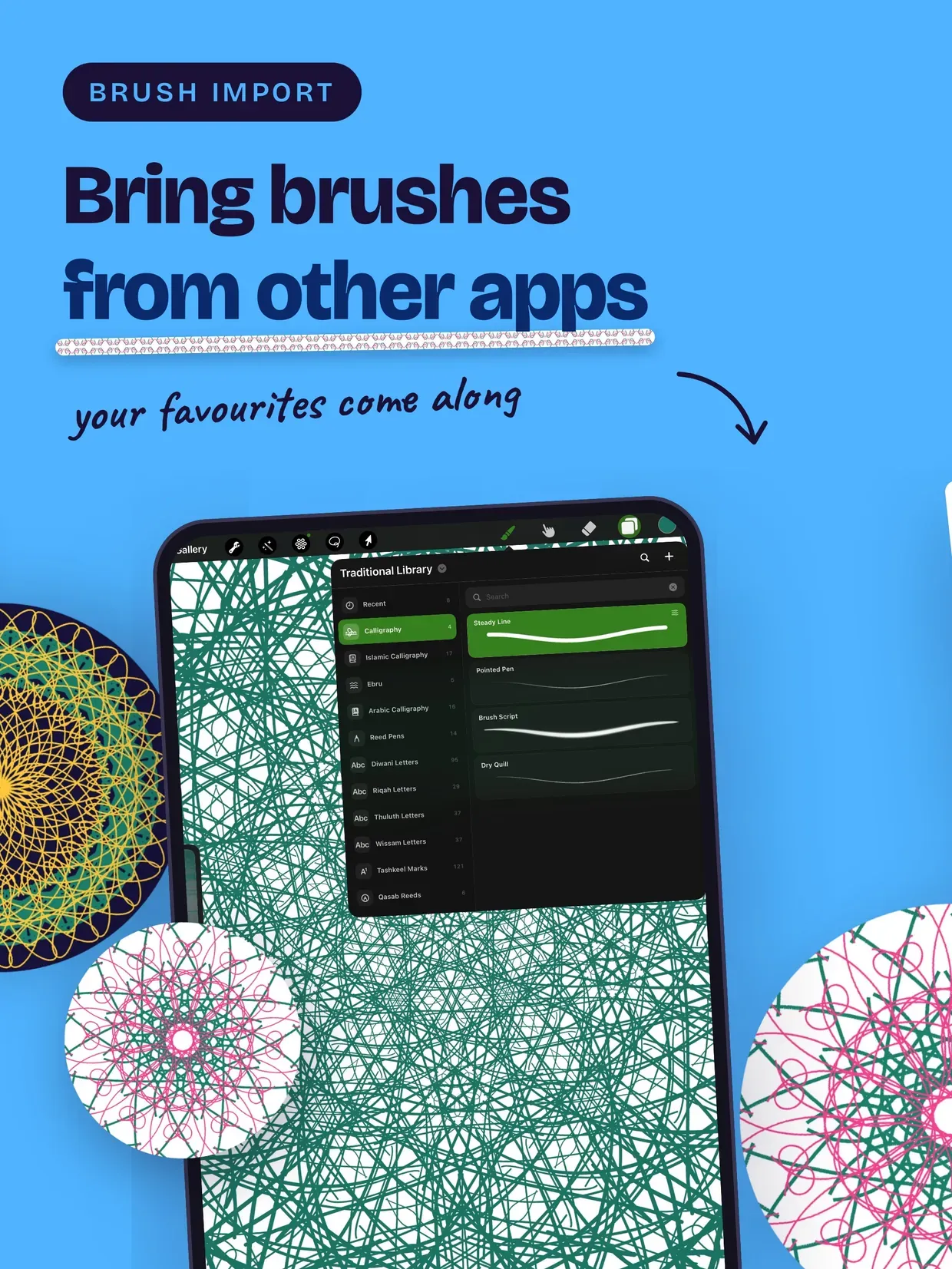
• Hundreds of calligraphy brushes modeled on real hands, across Thuluth, Diwani, Ruq'ah and diacritic-marked (tashkeel) styles, with a dedicated reed-pen (qasab) set

• Decorative and mixed calligraphic sets for signatures and compositions

• Full pressure and tilt control for authentic reed-pen weight

DRAW IN SYMMETRY

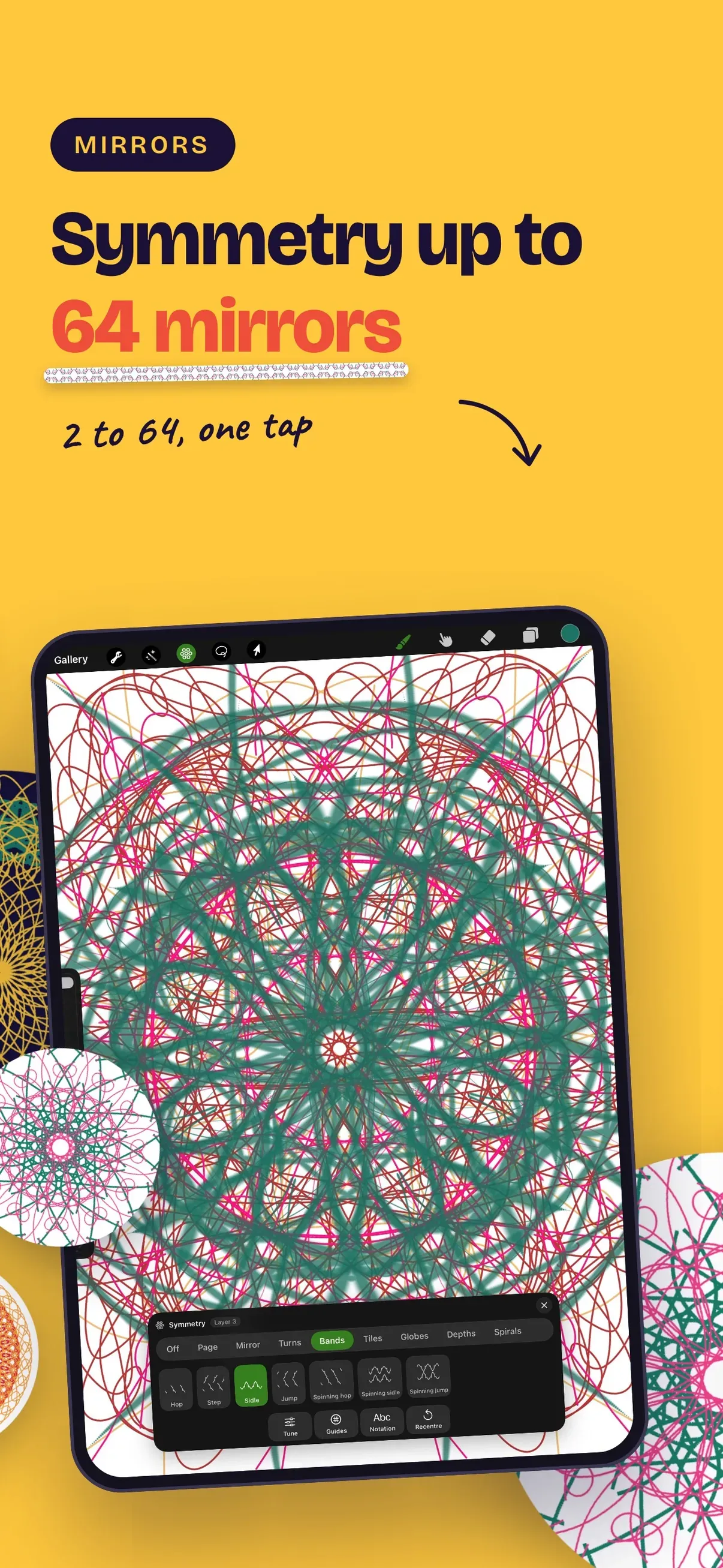
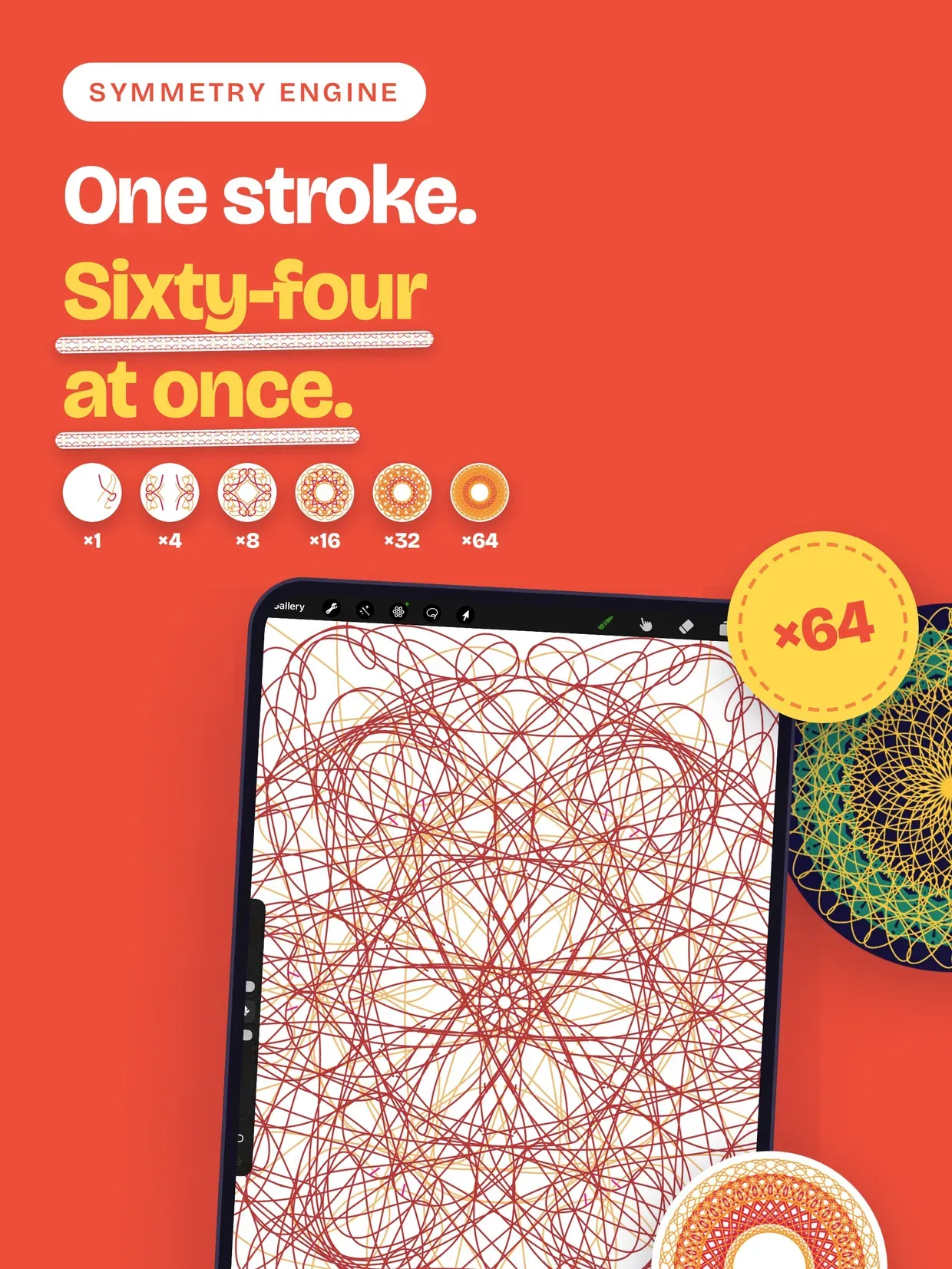
• Rosettes from 2 to 64 mirrors, with or without reflection

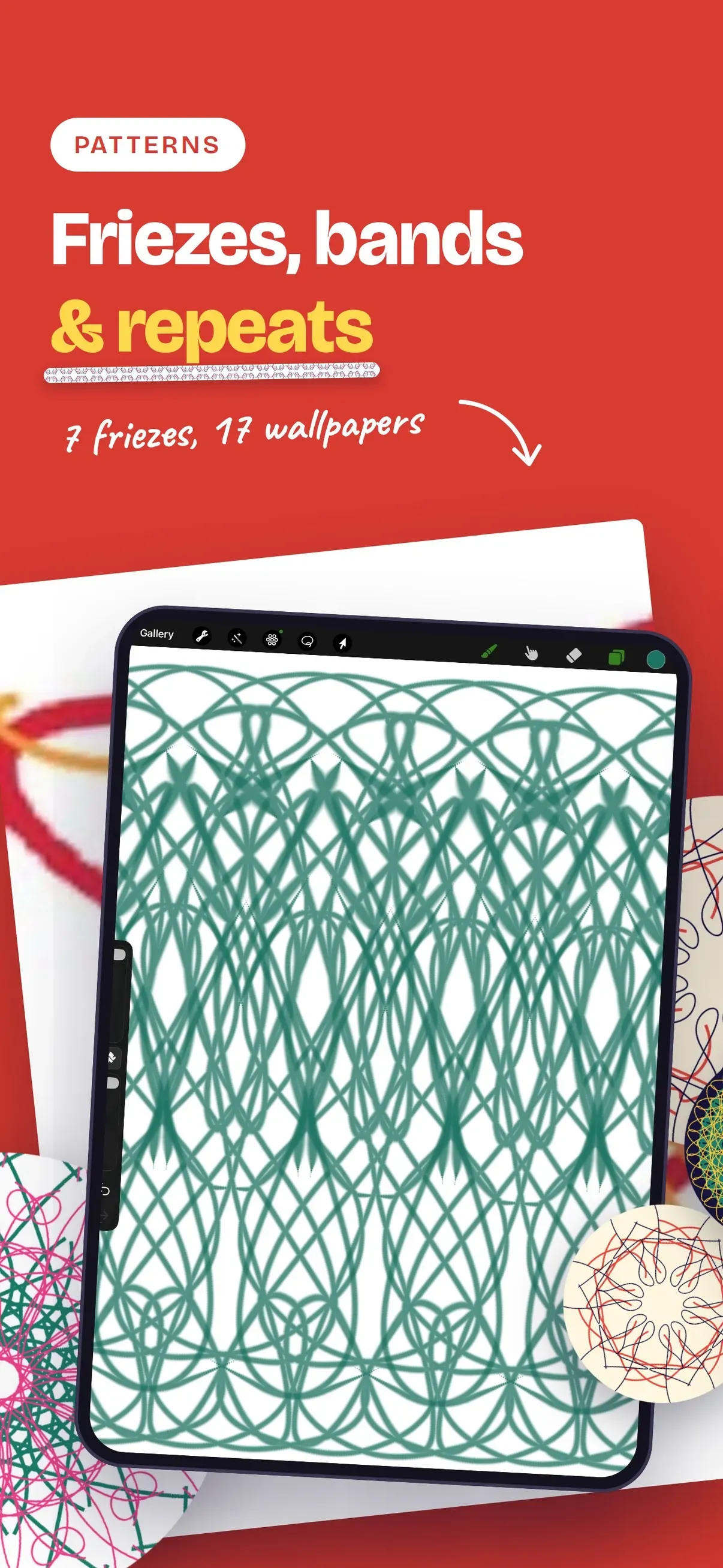
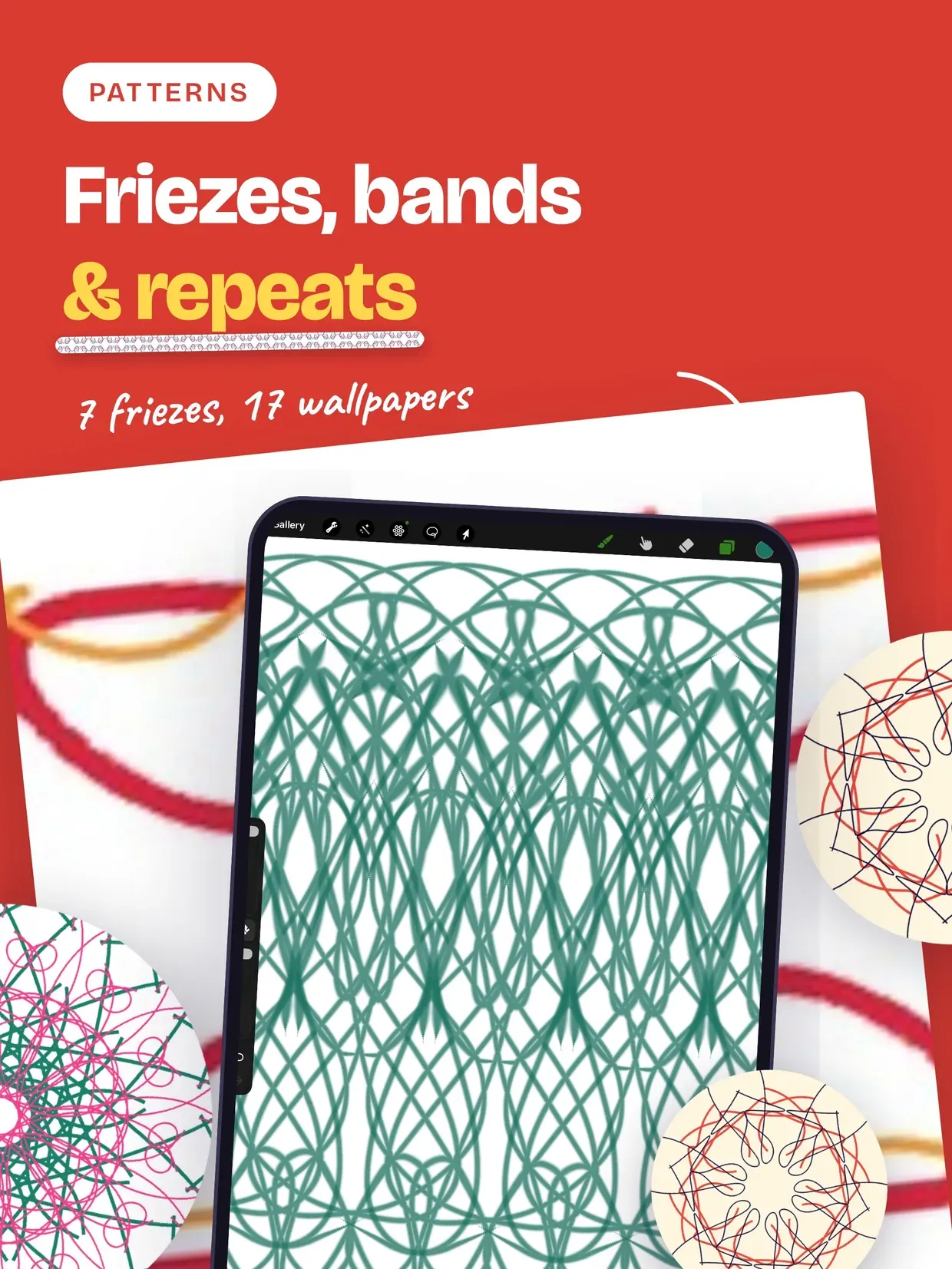
• All 7 frieze groups for ribbons and borders

• All 17 wallpaper groups: square, hexagonal, rhombic and rectangular lattices — the geometry behind tezhip and arabesque pattern work

• Change the group at any time. Your existing artwork re-folds into the new symmetry, and the change is undoable

• Mirror axes and the repeating tile drawn as a guide overlay you can hide

MODERN PAINTING

• Pen, brush, marker, airbrush, neon and calligraphy tools, plus shape tools for line, circle, polygon and star

• Layers, blend modes and unlimited undo

• Adjustments: curves, gradient maps, color balance

• Smudge, clone and eraser tools

APPLE PENCIL PRO

• Barrel roll turns the mirror axis

• Squeeze opens the palette

• Haptics confirm every symmetry change

• Pressure and tilt drive the ink

EXPORT

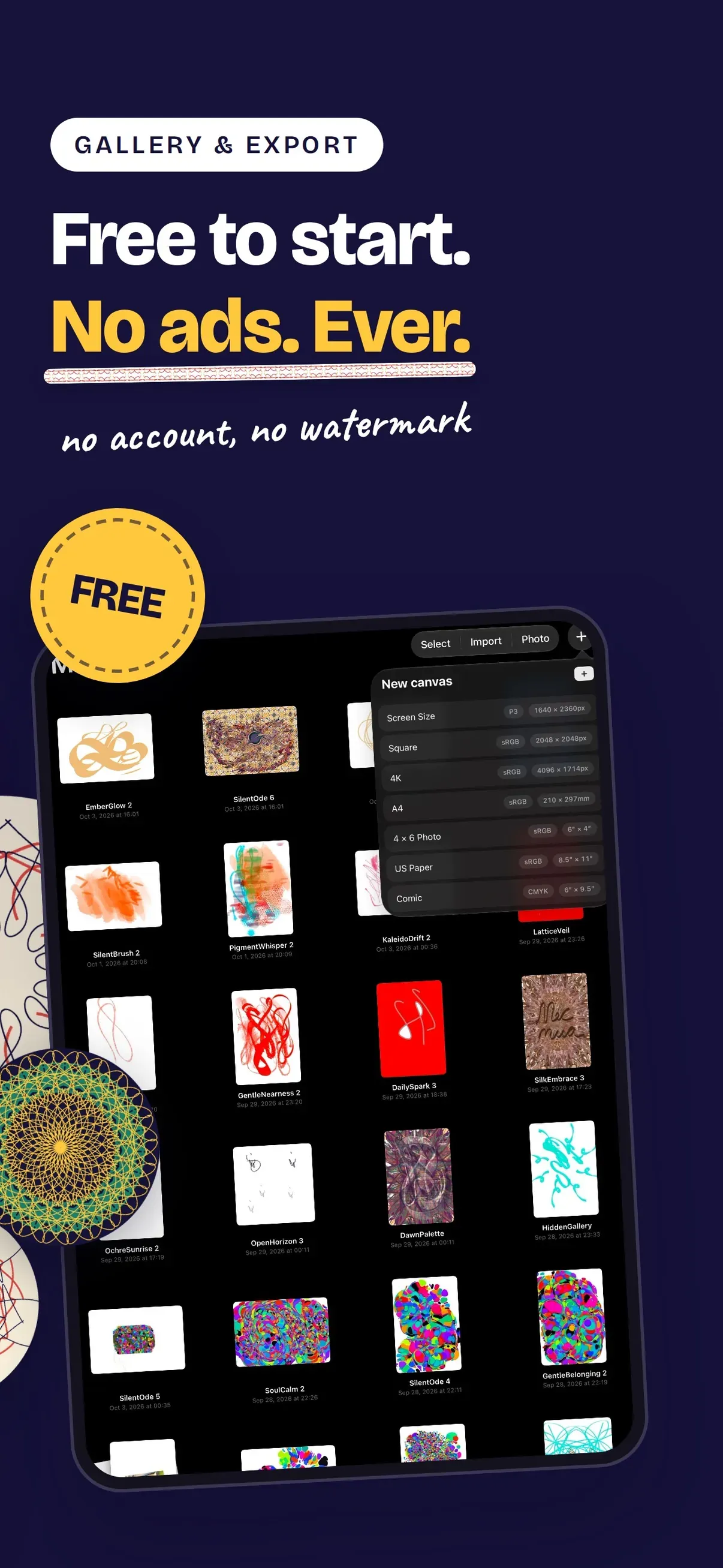
• PNG up to 8K, with transparent layers

• A looping video of the drawing forming itself

• Live Photo and wallpaper sizes for iPhone and iPad

Every tool, every brush, every export size and all 17 wallpaper groups — free, nothing to unlock.

Built for iPad and iPhone, drawn on the GPU with Metal.

Highlights

  • Ebru marbling: drop, comb, wave, vortex and stylus tools on a real simulated ink surface
  • Hat calligraphy: hundreds of brushes across Thuluth, Diwani, Ruq'ah and tashkeel styles, plus a reed-pen (qasab) set
  • Kaleidoscope rosettes from 2 to 64 mirrors, rotation only or with reflection
  • All 7 frieze groups and all 17 wallpaper groups, the geometry behind tezhip and arabesque ornament
  • Symmetry is a coordinate fold in the renderer: 64 mirrors cost the same as 2
  • Switch the group mid-drawing — existing strokes re-fold, and it is undoable
  • Guide overlay for mirror axes and the repeating tile
  • Modern painting tools: pen, brush, marker, airbrush, neon, calligraphy, plus line, circle, polygon and star shapes
  • Layers, blend modes, unlimited undo, curves, gradient map and color balance adjustments
  • Apple Pencil Pro: barrel roll turns the axis, squeeze opens the palette, haptics on group change
  • Export 8K PNG with transparent layers, looping video, Live Photo and wallpaper sizes
  • Every tool, brush, export size and all 17 wallpaper groups are free — nothing to unlock

Get Mecmua: Symmetry Drawing Pad

Ebru, Hat & Kaleidoscope

Same corner of the toy box

If Mecmua: Symmetry Drawing Pad is your kind of thing, these live in the same neighbourhood — all made by the same pair of hands.