
TaskCard: Visual Day Planner
Time grid. Drag, plan, done.
Productivity iOS & macOS
- Category
- Productivity
- Runs on
- iPhone, iPad, Mac
- Developer
- Cihat SALİK
Preview
iPhone, iPad & Mac


About
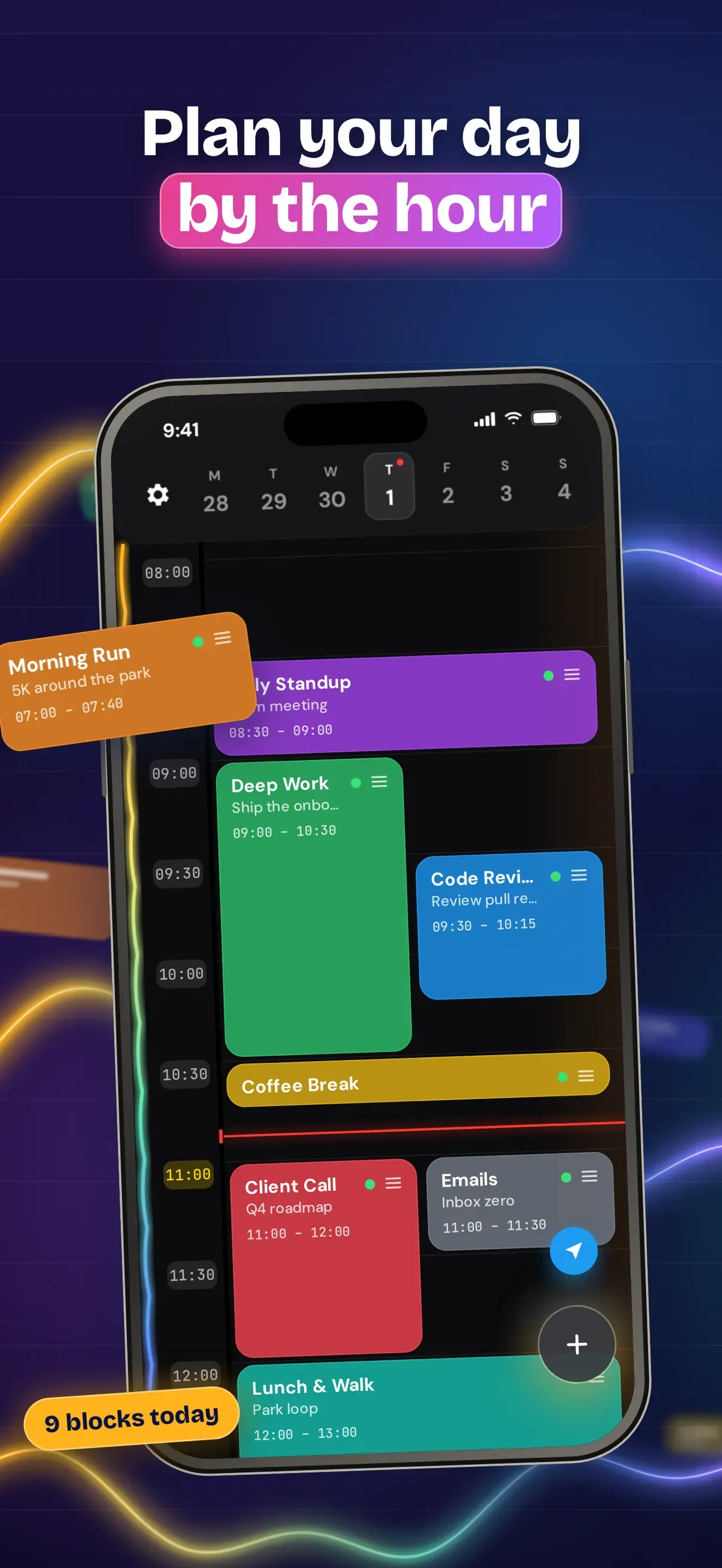
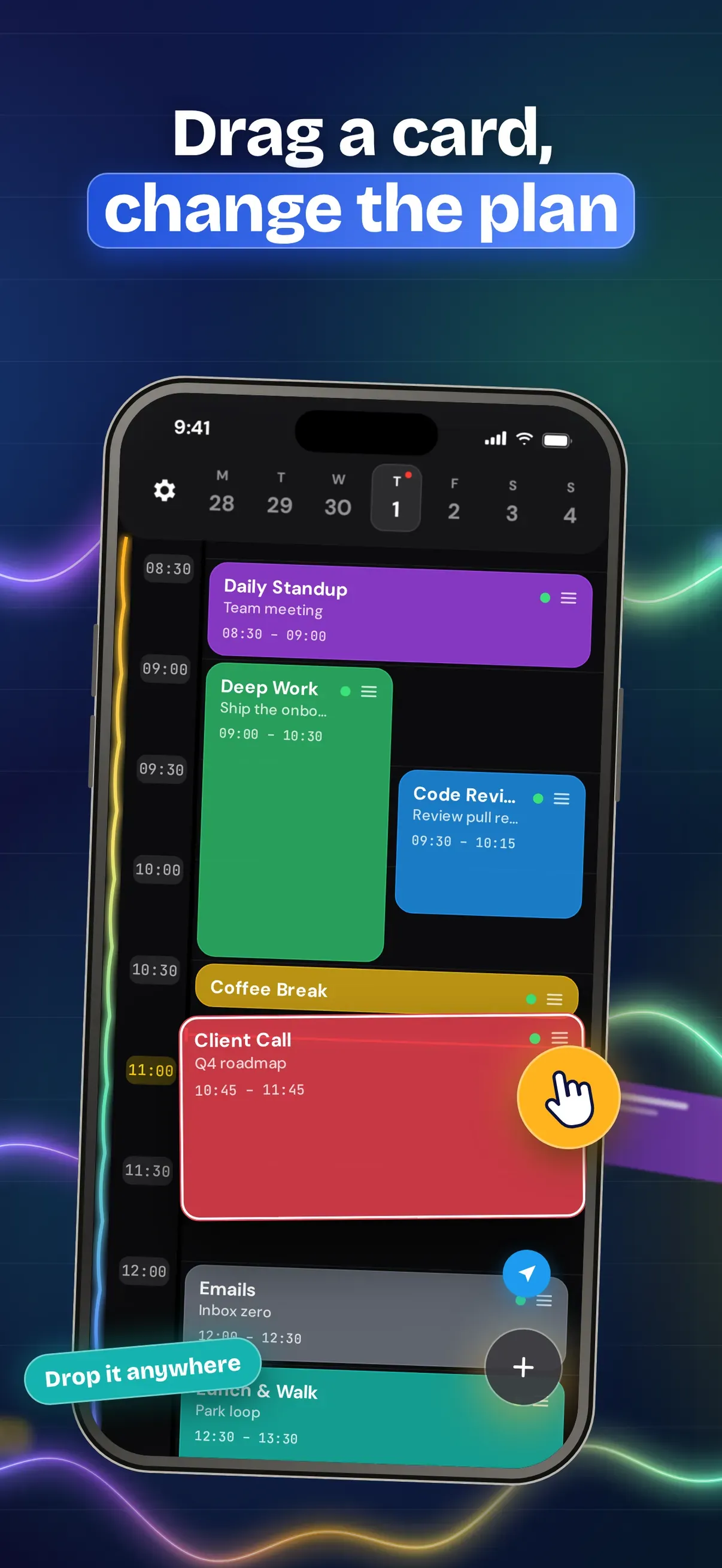
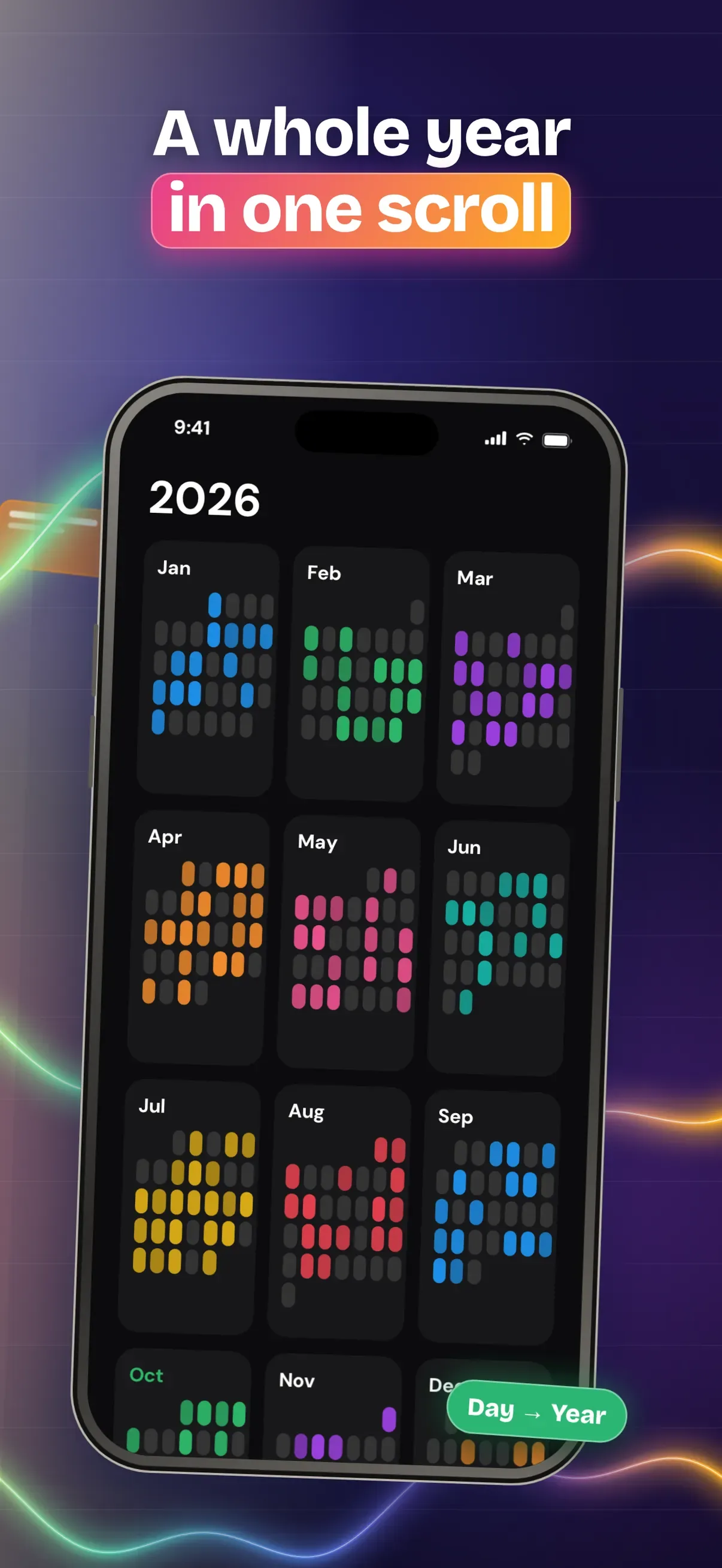
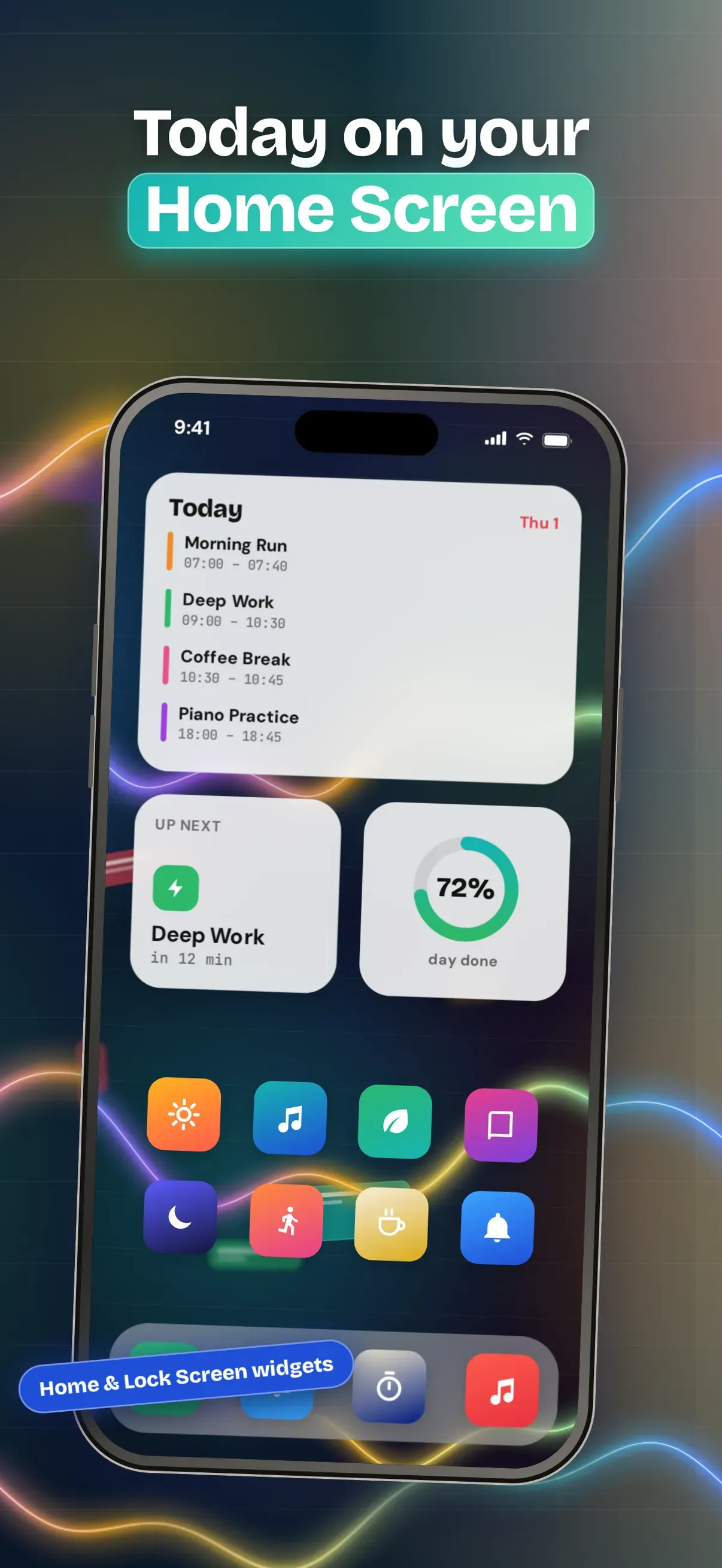
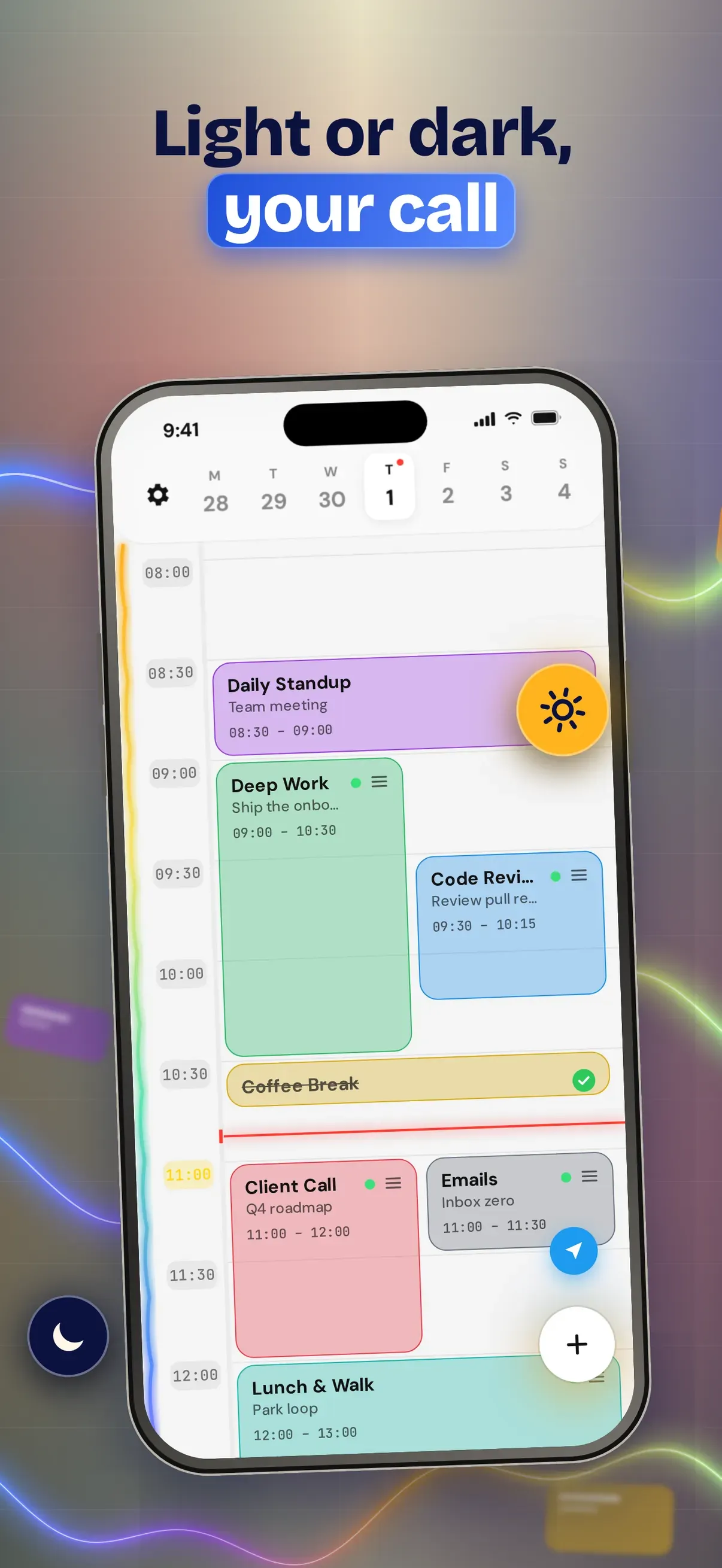
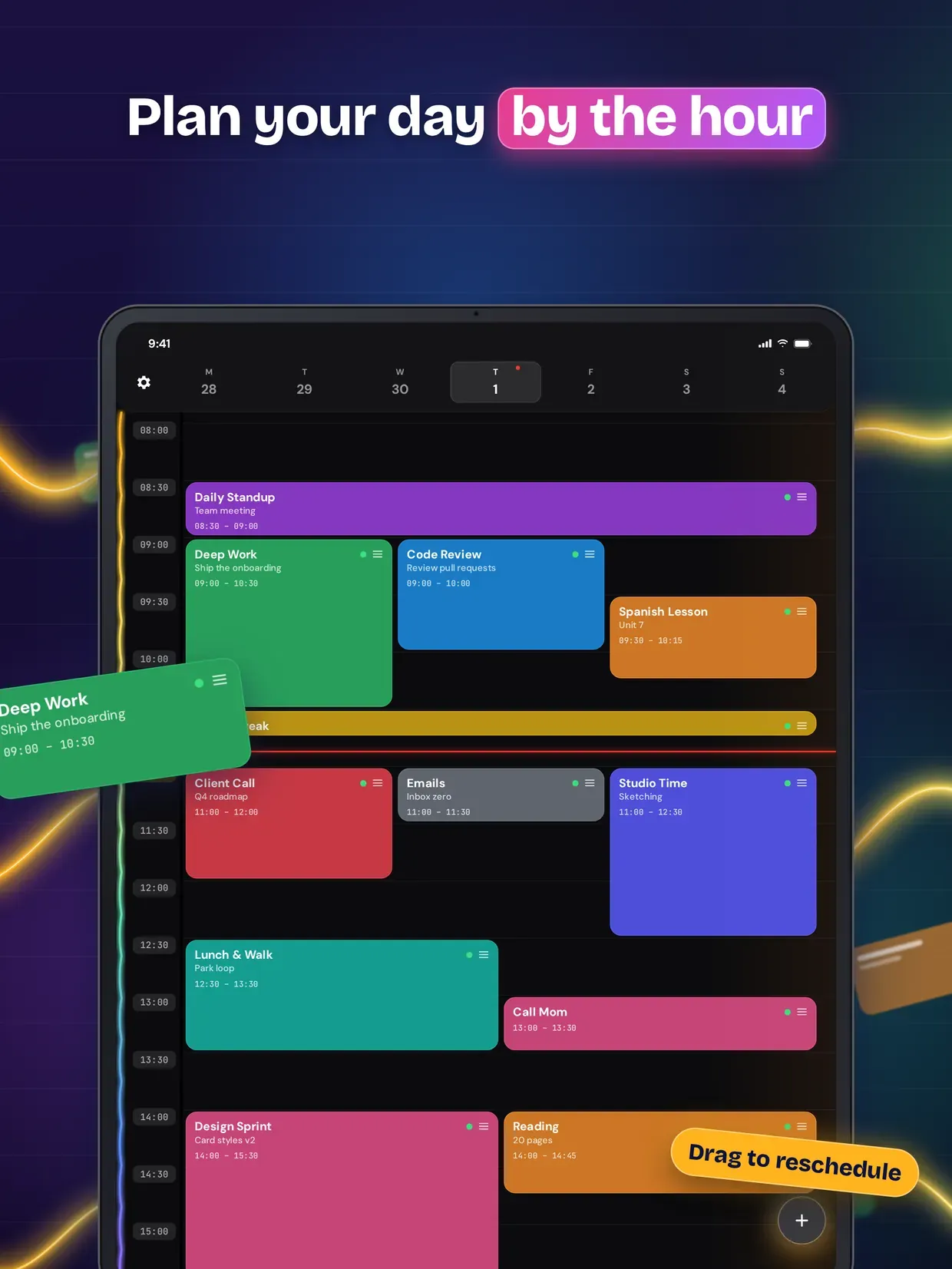
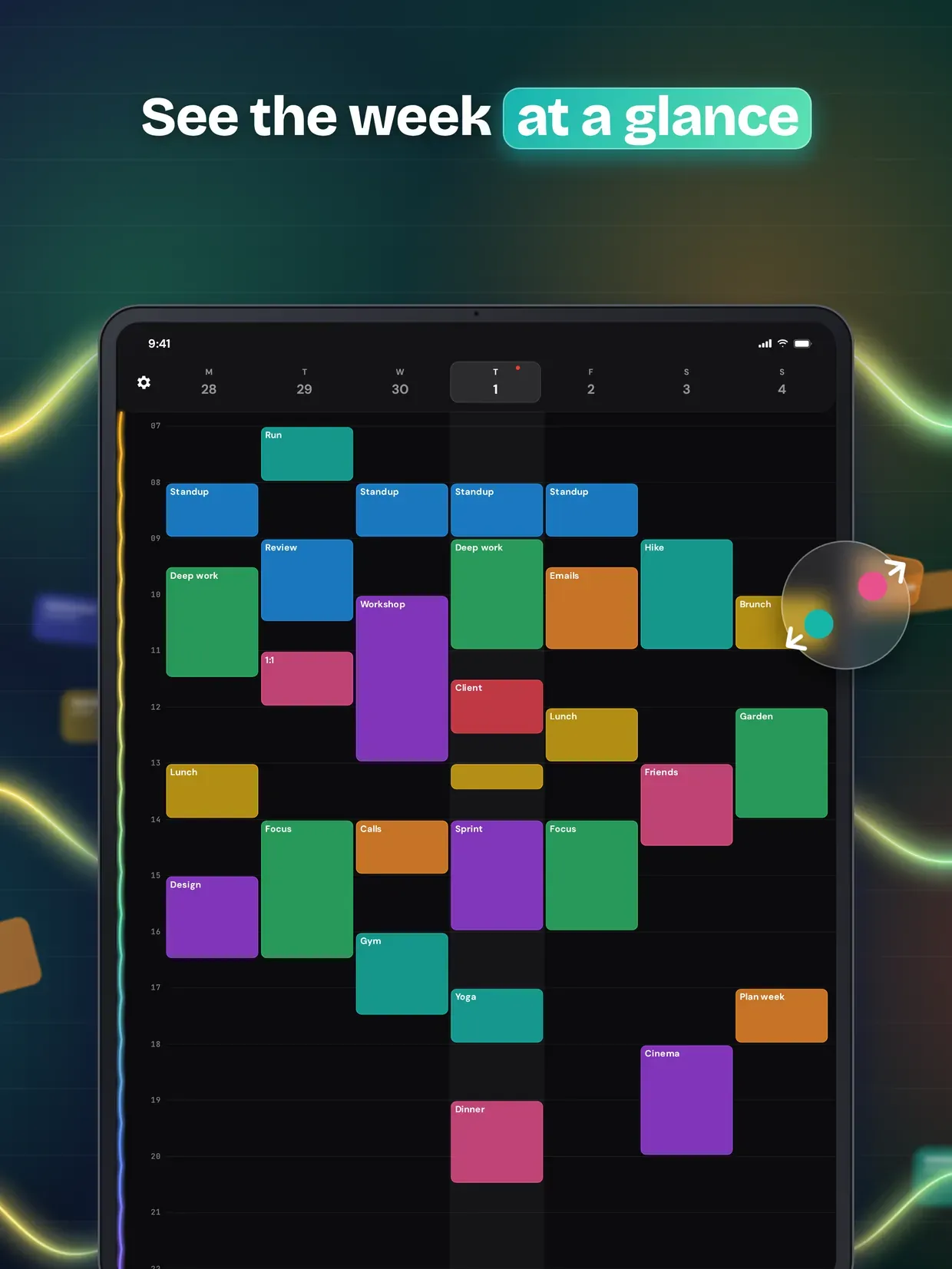
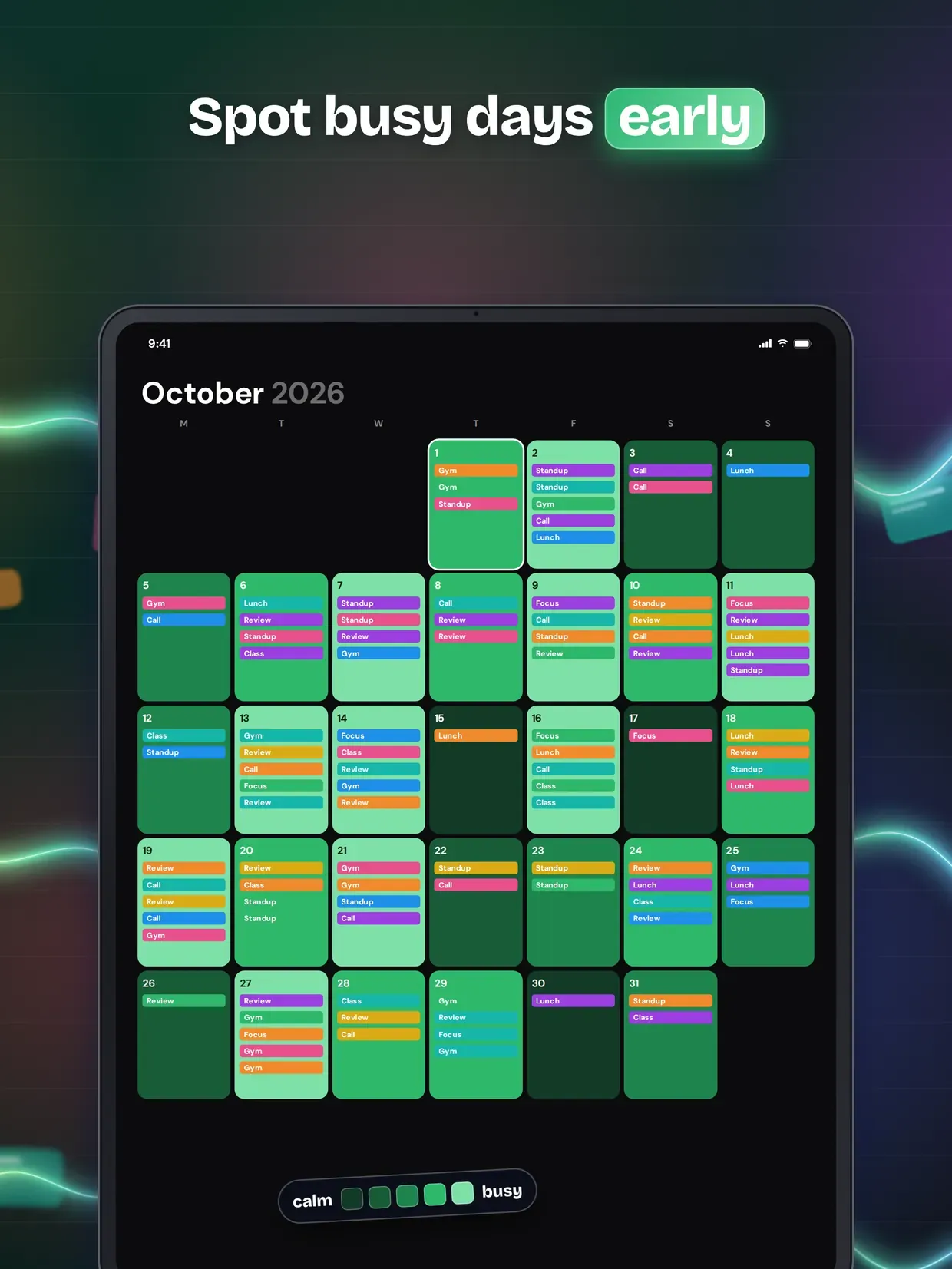
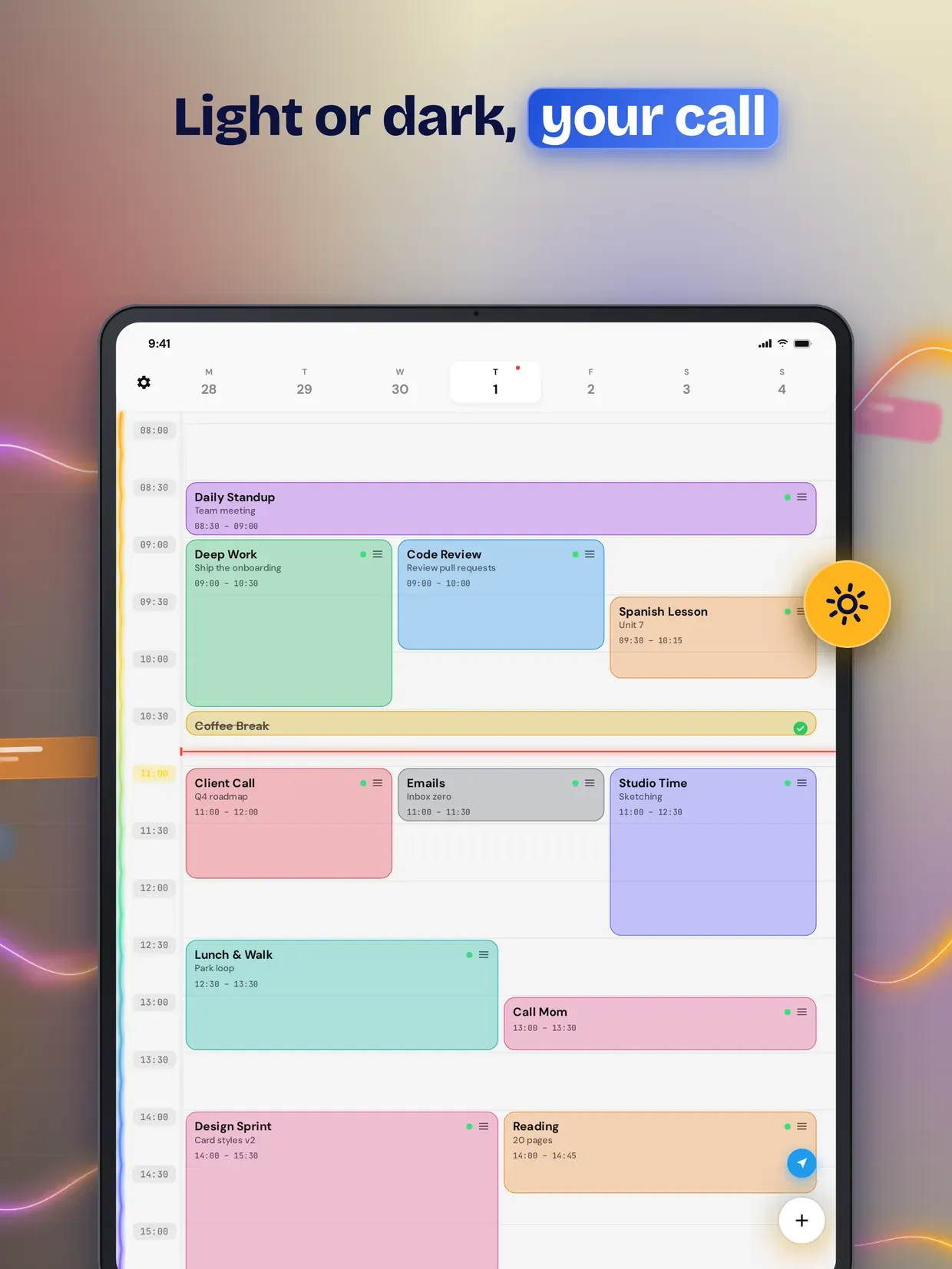
TaskCard revolutionizes productivity with intelligent time blocking. Drag & drop tasks into time slots, set priorities, and let our smart postponement system automatically reschedule missed tasks.
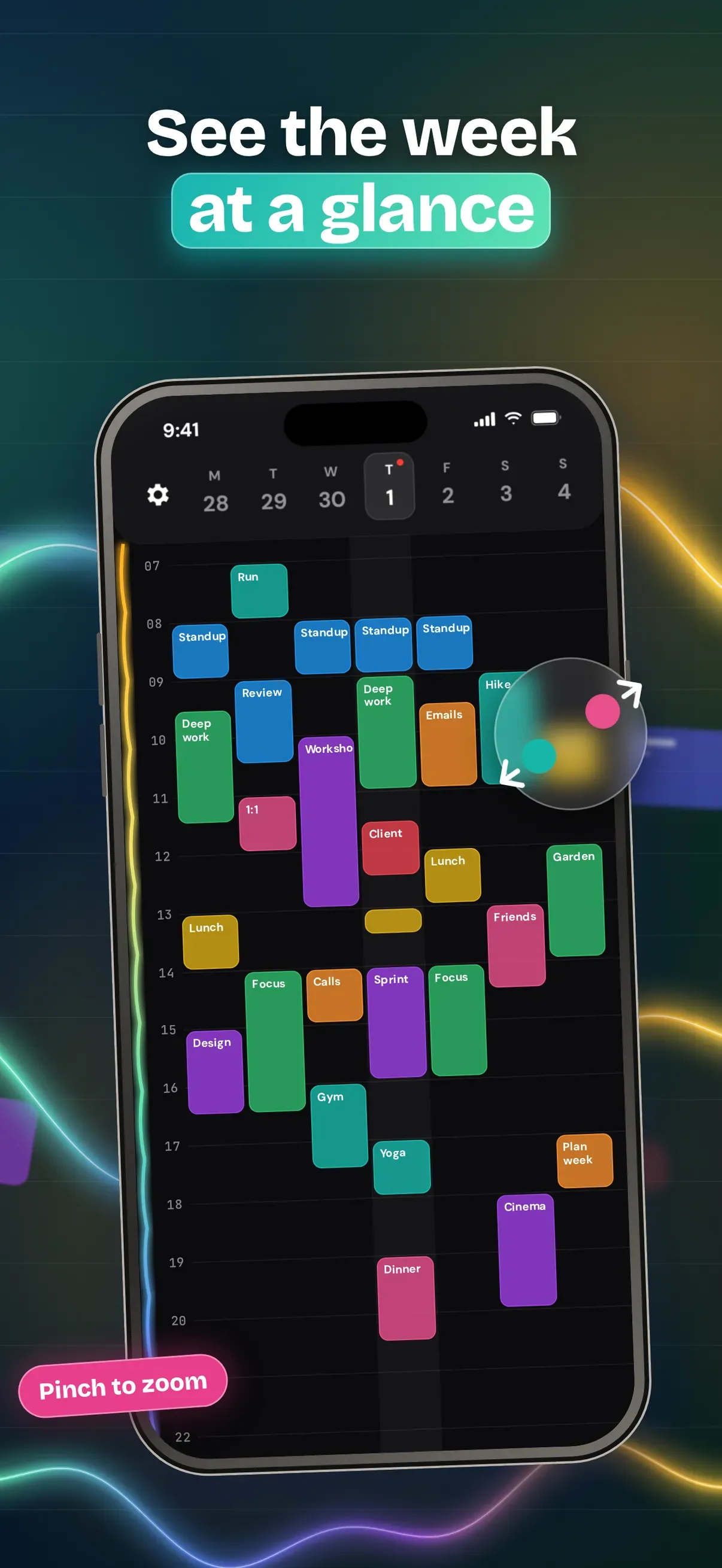
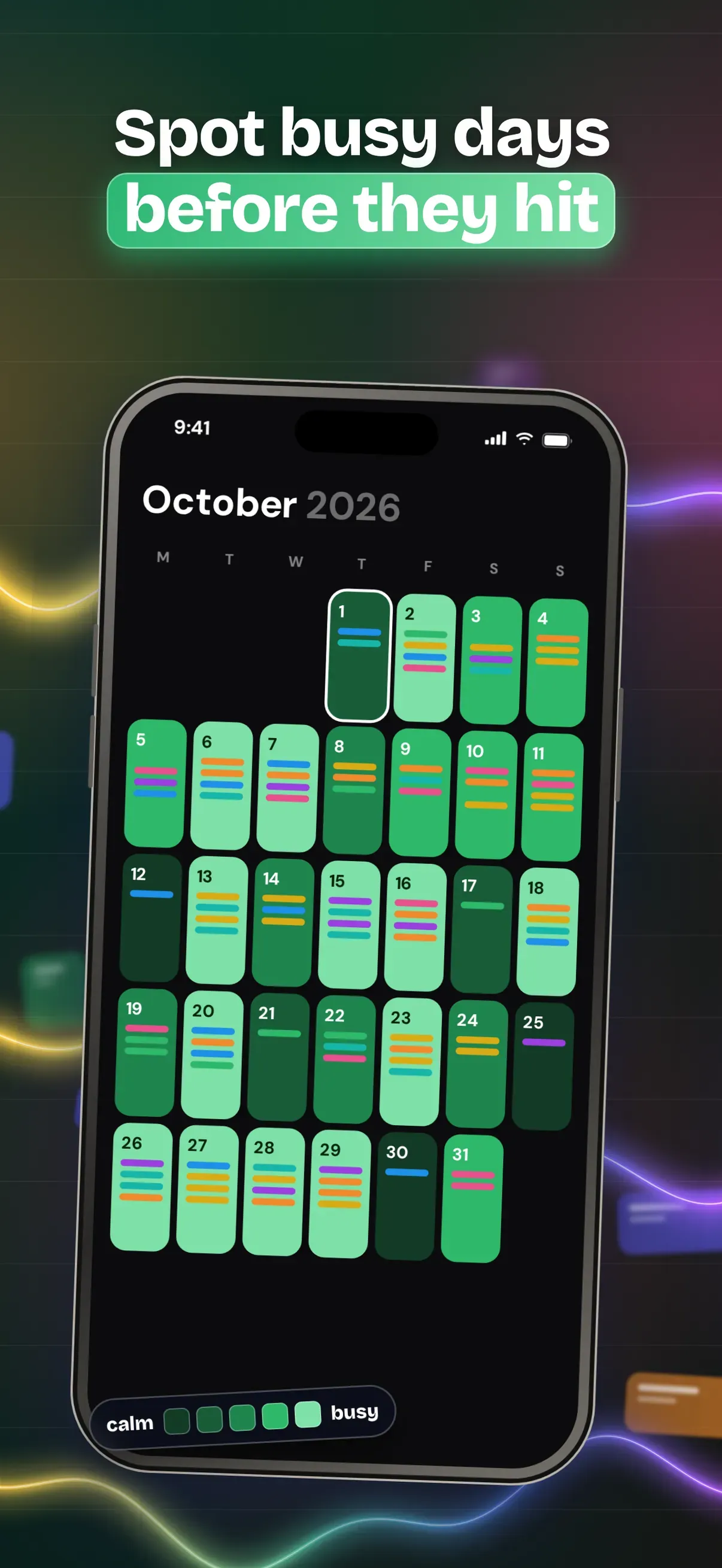
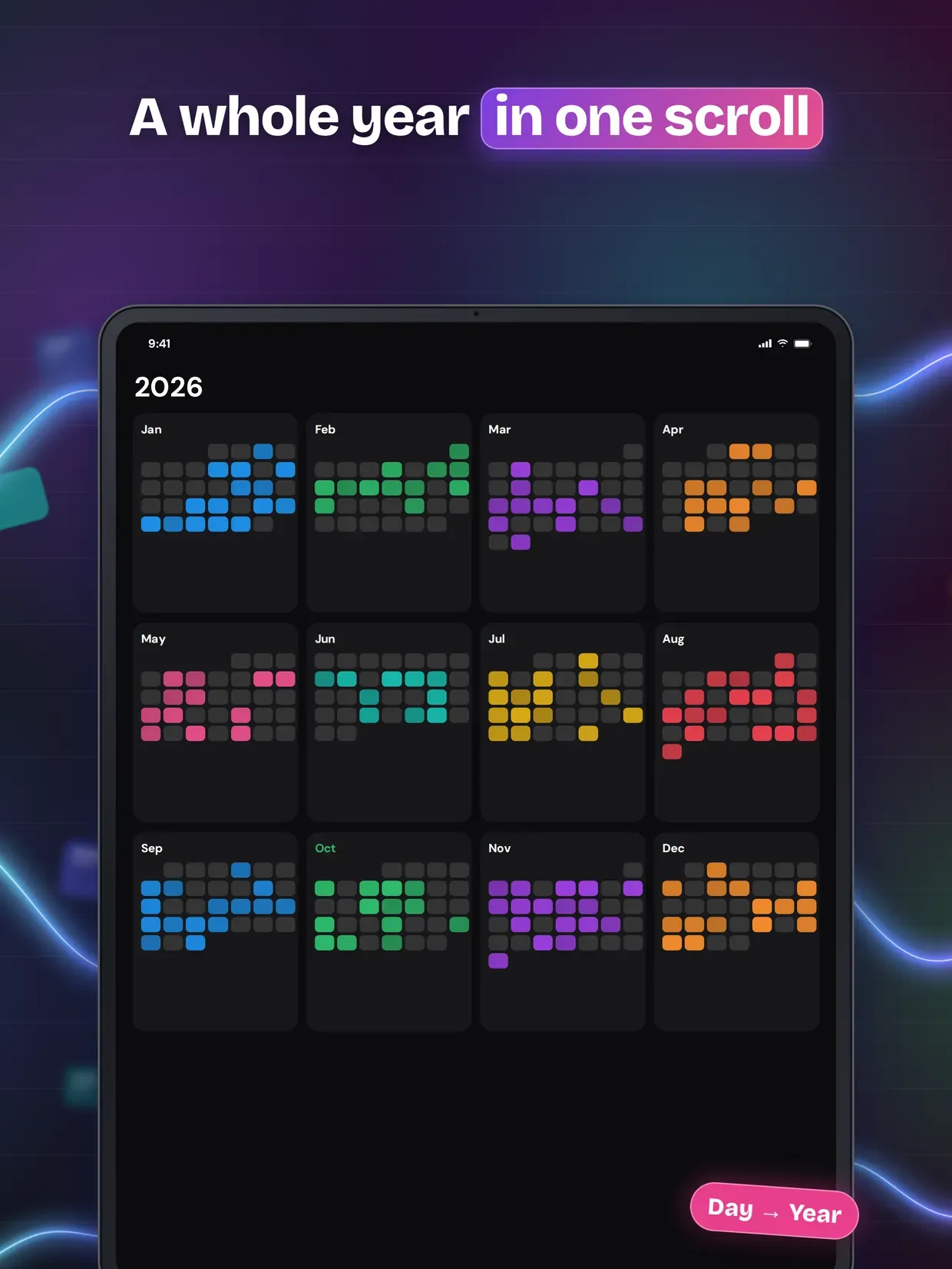
Key features include visual timeline management, automatic task rescheduling, priority-based organization, and seamless calendar integration. Perfect for busy professionals who need flexible yet structured task management.
Never lose track of important tasks again - TaskCard ensures everything gets done when it matters most.
Highlights
- Drag and drop tasks between time blocks
- Smart postponement features
- Visual timeline with current position indicator
- Double-tap to mark tasks complete
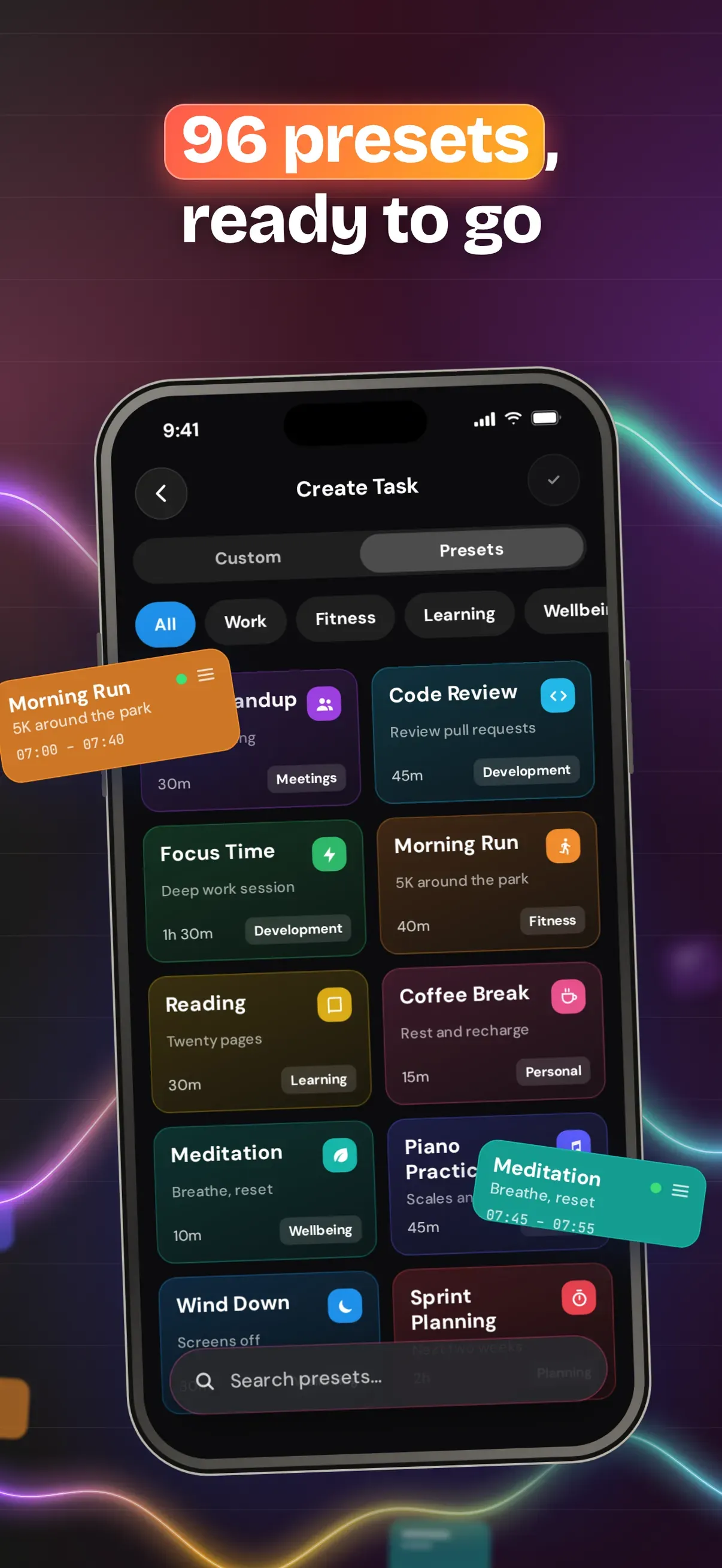
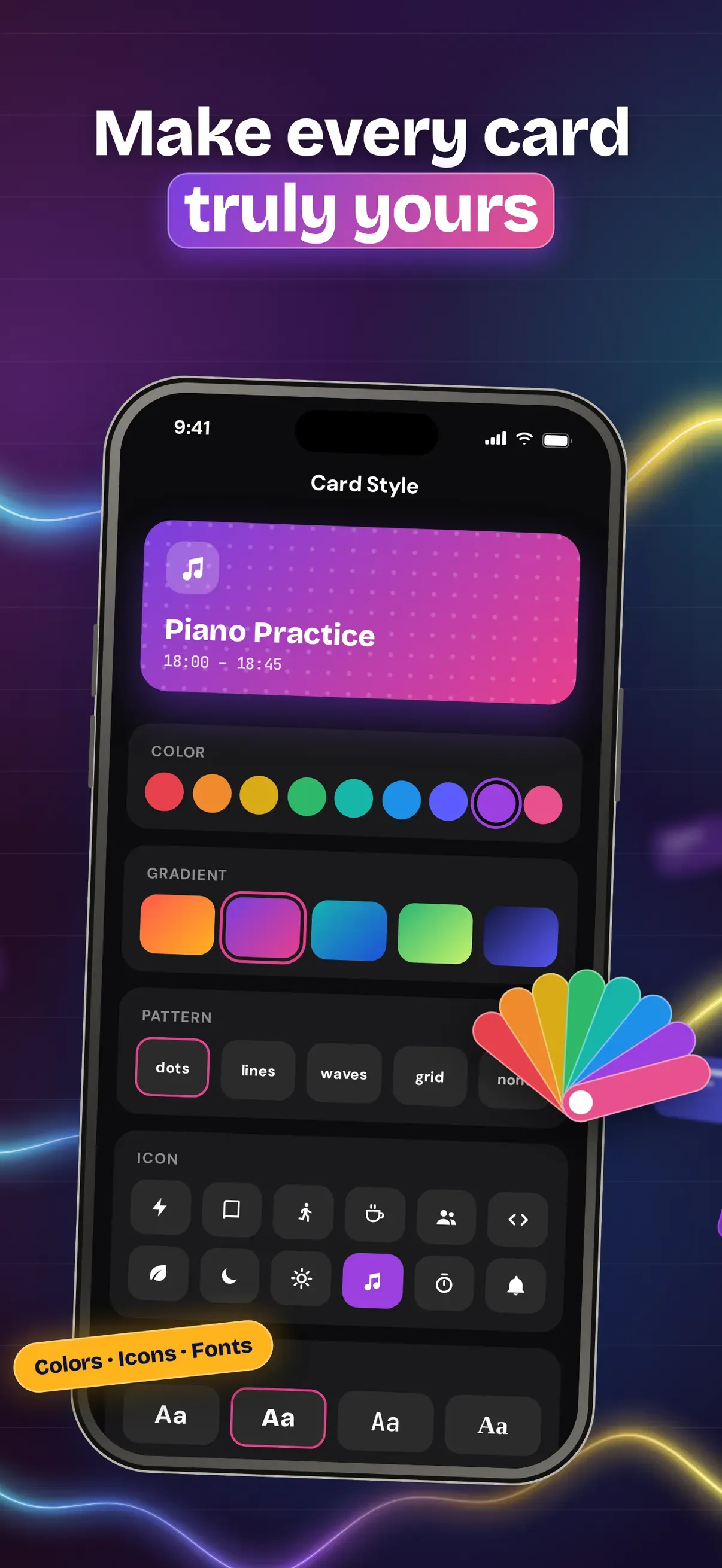
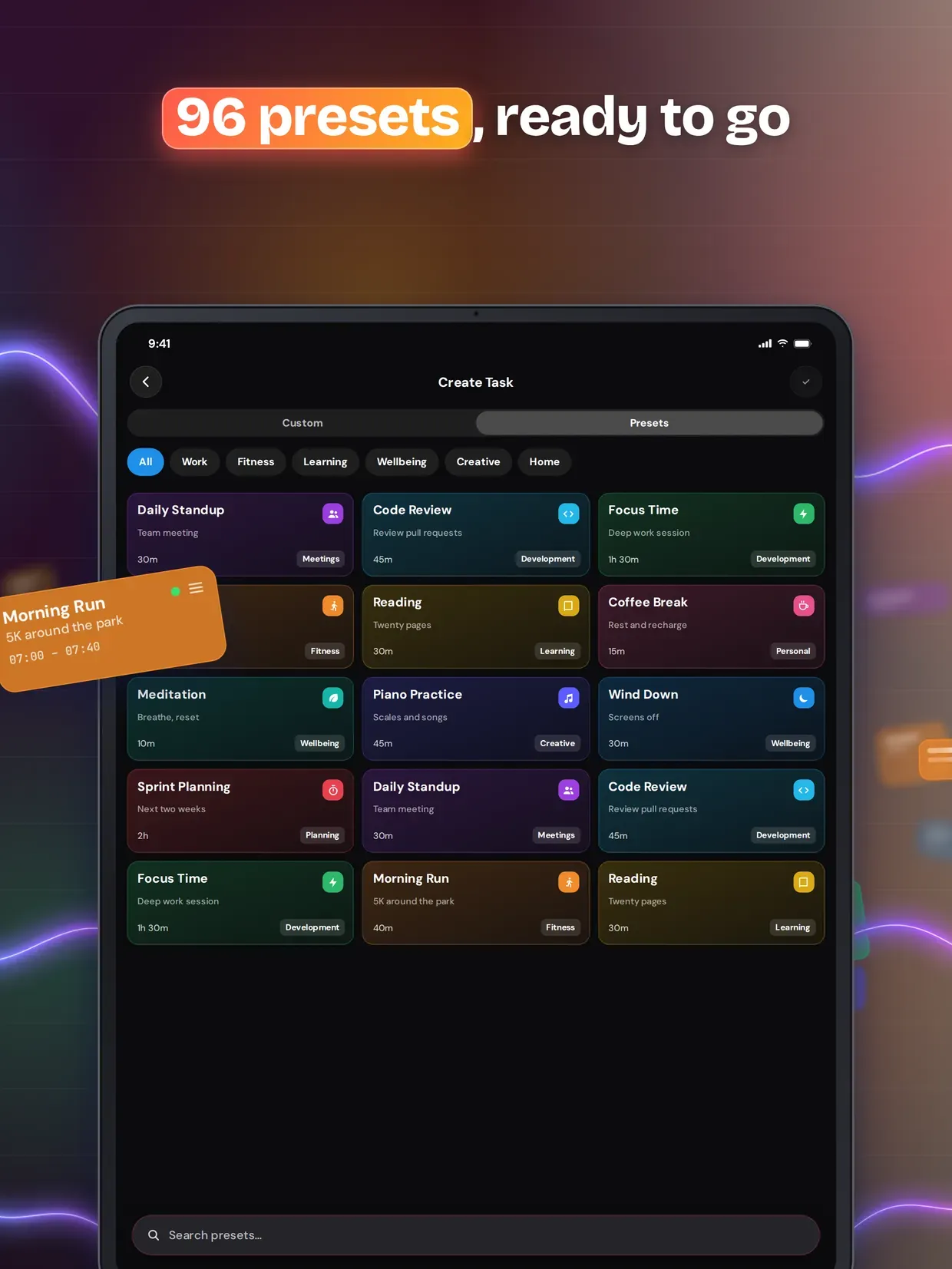
- Custom task templates
- Cross-device synchronization
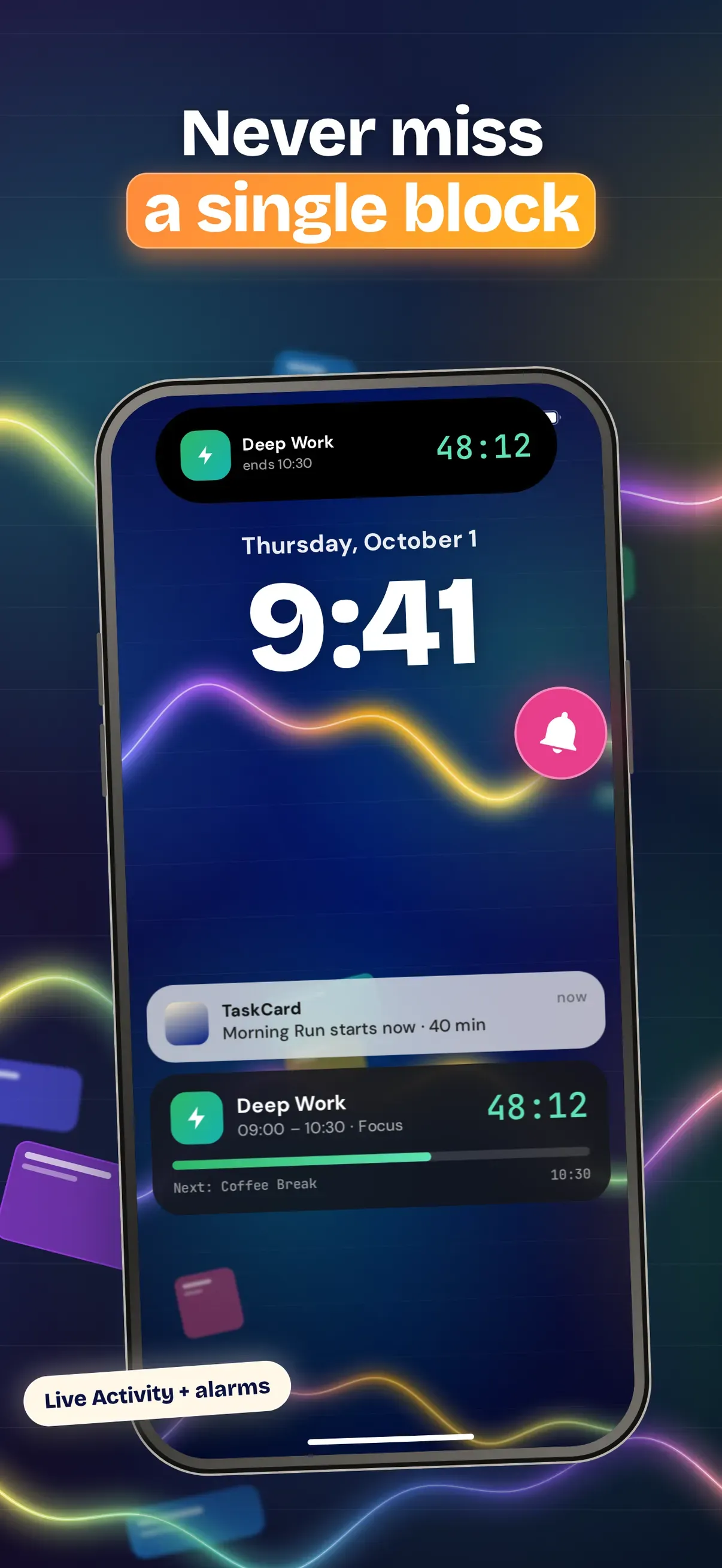
- Non-intrusive notifications
- Threshold-based automatic rescheduling
Same corner of the toy box
More apps you might like
If TaskCard: Visual Day Planner is your kind of thing, these live in the same neighbourhood — all made by the same pair of hands.

FocusCard: Screen Time Block
Plan the day. It defends itself.
ProductivityiOS
Mena: Notes, Mind Map & Study
Canvas freedom. Knowledge graph power.
ProductivityiOS
VoxPage: Read Aloud PDF Reader
Text to Speech & Speed Reading
ProductivityiOS
Earshot: AI Voice Recorder
Transcribe & Summarize Offline
ProductivityiOS