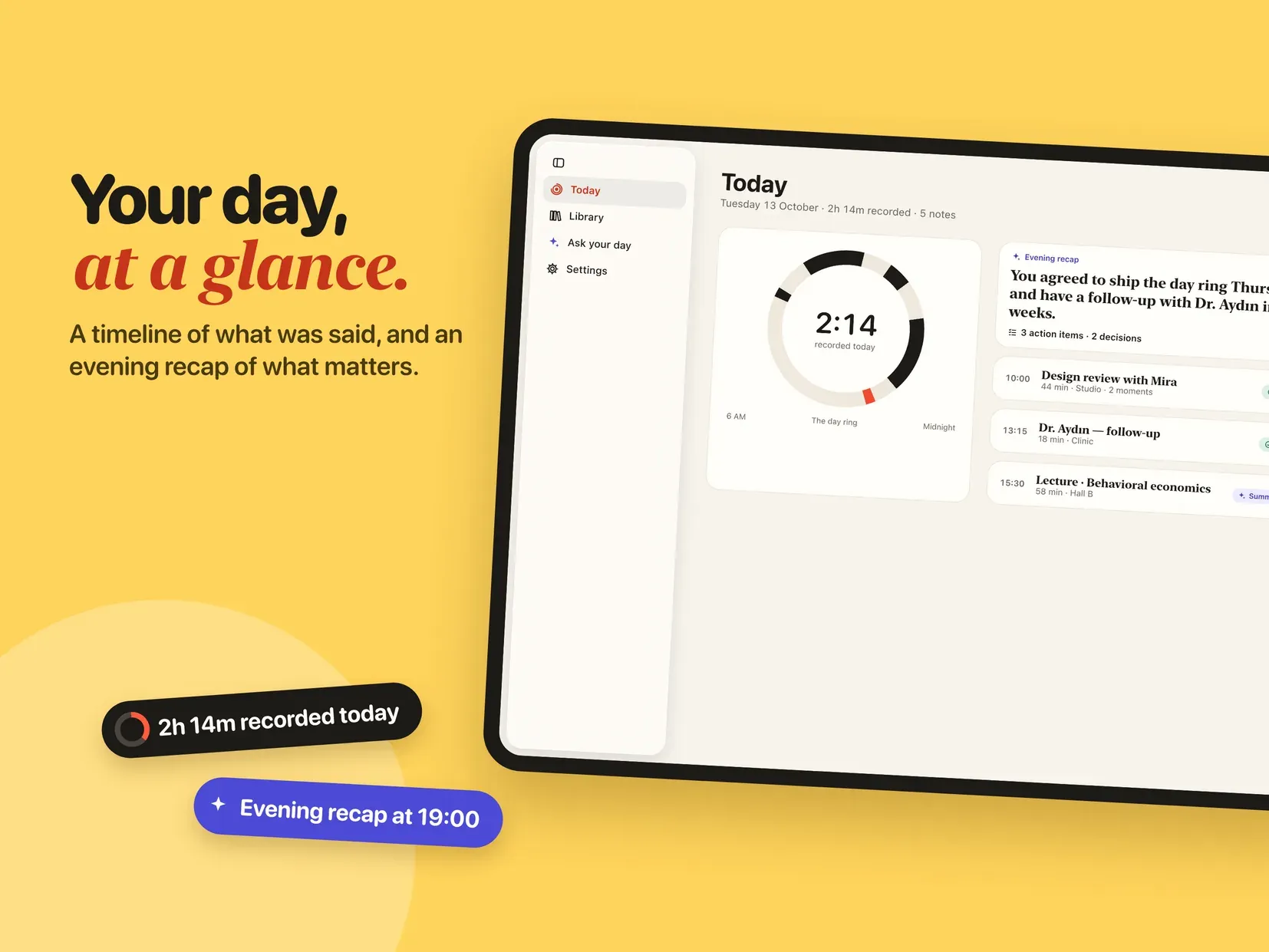
Earshot turns what you say into notes you can use. Start a recording on your Apple Watch or your iPhone, and minutes later you have a clean transcript, a short summary, the decisions that were made and a list of action items. All of it is written on your device.
RECORD WITHOUT BUYING A GADGET
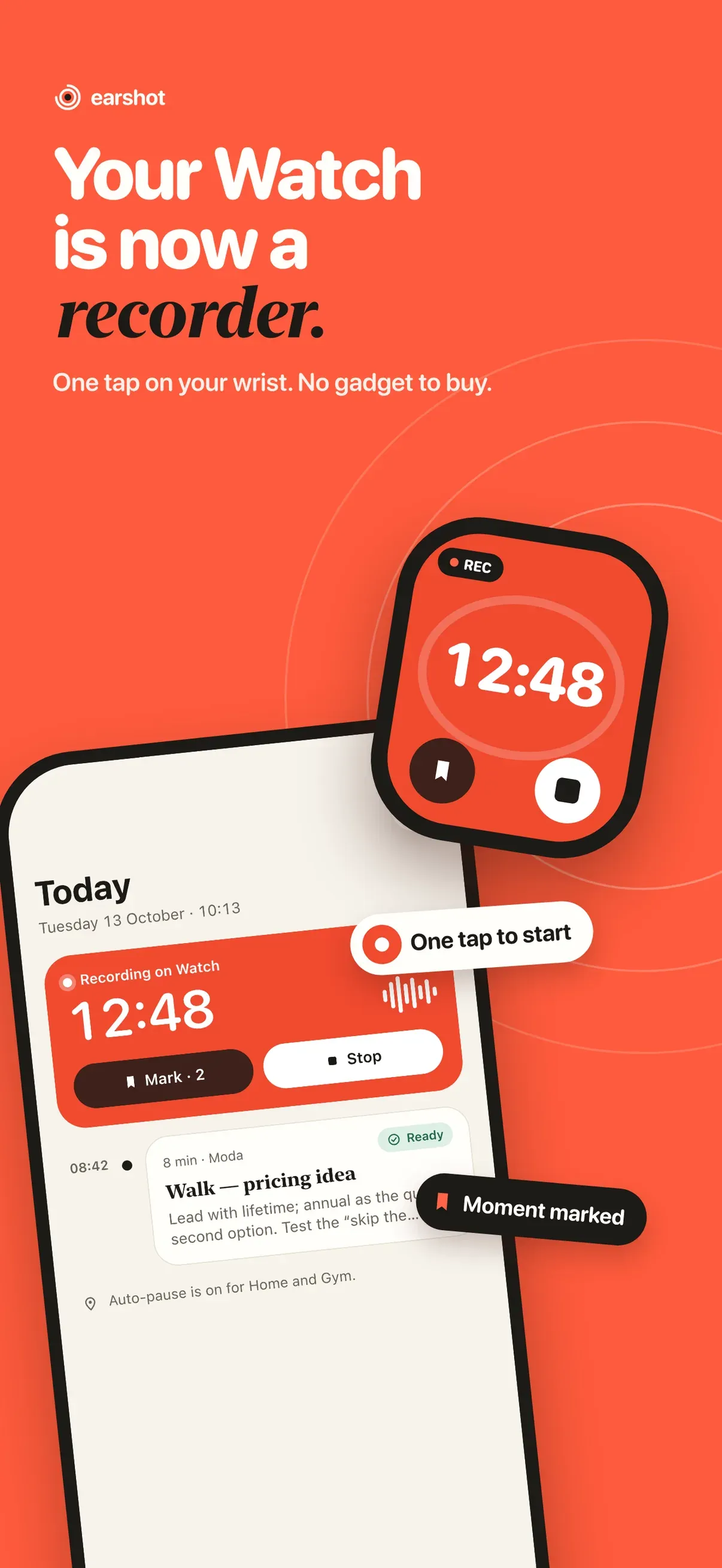
• One tap on your wrist, or on your iPhone
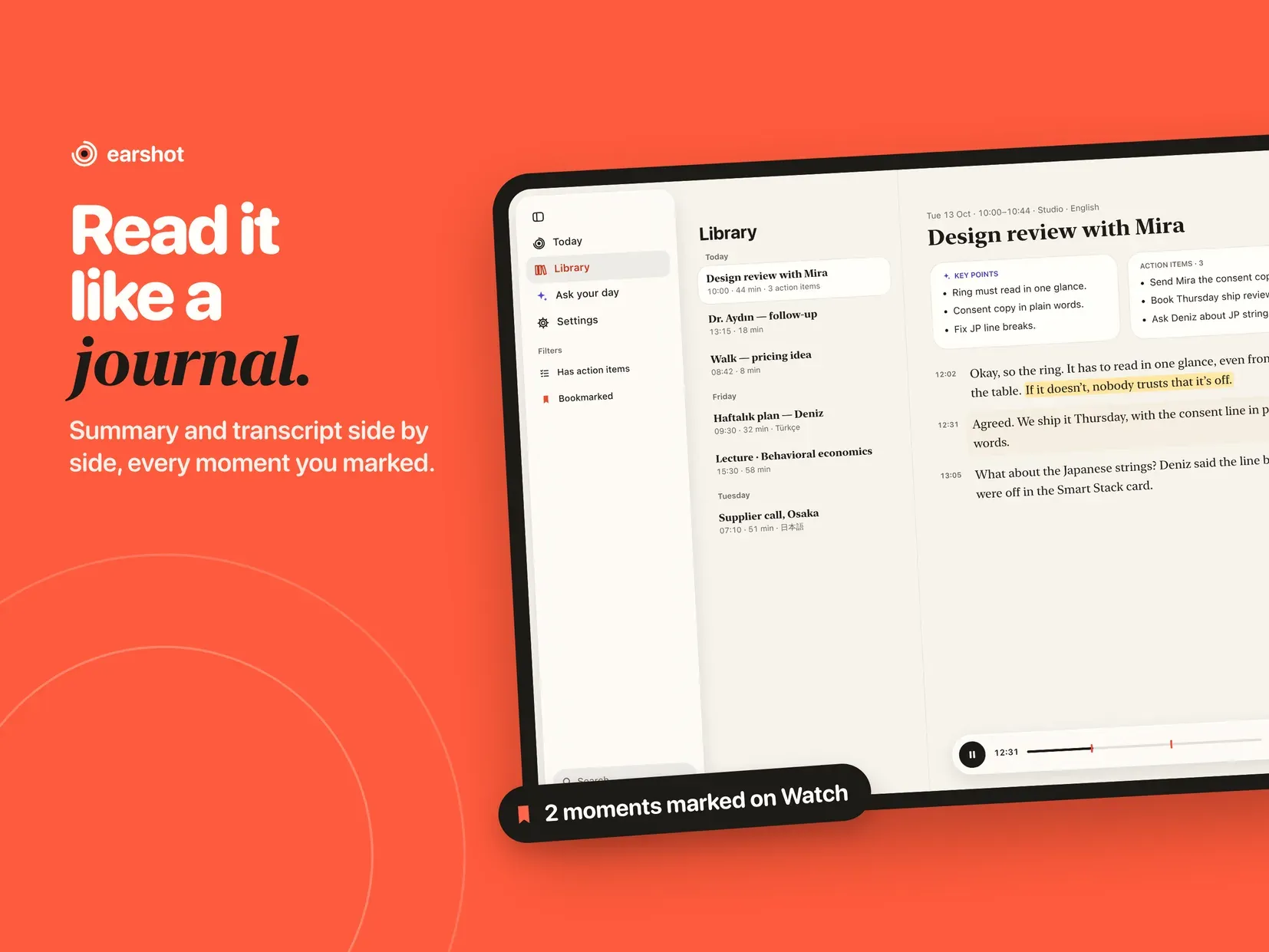
• Mark a moment while you are still recording, then jump straight back to it
• Auto-pause zones: name a place such as home or the gym and Earshot stops listening there
• Voice or high quality, your choice
TRANSCRIPTS IN YOUR LANGUAGE
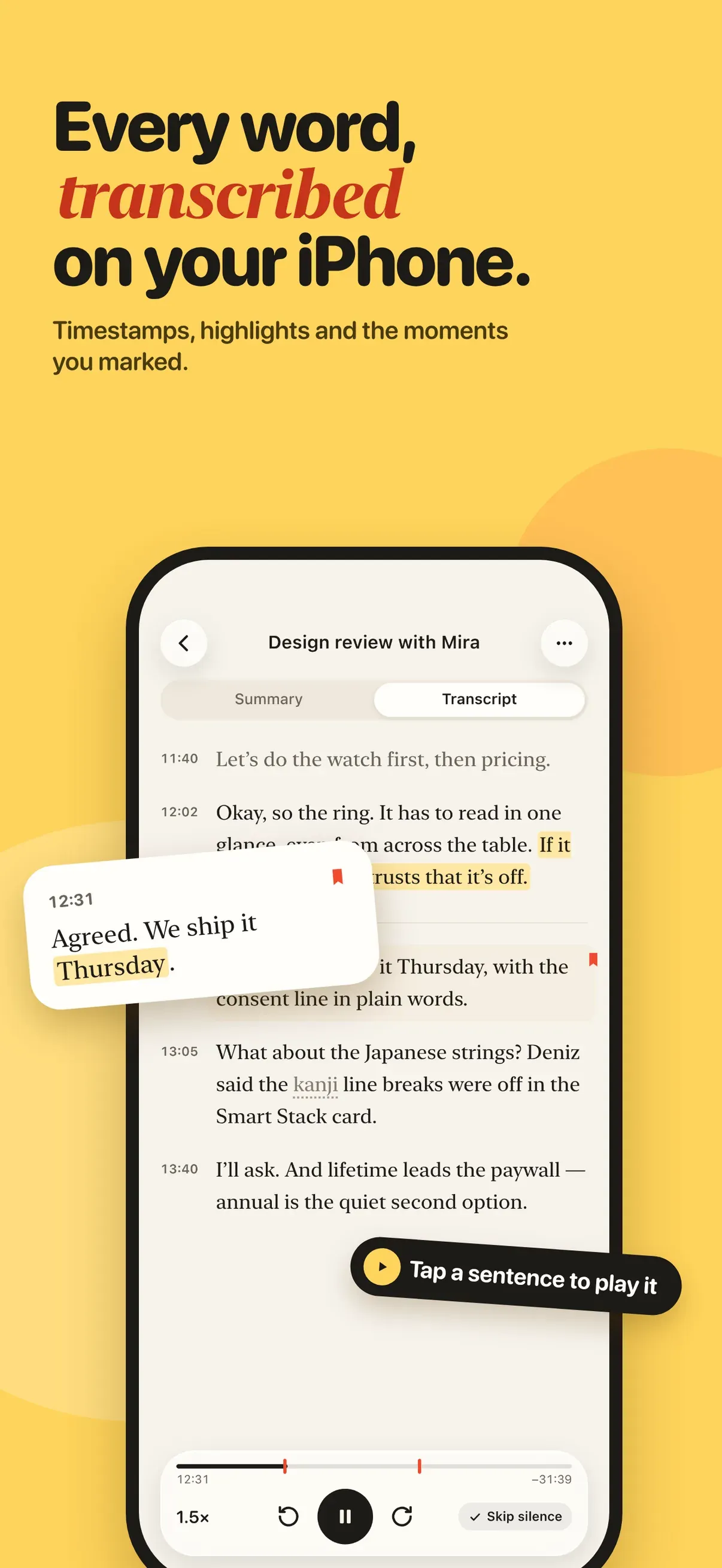
• Speech becomes text through the speech engine built into iOS, on the device
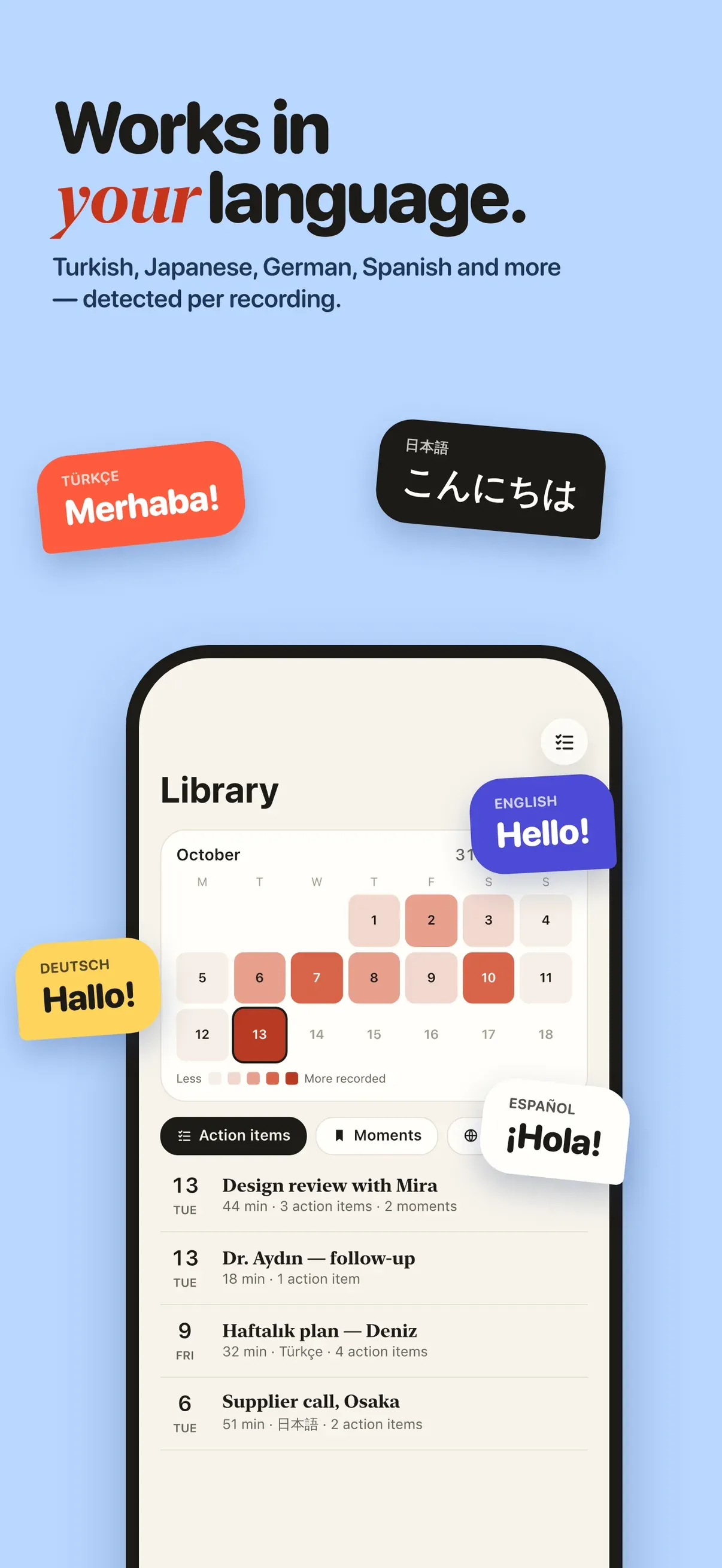
• English, Turkish, German, Spanish, Japanese and many more
• Each recording can use its own language
• Every line carries its timecode, so you can hear the moment again
SUMMARIES WRITTEN ON YOUR IPHONE
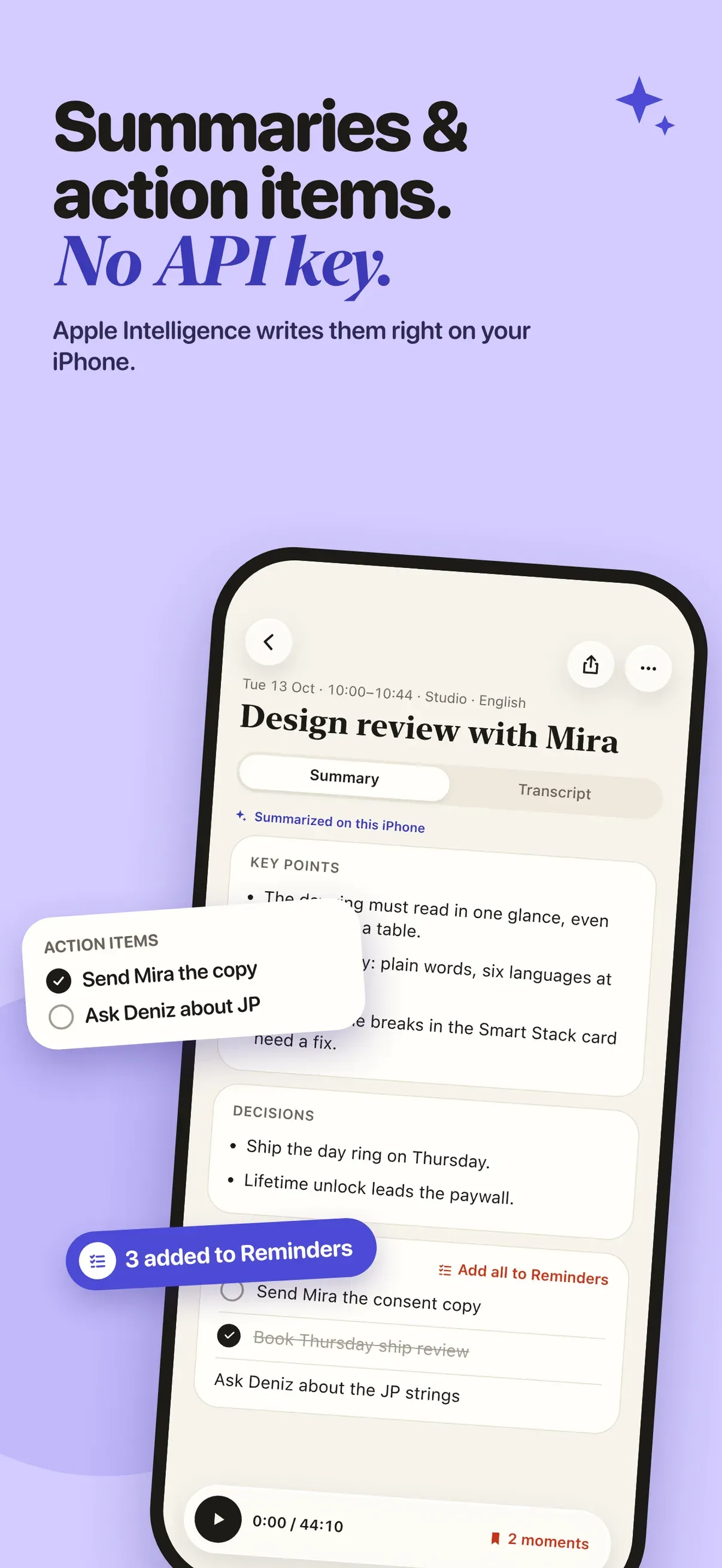
• Apple Intelligence writes the title, the headline, key points, decisions and action items
• Send action items straight to Reminders
• An evening recap gathers the whole day into one short read
ASK YOUR OWN RECORDINGS
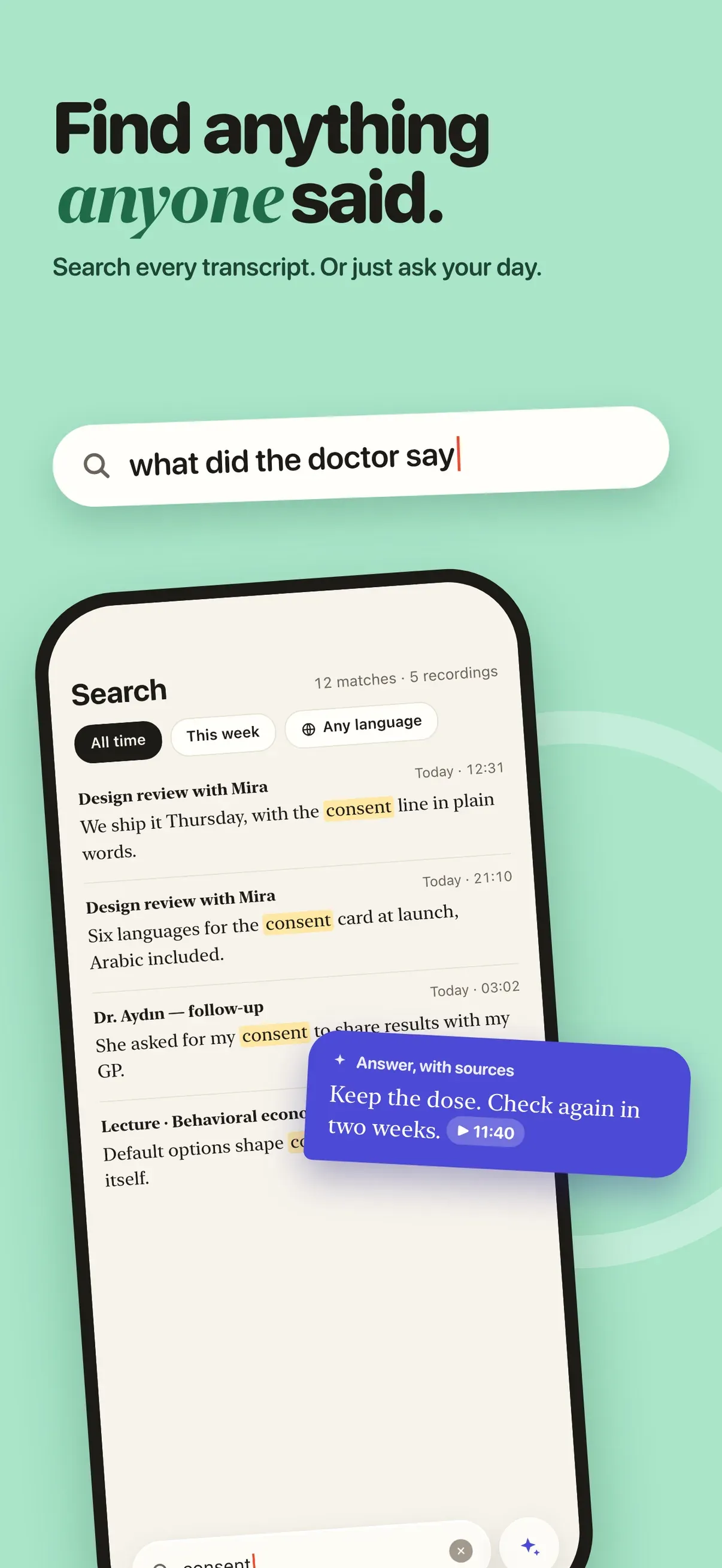
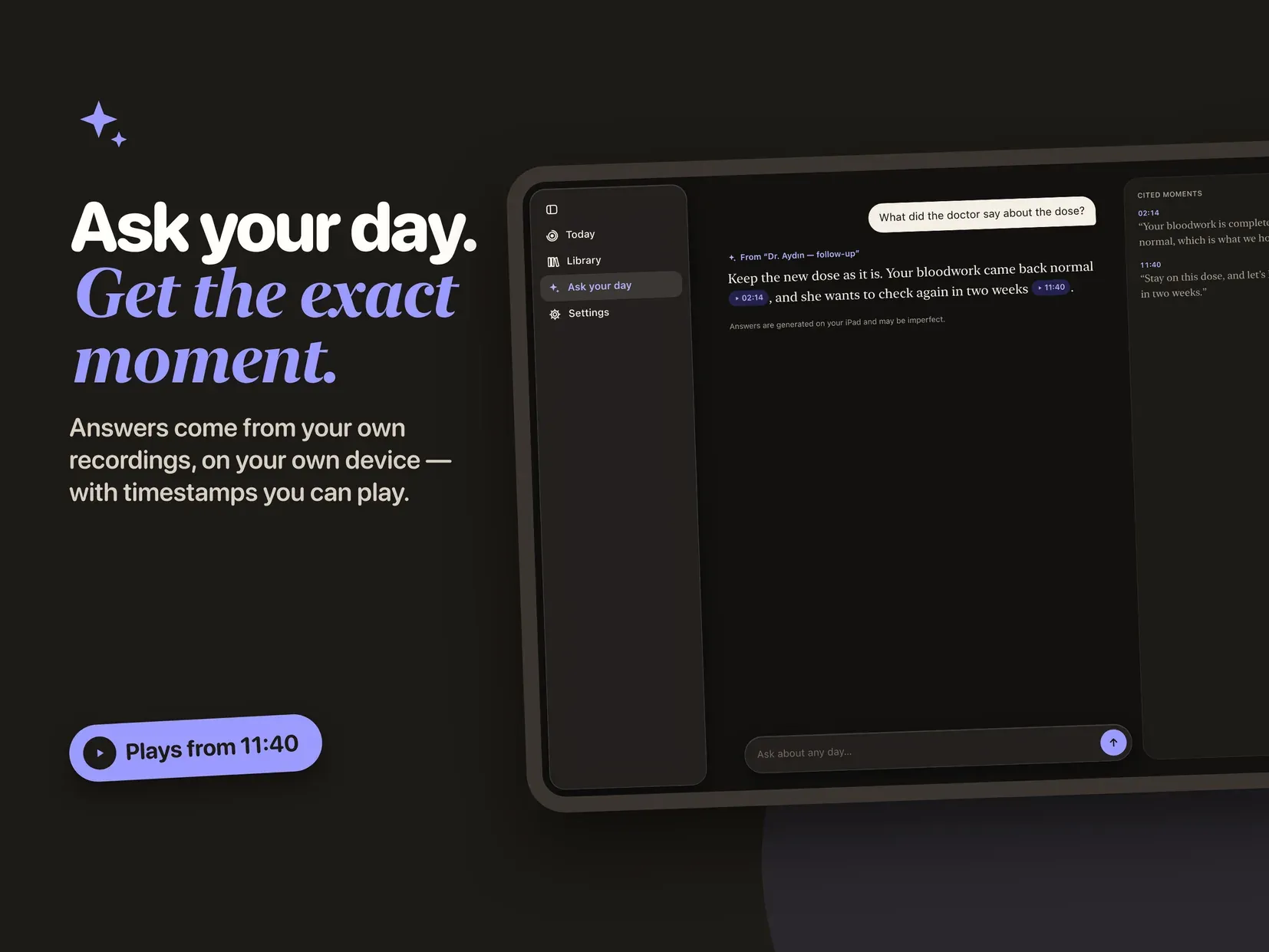
• Ask in plain words: "what did the doctor say about the dose?"
• The answer arrives with the moment it came from, so you can listen and check it yourself
FIND ANYTHING ANYONE SAID
• Full text search across every transcript
• Filter by week, by language, by action items or by marked moments
PRIVATE BY DESIGN
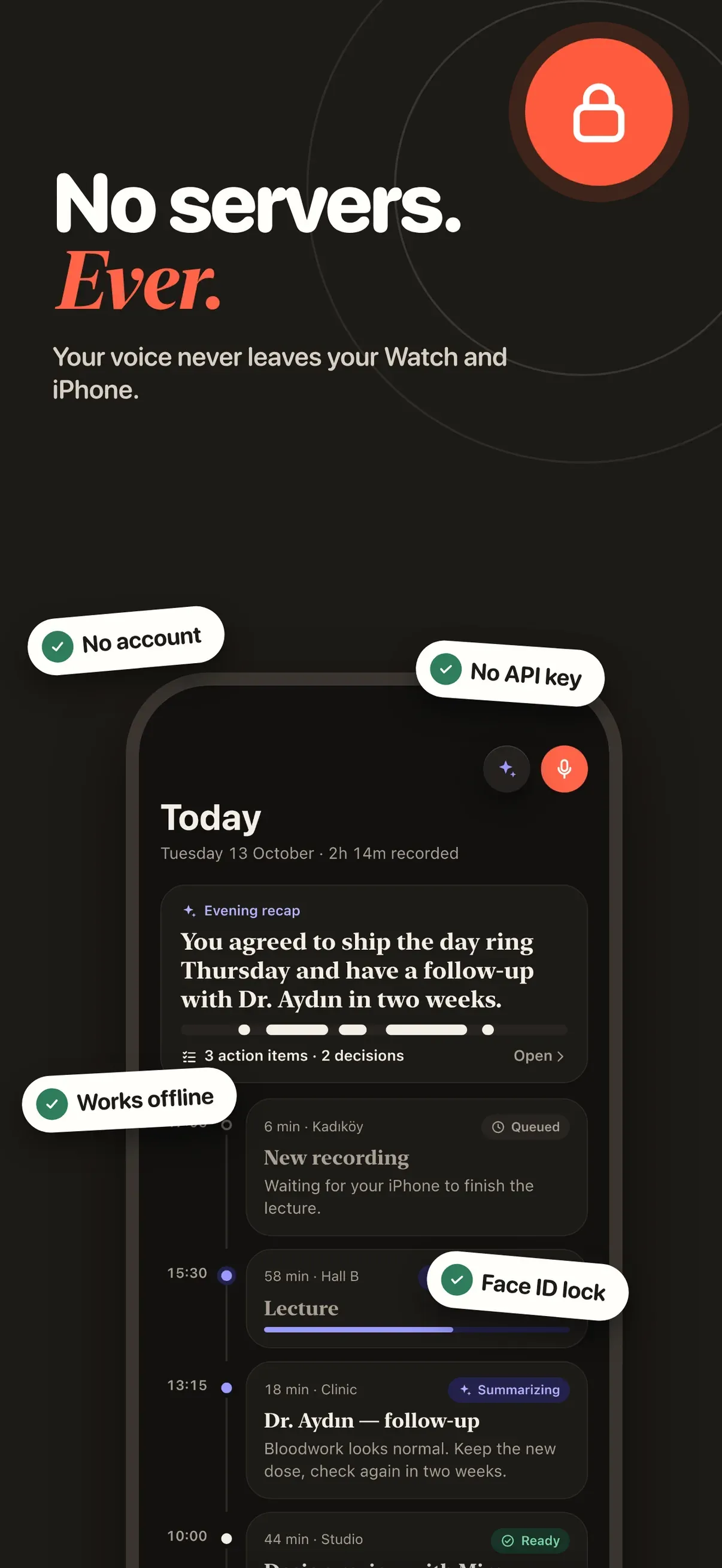
• No account and no sign-in
• No API key, and no third party AI service
• Audio and transcripts stay on your devices, with optional iCloud backup
• Lock Earshot behind Face ID or Touch ID
• Delete audio automatically after a set number of days and keep only the text
EXPORT
• Plain text or Markdown, with or without timestamps
• Share the summary alone, or the full transcript
Summaries, the evening recap and Ask run on Apple Intelligence and need a device that supports it. Recording, transcription, search and export work on every supported iPhone and iPad.
Earshot is free to download, and recording, transcription and search are free with no limit. The free tier includes five summaries a month. Earshot Pro opens unlimited summaries, the evening recap, Ask, export and the Face ID lock, as a yearly subscription with a one-week free trial or a one-time lifetime purchase.