QuellCut - Silence Remover app icon
Video iOS

QuellCut - Silence Remover

Auto cut dead air in videos.

Screenshots

iOS

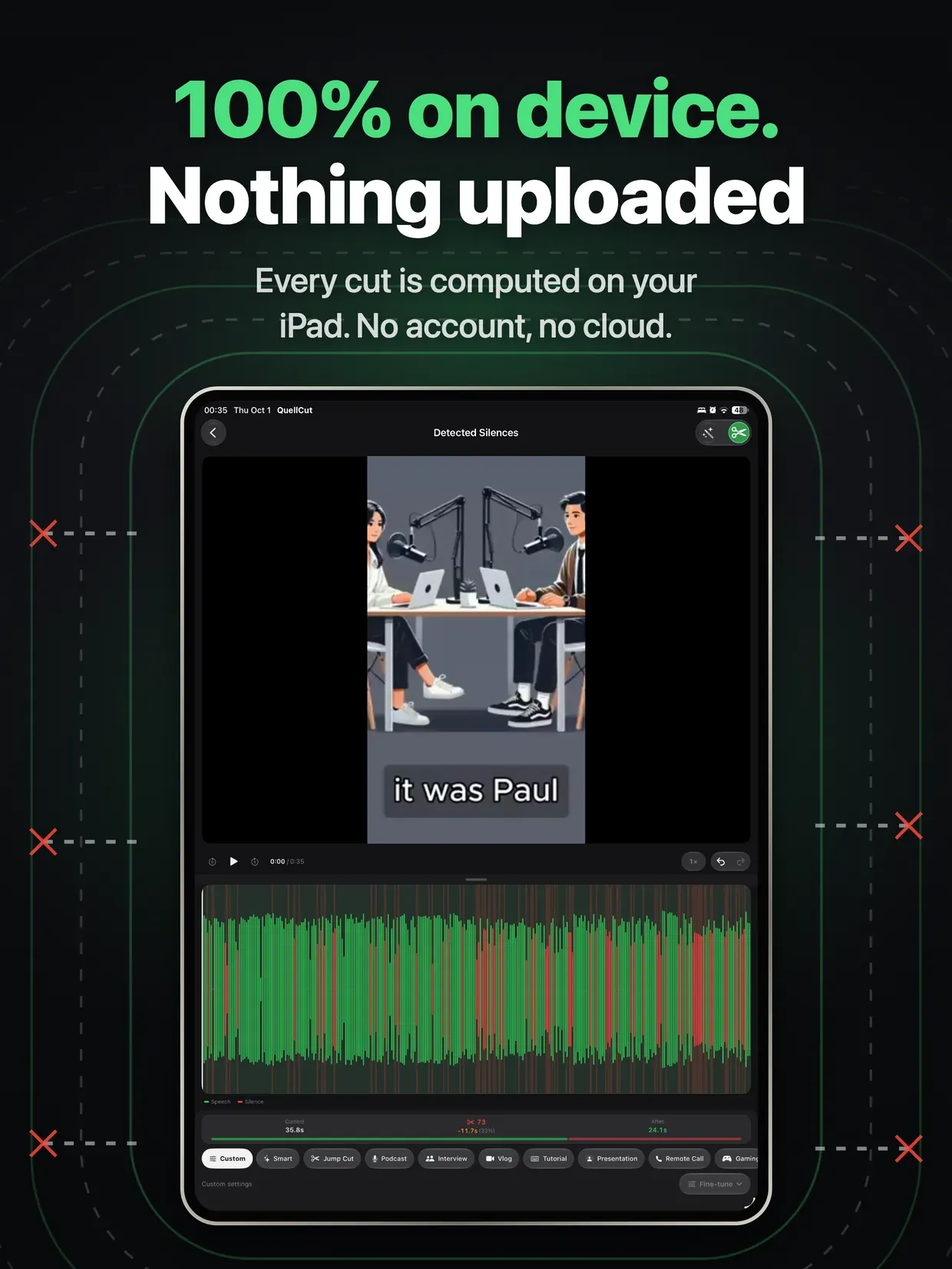
QuellCut - Silence Remover screenshot 1

About

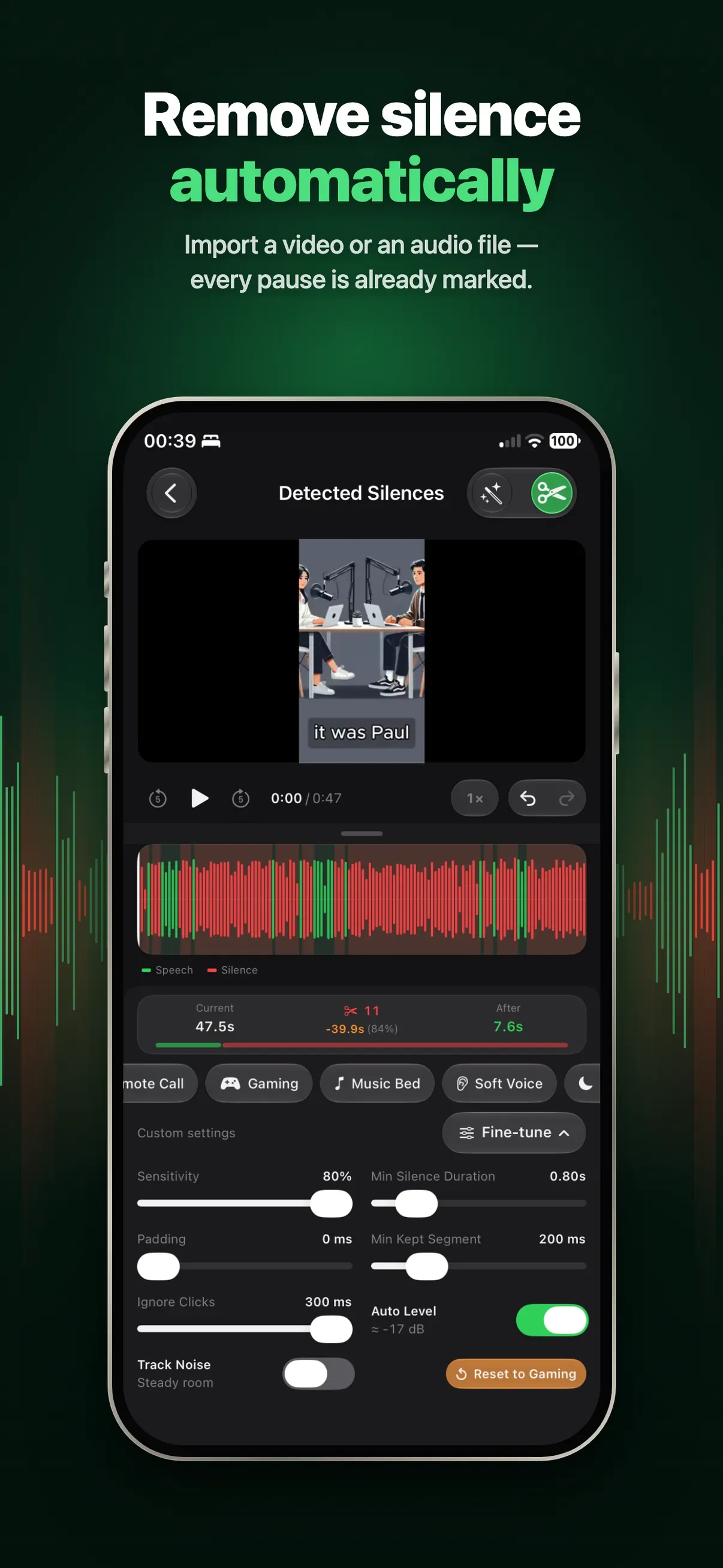
Tired of manually cutting awkward pauses from your videos? QuellCut automatically detects and removes silent segments — so your content sounds polished and professional in minutes, not hours.

Whether you're a podcaster, YouTuber, educator, or content creator, QuellCut saves you hours of tedious editing by intelligently finding every pause, dead air moment, and unnecessary silence in your footage.

AUTOMATIC SILENCE DETECTION

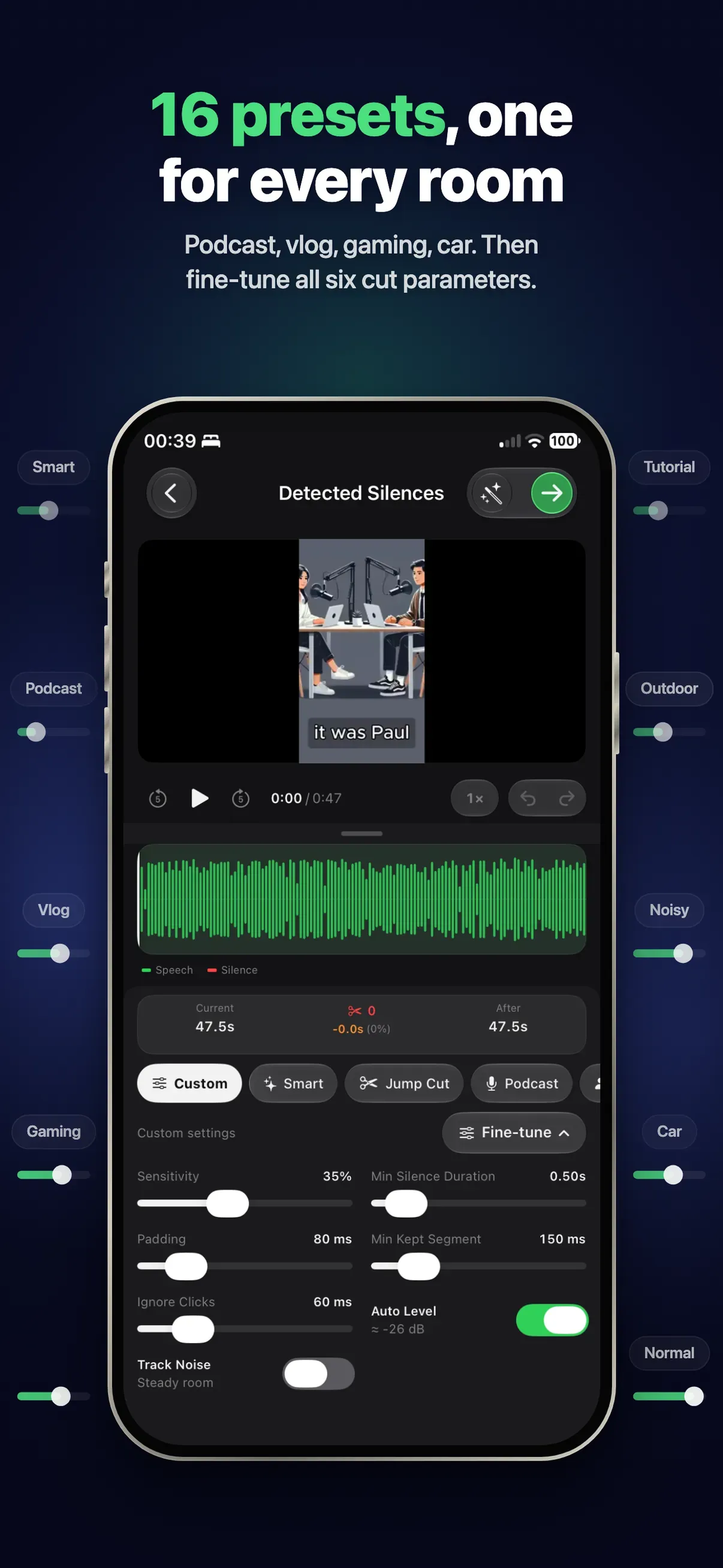
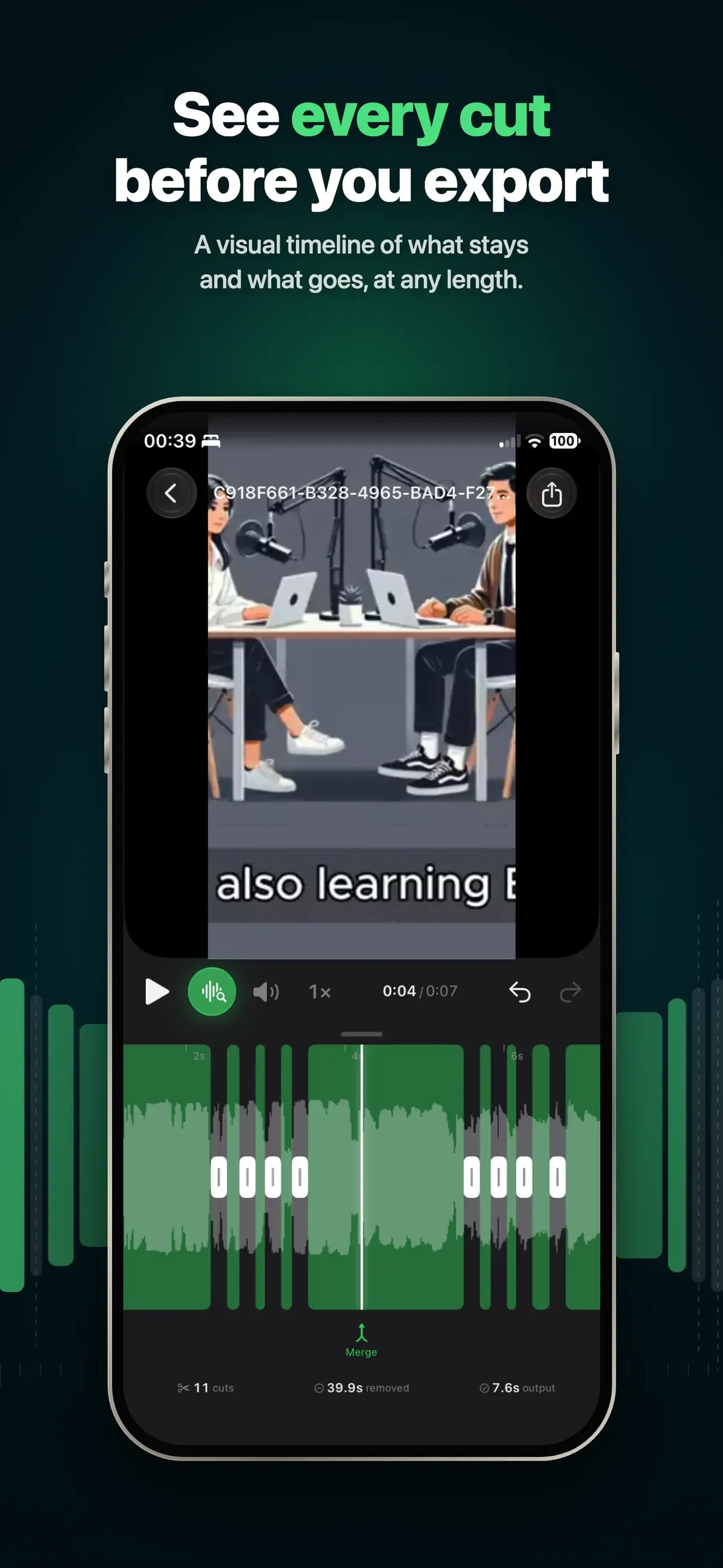
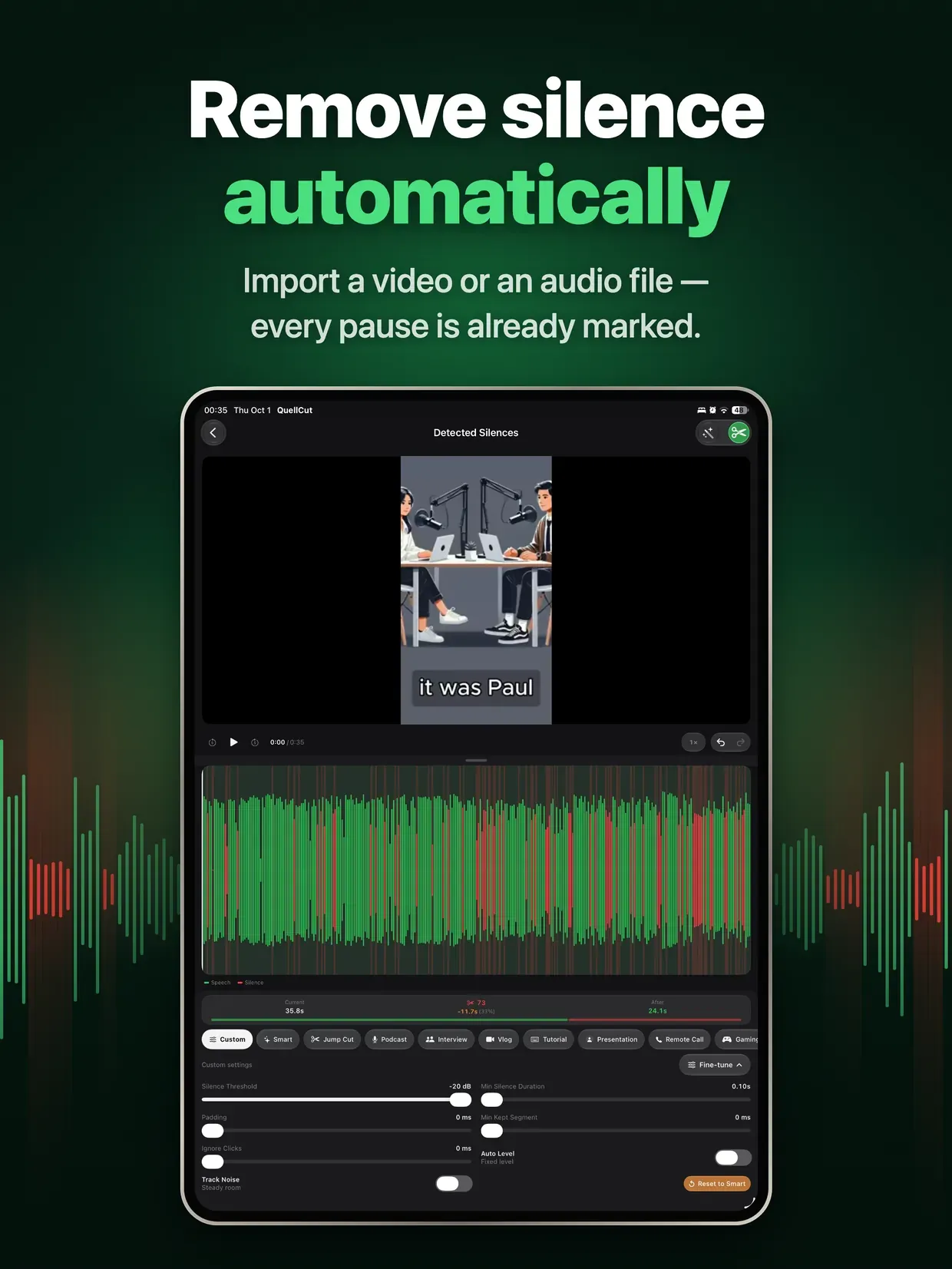
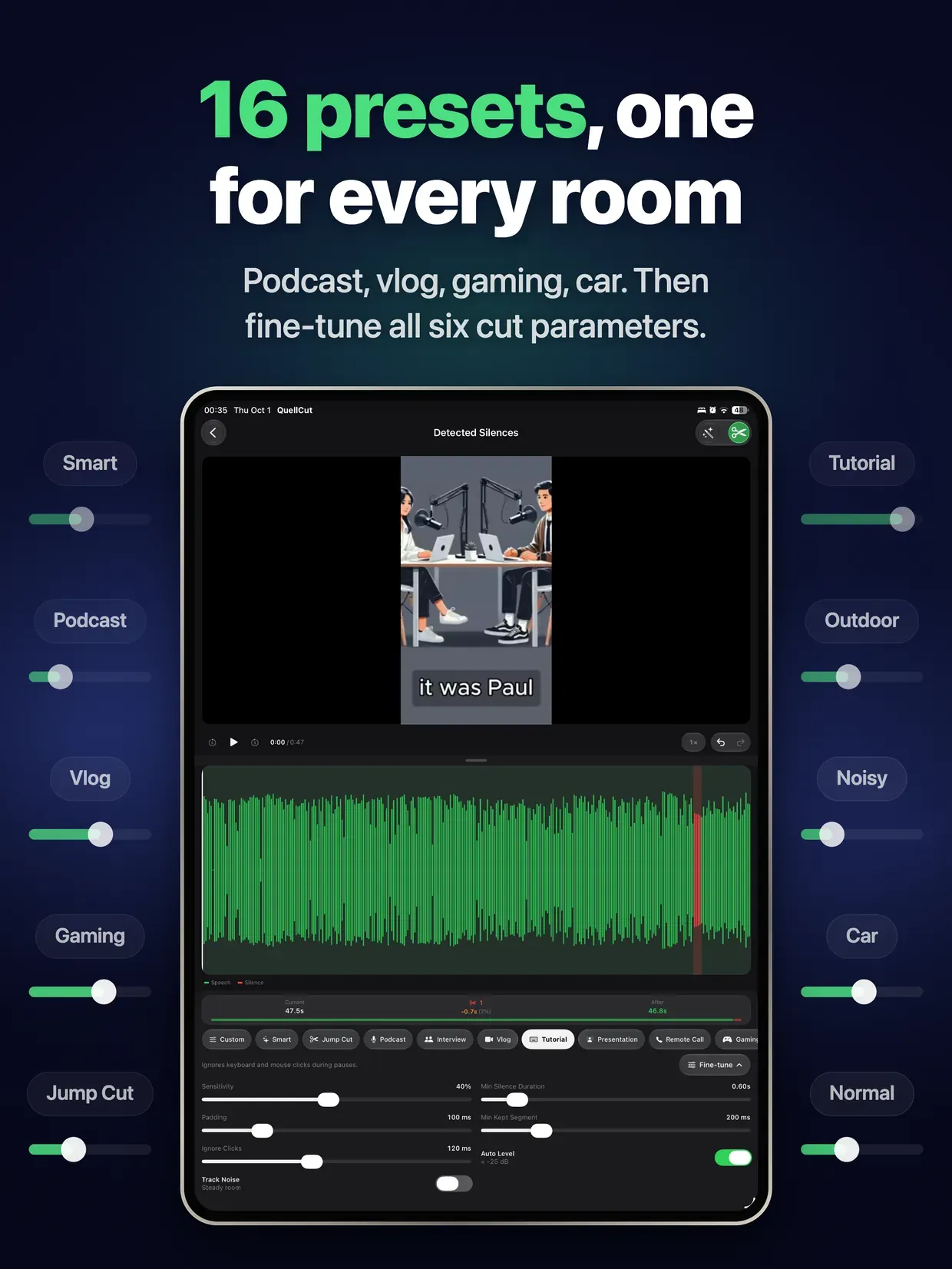
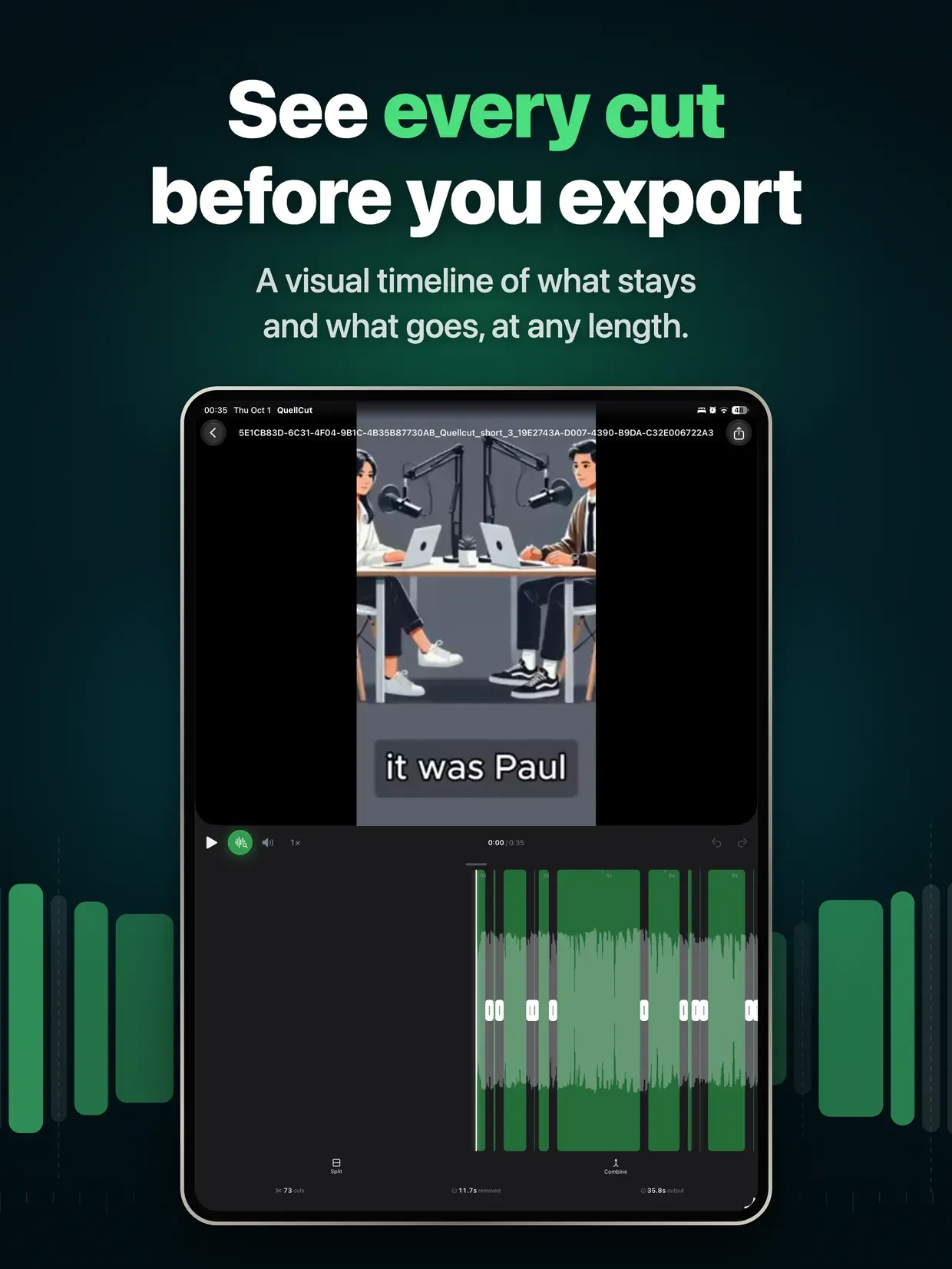
Import any video and QuellCut instantly analyzes the audio waveform to find every silent moment. Adjust sensitivity with built-in presets — Quiet Room, Normal, or Noisy — or fine-tune manually.

FILLER WORD REMOVAL

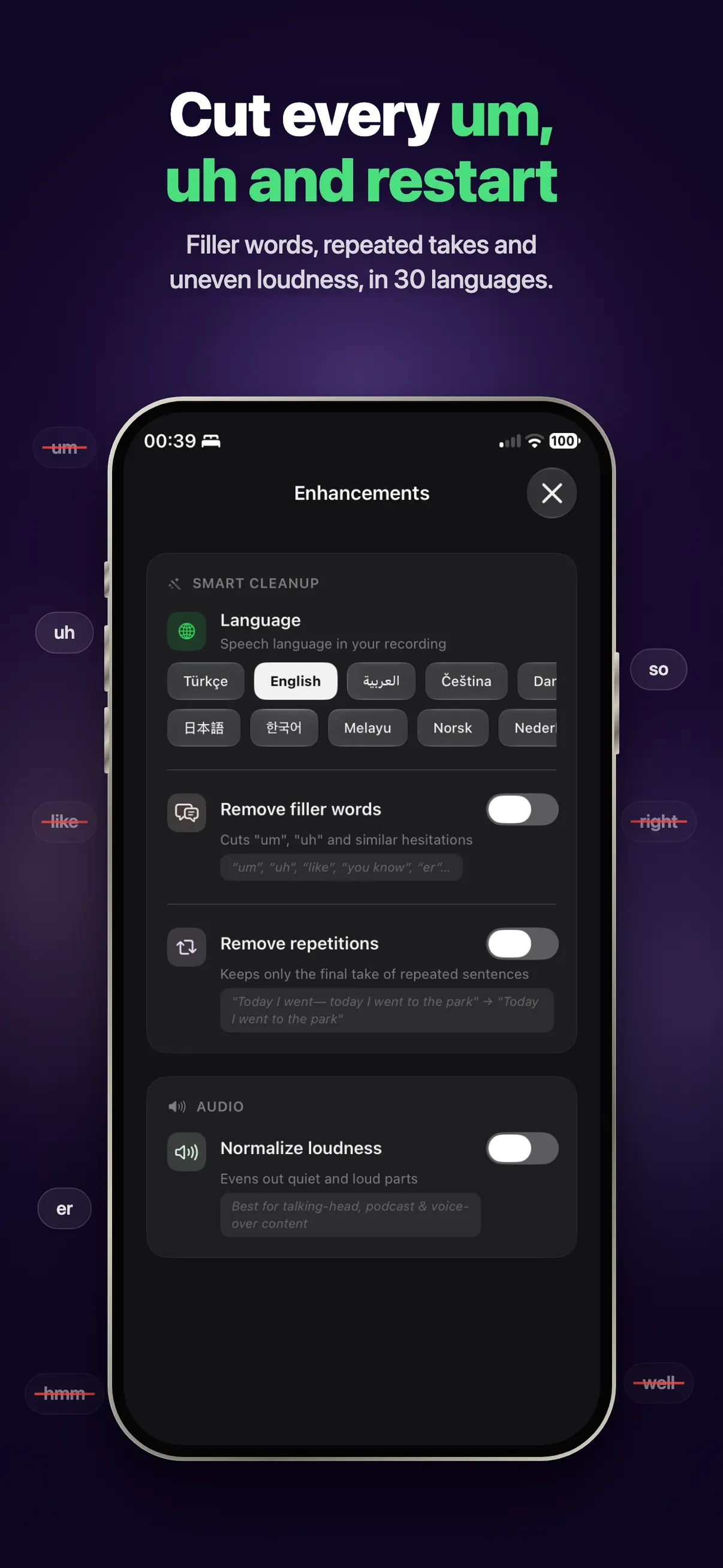
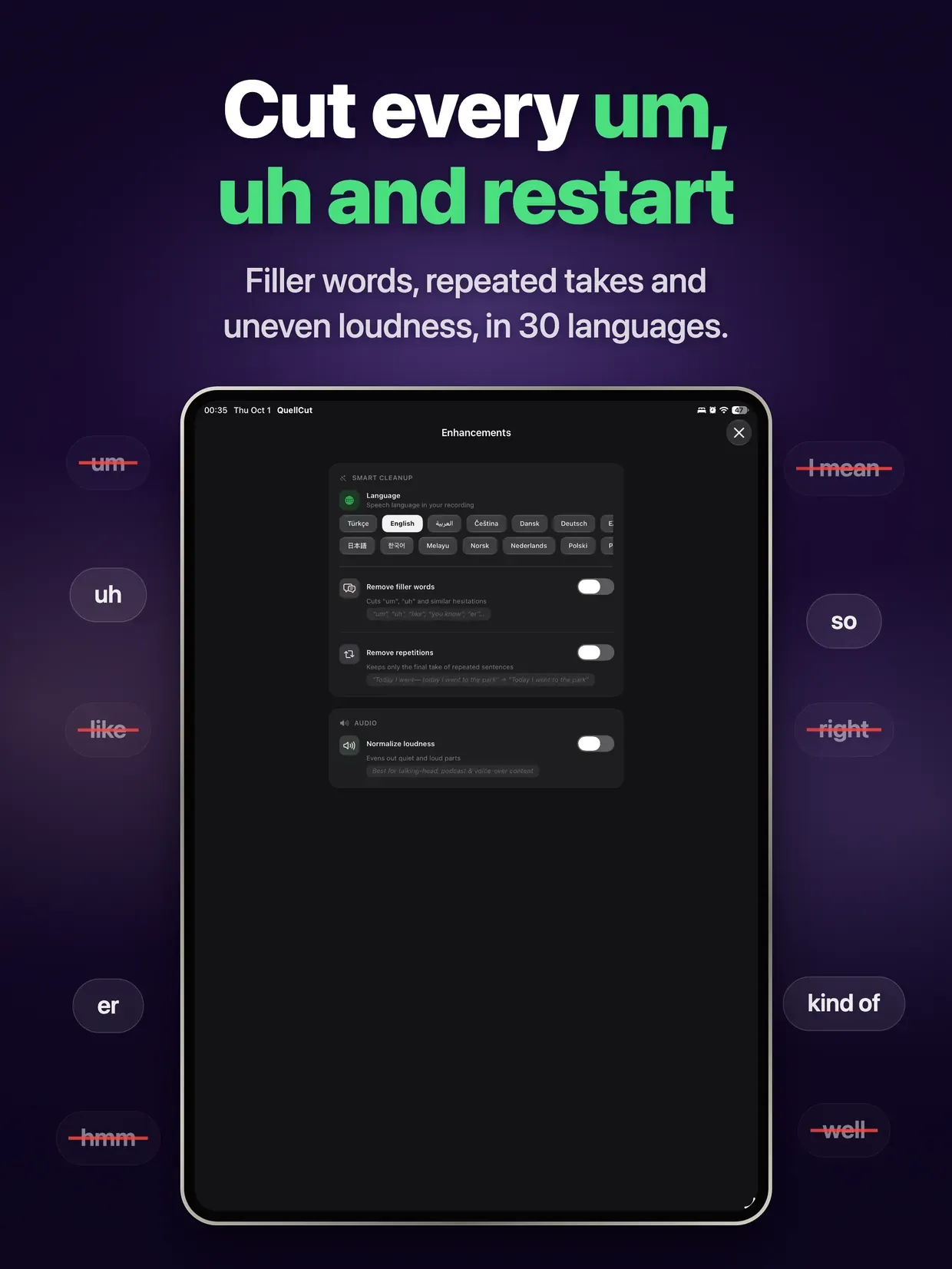
Go beyond silence. QuellCut detects and removes filler words like "um," "uh," "you know," and more. Clean up speech automatically for a professional result.

REPETITION DETECTION

Stumbled over a sentence? QuellCut identifies repeated phrases and false starts so you can remove them with one tap.

SHORTS & CLIPS EXTRACTION

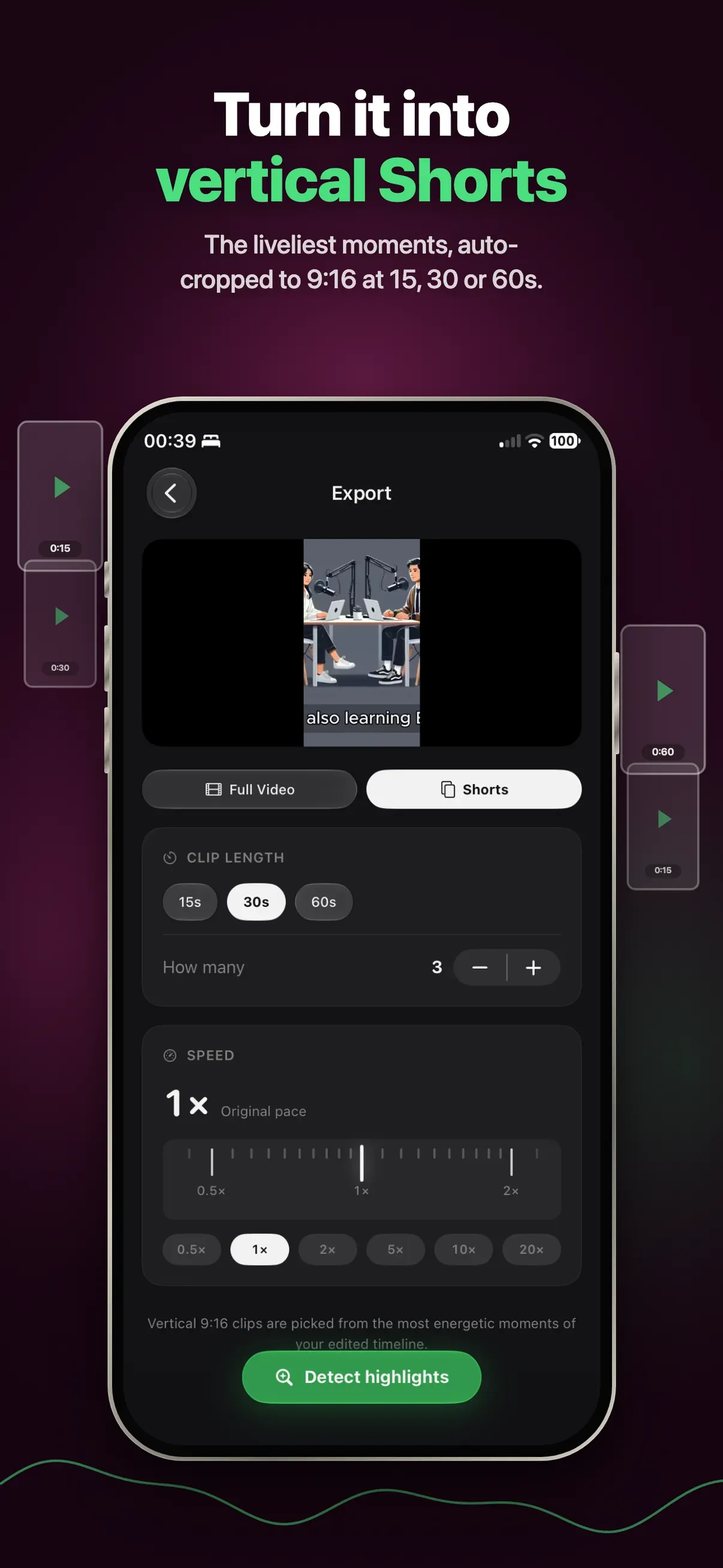
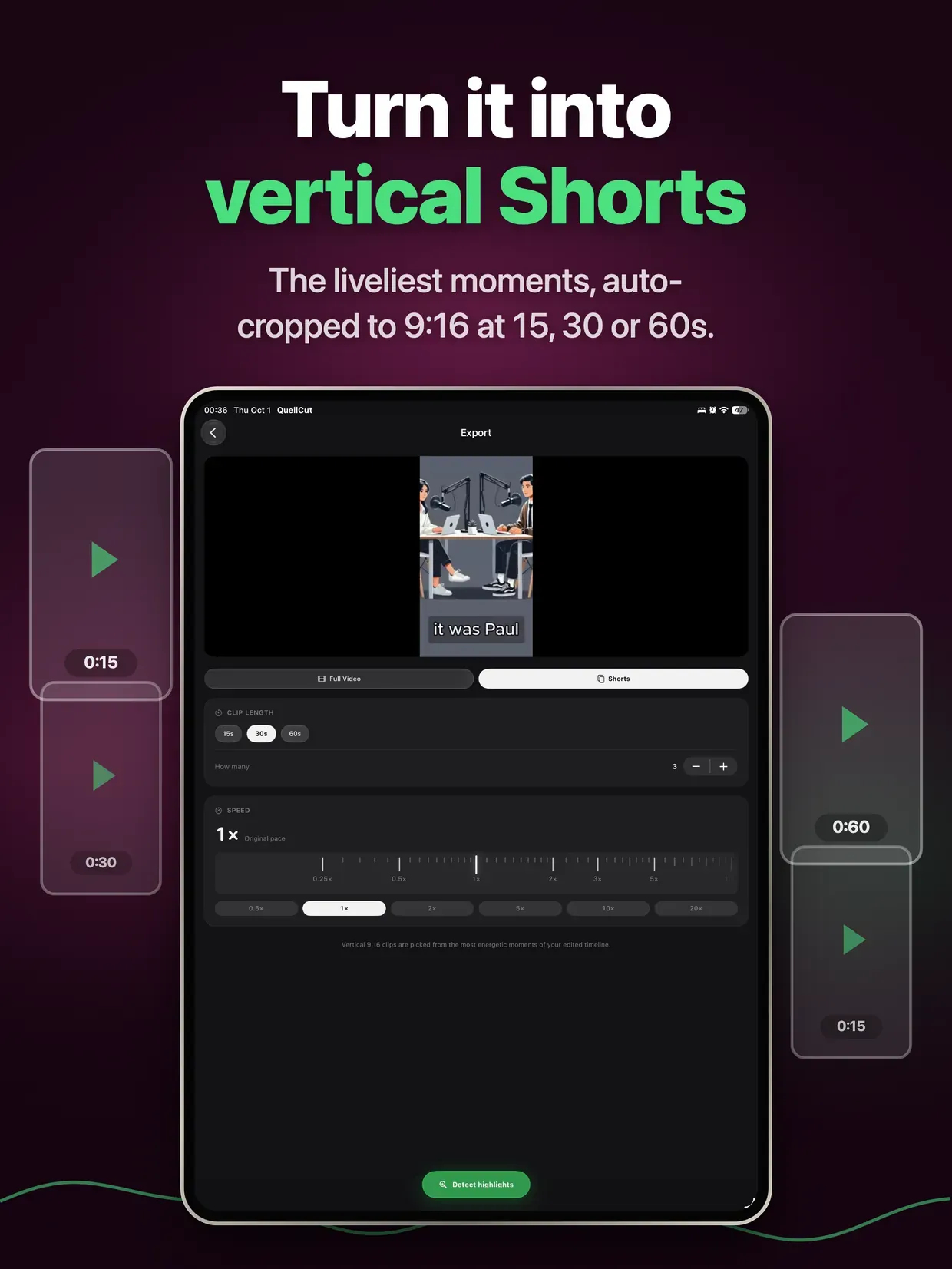
Automatically find the most engaging moments in your video and export them as vertical 9:16 Shorts — ready for YouTube Shorts, Instagram Reels, or TikTok.

100% ON-DEVICE

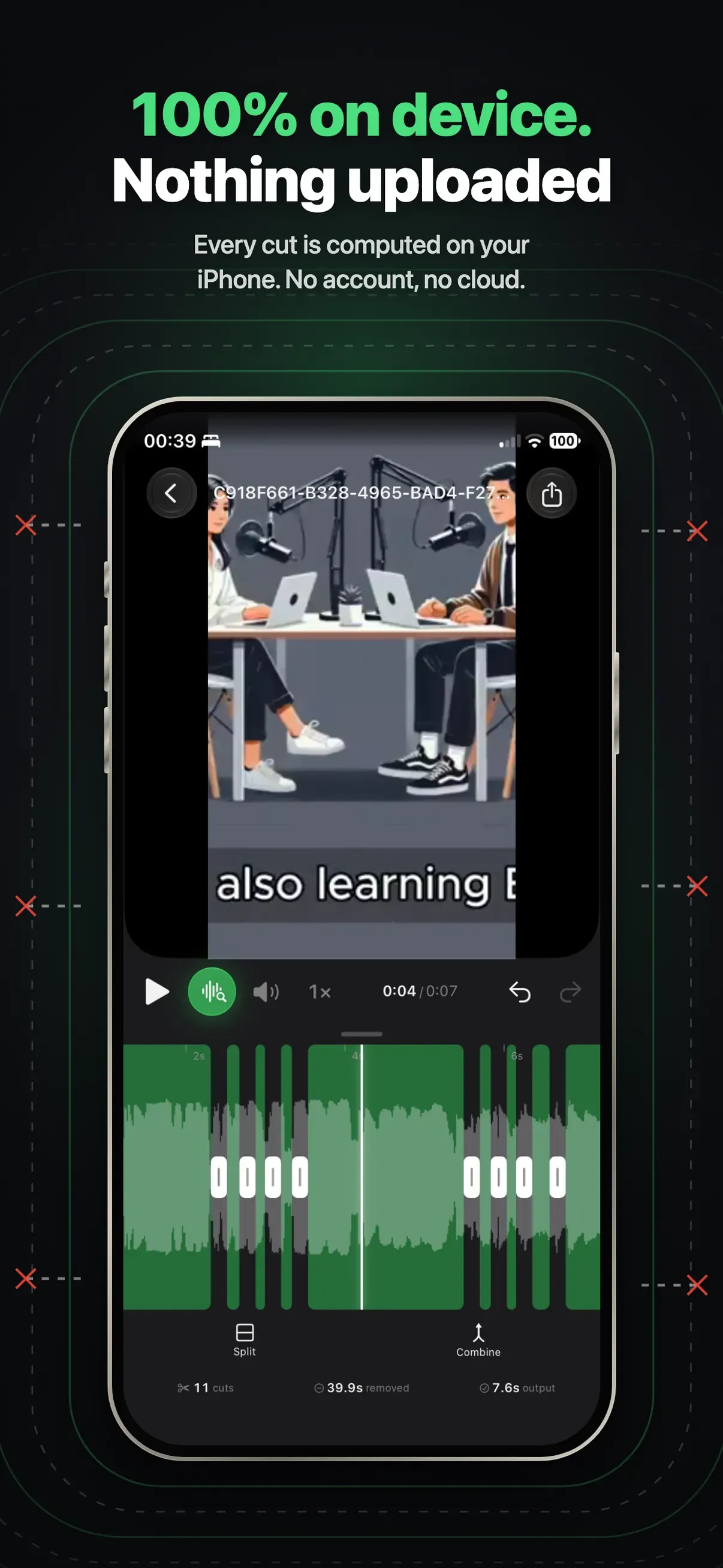
Your videos never leave your phone. All processing happens locally — no cloud upload, no waiting, complete privacy.

QuellCut handles anything from 30-second clips to 24+ hour recordings. Download QuellCut and turn hours of editing into minutes.

Highlights

  • Automatic silence detection from the audio waveform
  • Sensitivity presets (Quiet Room, Normal, Noisy) plus manual fine-tuning
  • Filler word removal ("um", "uh", "you know", and more)
  • Repetition and false-start detection
  • Shorts & clip extraction in vertical 9:16
  • Color grading presets for a cinematic look
  • Audio normalization to broadcast loudness (-16 LUFS)
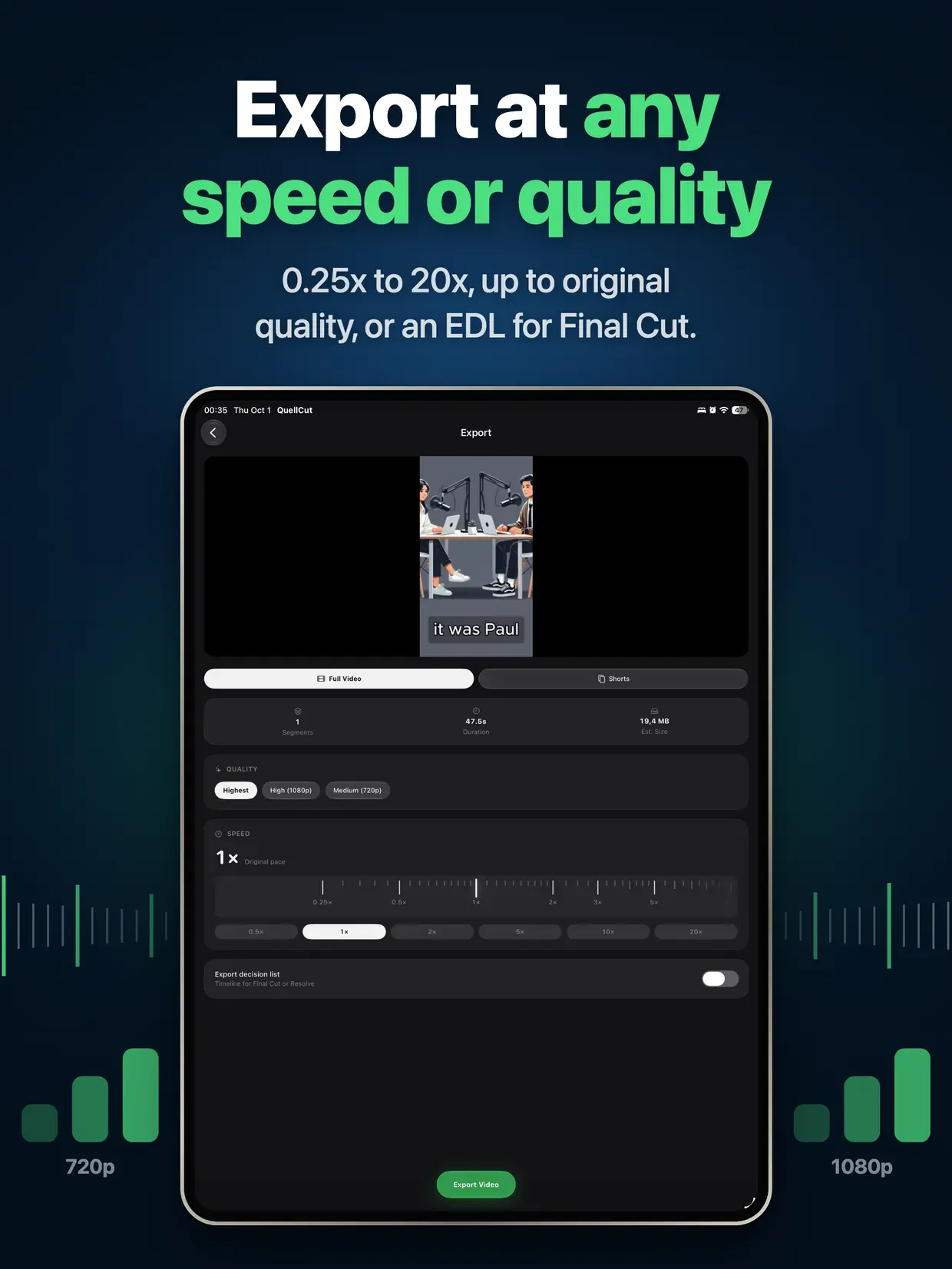
  • Handles any length, from 30-second clips to 24+ hour recordings
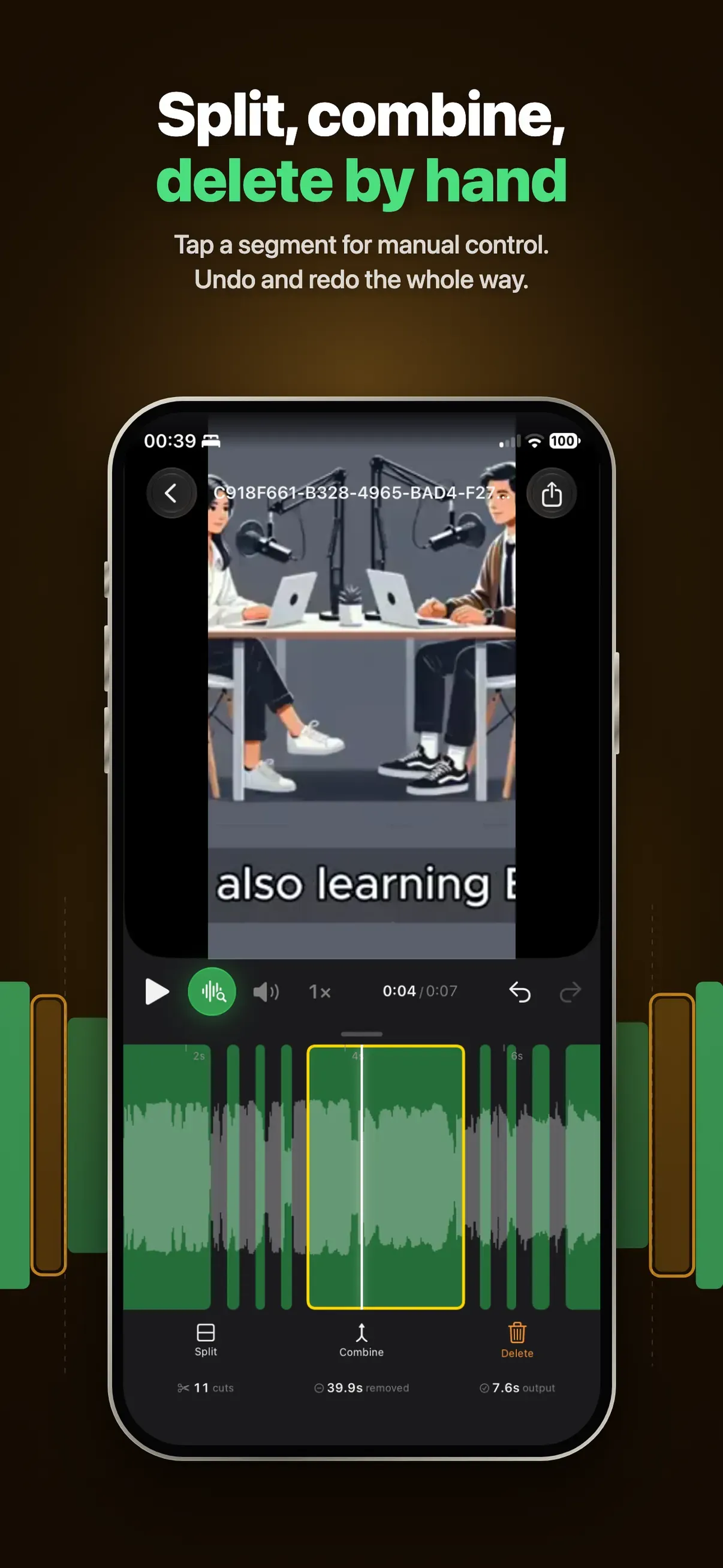
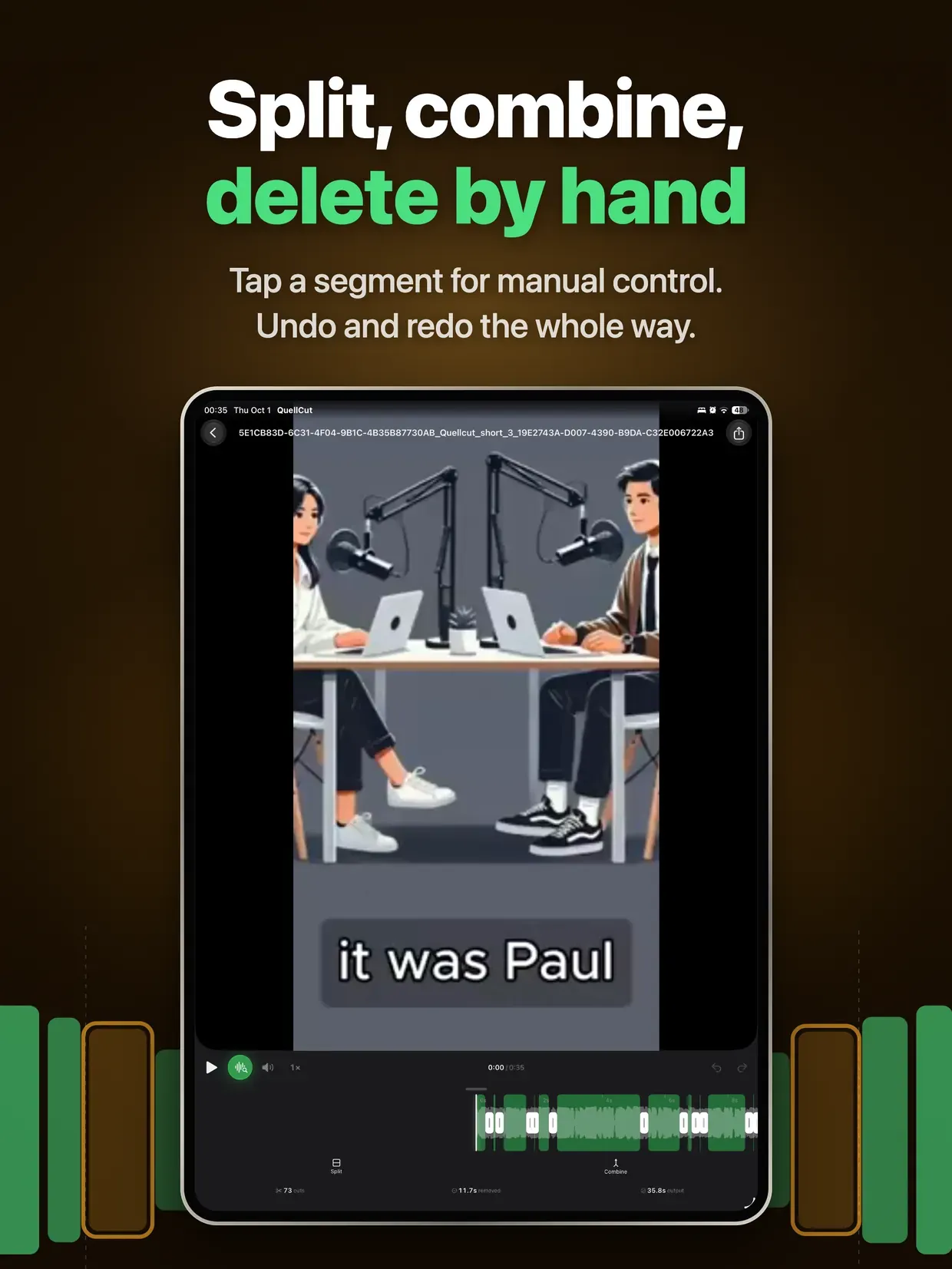
  • Visual timeline review with per-segment toggles, padding, and blip removal
  • 100% on-device processing — no cloud upload, full privacy