Lume Clock
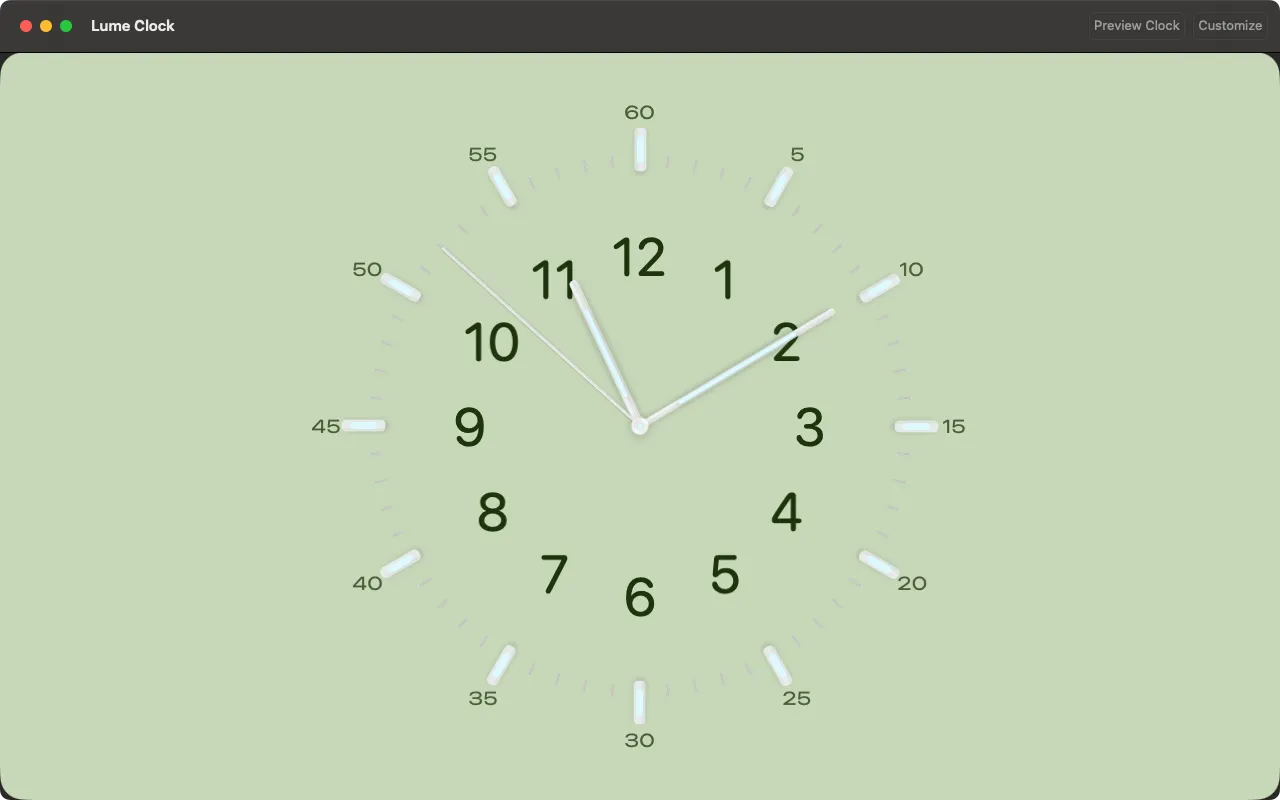
Analog Screen Saver Clock
Utilities macOS
Get Mac App Store
- Category
- Utilities
- Runs on
- Mac
- Developer
- Cihat SALİK
Preview
macOS

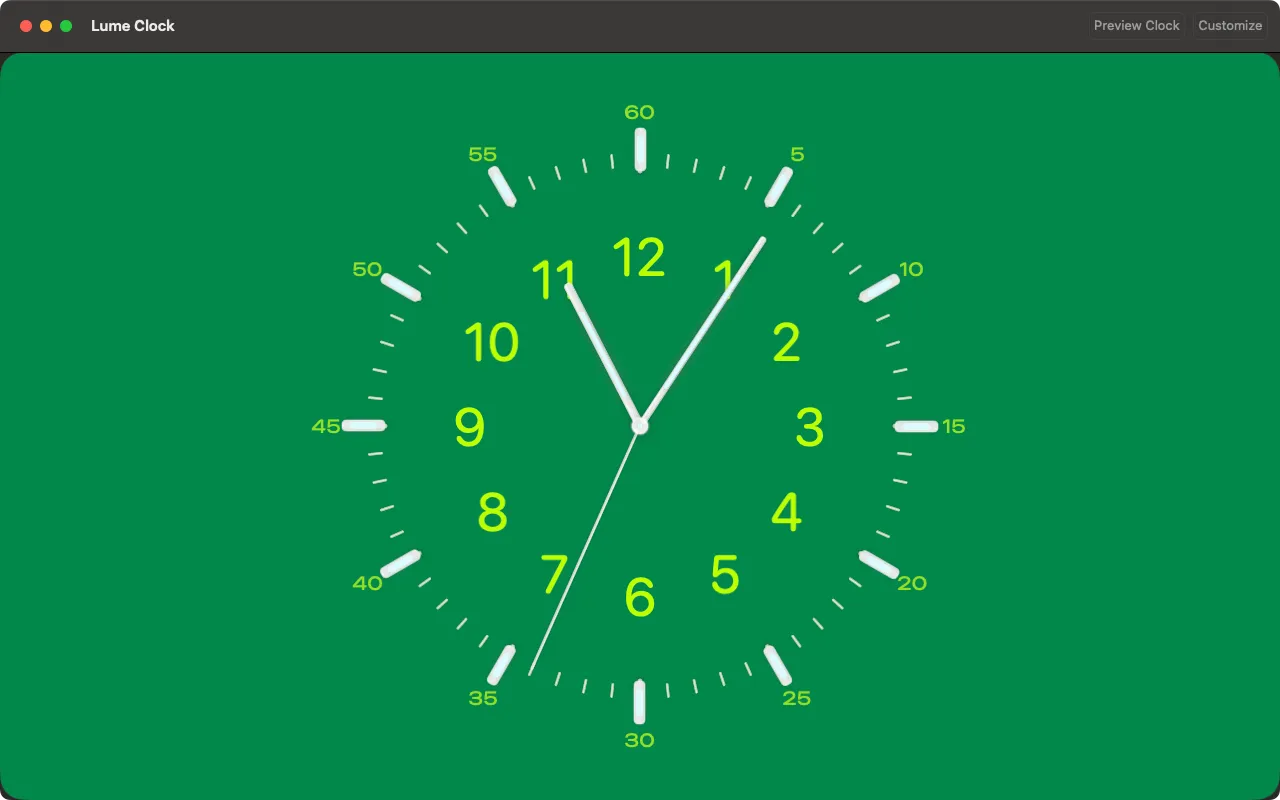
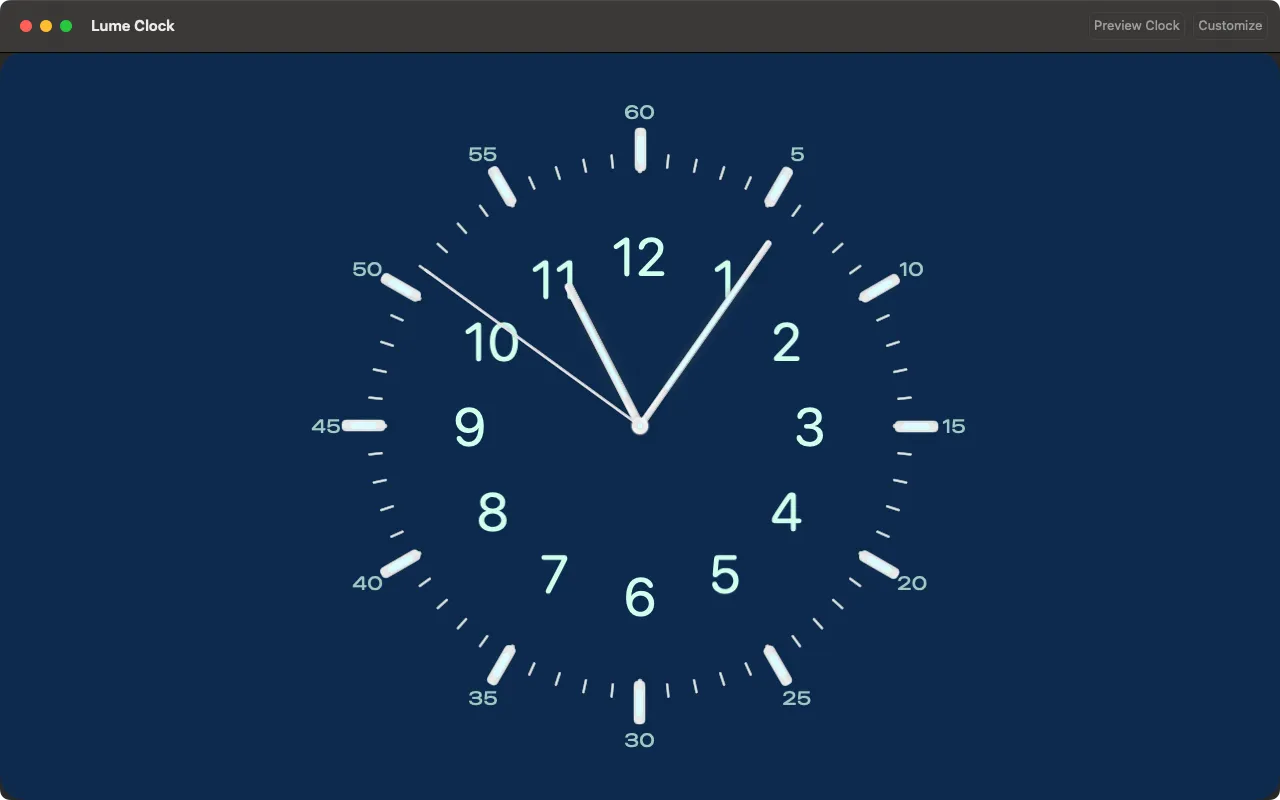
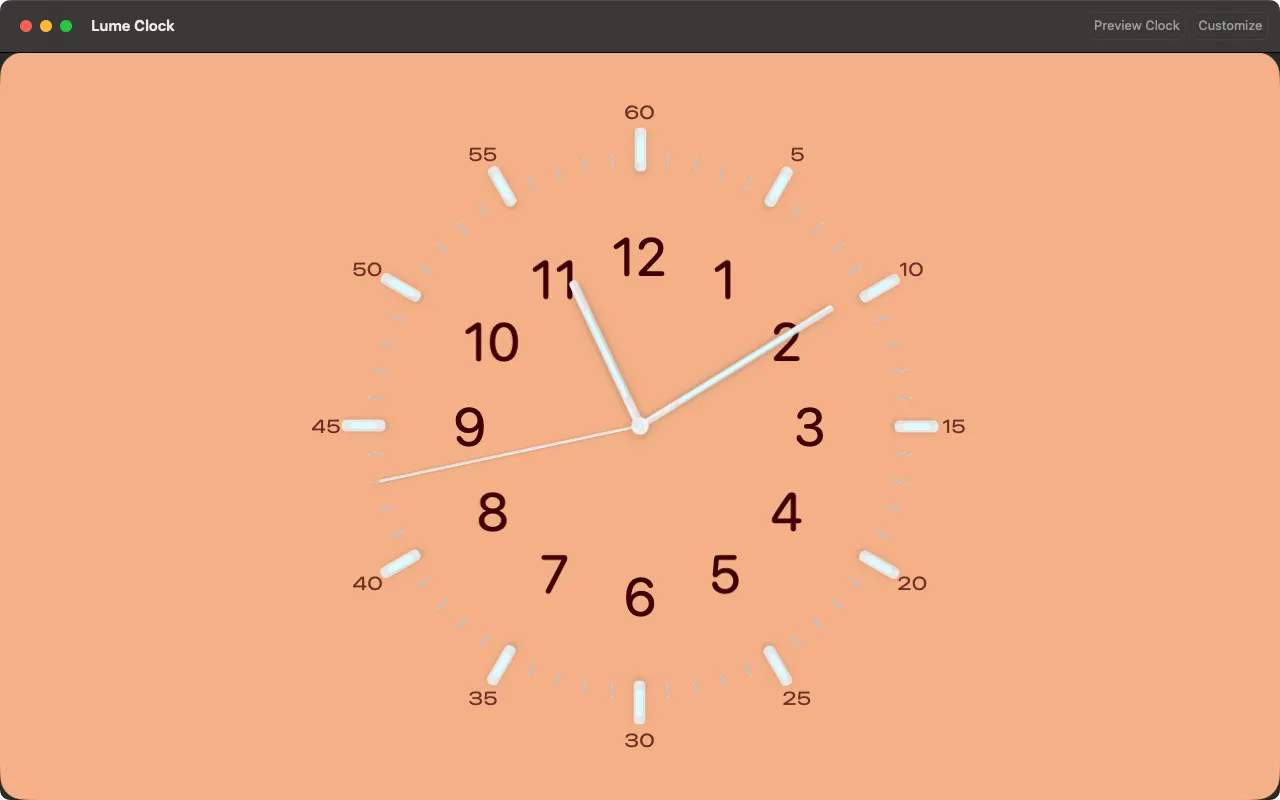
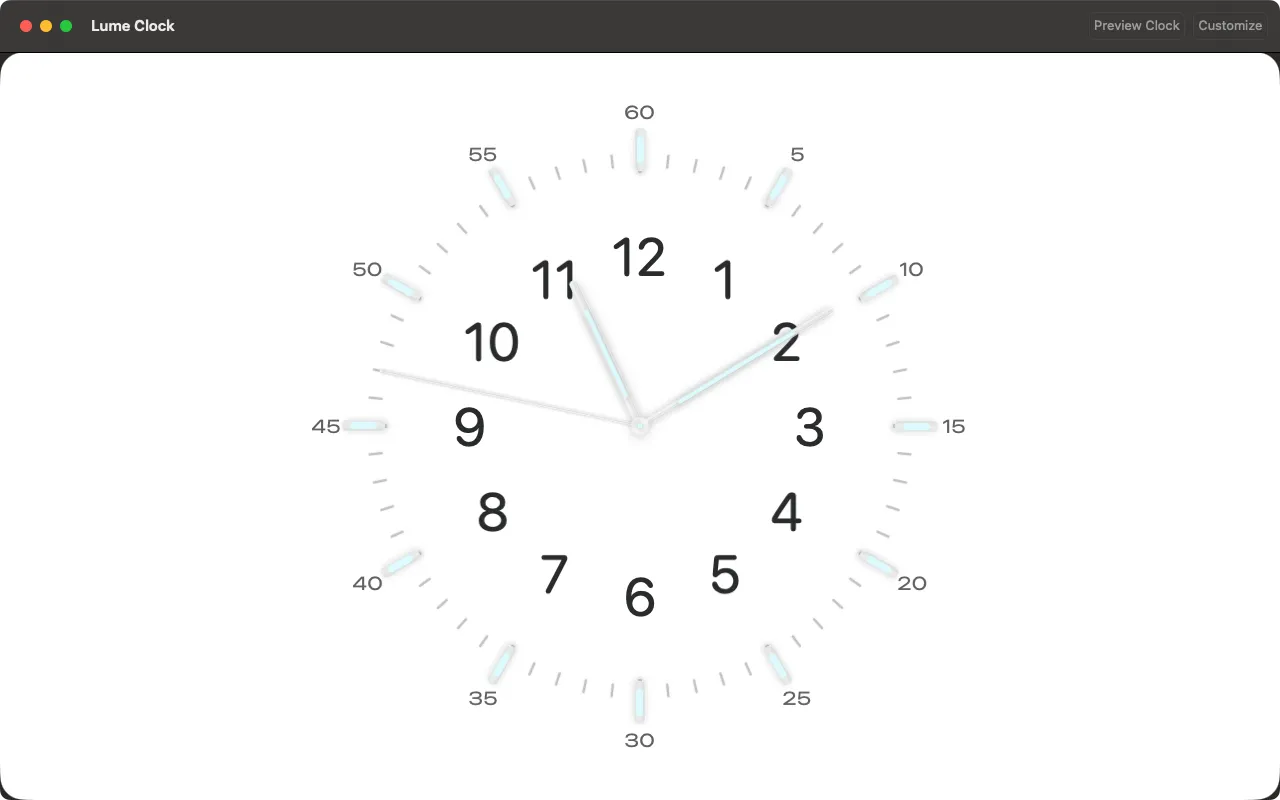
About
Highlights
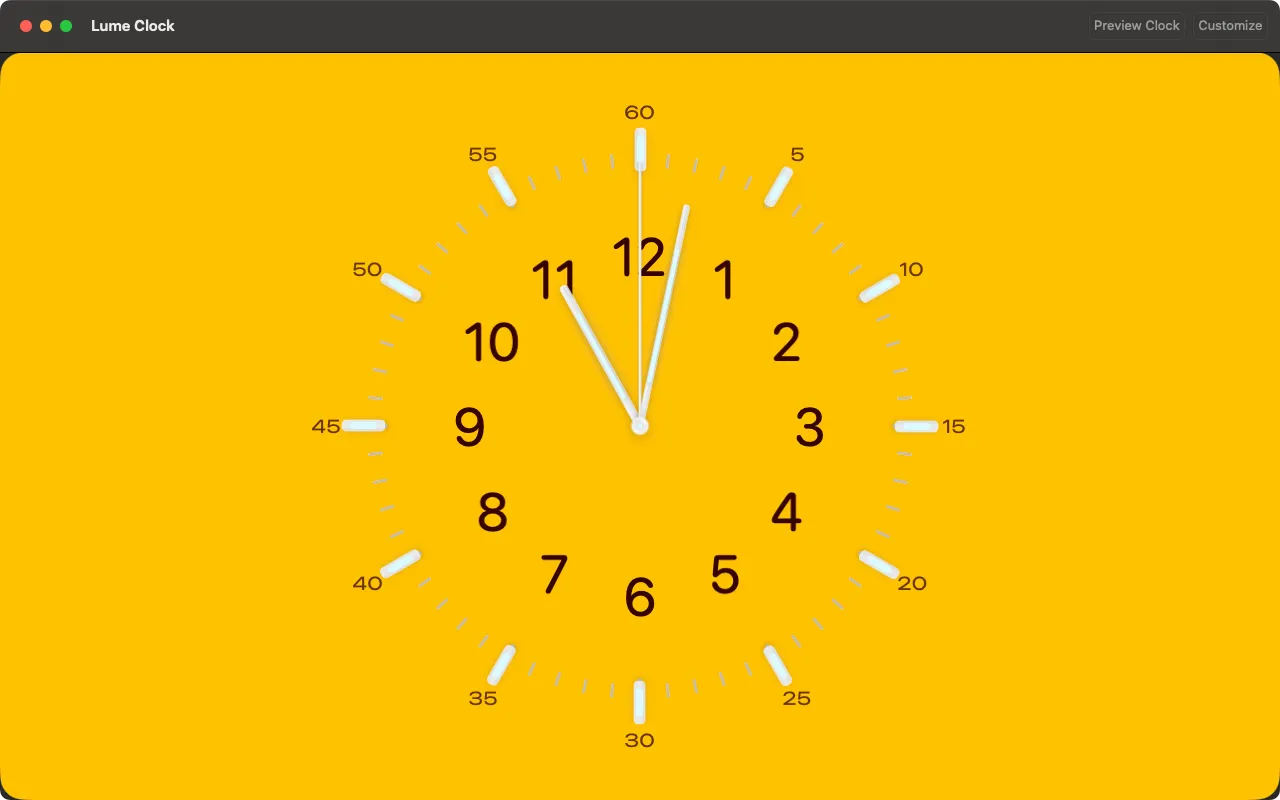
- Customizable watch dial palettes
- Bold, legible numerals and clear indices
- Hour, minute, and second hands with precise 1 Hz tick
- Full‑screen and windowed desktop modes
- macOS idle integration for an ambient display
- Optional restrict mode to close only with a keyboard shortcut
- Designed for clarity, performance, and low CPU use
- Works fully offline; no data collection
Same corner of the toy box
More apps you might like
If Lume Clock is your kind of thing, these live in the same neighbourhood — all made by the same pair of hands.